Skip to content

General Discussion

A place to talk about anything Lay Theme related
4.9k Topics 20.9k Posts
  • Fix for Critical error for 7.2.0 Lay theme Update

    Pinned
    4
    1 Votes
    4 Posts
    3k Views
    arminunruhA
    ah you can always find the lay.zip file on laykeymanager.com ! just activate lay theme and your site should be back i think i answered you yesterday or the day before by email. sorry for being slow! :O
  • 1 Votes
    10 Posts
    3k Views
    arminunruhA
    you need to activate this feature in lay options -> "custom phone layouts"
  • SVG Cursors Fix

    Pinned
    29
    1 Votes
    29 Posts
    7k Views
    R
    Thanks Armin. I already asked ChatGPT and it gave me this code, which works - the attributes are inserted within the <SVG id> section. Changed it using textedit. Hope that helps anyone exporting from Illustrator, as most of us probably are? <?xml version="1.0" encoding="UTF-8"?> <svg id="Layer_1" xmlns="http://www.w3.org/2000/svg" width="52" height="52" viewBox="0 0 52 52"> <defs> <style> .cls-1{fill:#606060;opacity:.5;} .cls-2{fill:none;stroke:#fff;stroke-miterlimit:10;stroke-width:.67px;} </style> </defs> <rect class="cls-1" width="52" height="52" rx="4" ry="4"/> <polyline class="cls-2" points="22.87 17.06 31.81 26 22.87 34.94"/> </svg>
  • mouse cursor does not work

    1
    1
    0 Votes
    1 Posts
    1 Views
    No one has replied
  • text and image alignment

    14
    1
    0 Votes
    14 Posts
    298 Views
    D
    oh wow! thanks so much @arminunruh !
  • text when hover over image

    9
    0 Votes
    9 Posts
    356 Views
    arminunruhA
    actually there is a new way to do this thats easier. simply put text on the images using the new settings in the sidebar: https://laytheme.com/documentation/gridder-elements.html#text-on-image and use this CSS to make them appear on hover: html.no-touchevents .lay-text-on-element-overlay{ opacity: 0; transition: opacity 300ms ease; } html.no-touchevents .col:hover .lay-text-on-element-overlay{ opacity: 1; }
  • images slow loading or bad quality

    1
    0 Votes
    1 Posts
    22 Views
    No one has replied
  • switch views on a overlay menu

    6
    2
    0 Votes
    6 Posts
    131 Views
    F
    OMG IT kind of worked!!!
  • hide second menu

    3
    0 Votes
    3 Posts
    59 Views
    L
    Perfect, thanks!
  • Randomize Row on page load

    2
    0 Votes
    2 Posts
    55 Views
    arminunruhA
    <script> window.laytheme.on('newpageshown', function() { // Select the parent container of the rows var container = jQuery('.grid-inner'); // Select all the row divs and convert the jQuery object to a true Array var rows = container.children('.row').get(); // Fisher-Yates Shuffle Algorithm for (var i = rows.length - 1; i > 0; i--) { var j = Math.floor(Math.random() * (i + 1)); var temp = rows[i]; rows[i] = rows[j]; rows[j] = temp; } // Re-append the shuffled rows back to the container jQuery.each(rows, function(index, row) { container.append(row); }); }); </script> add this to lay options -> custom css & html -> custom <head> content
  • site title move to back

    4
    0 Votes
    4 Posts
    111 Views
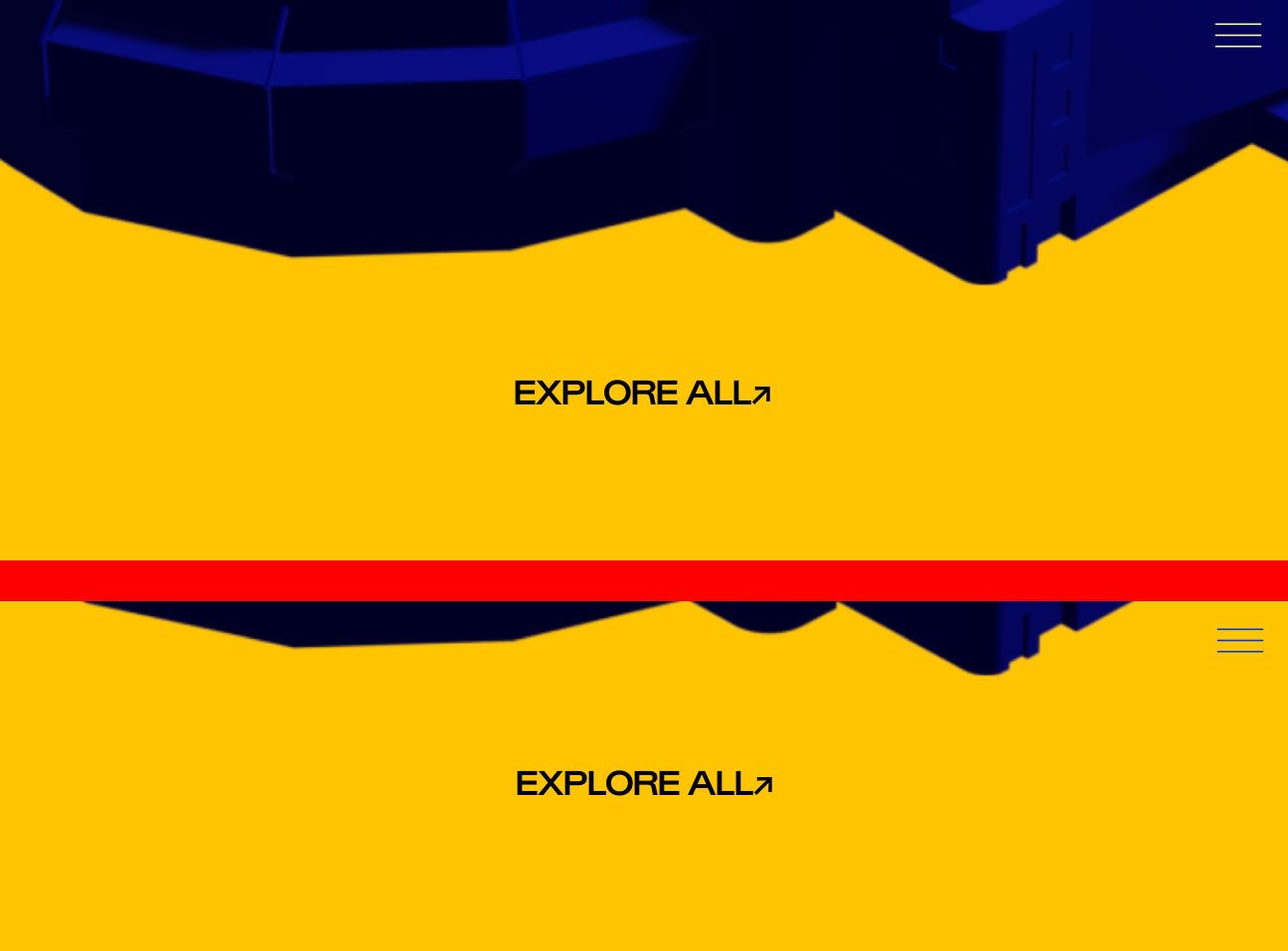
    arminunruhA
    wow, amazing photos! you could try this css: .lay-sitewide-background-video{ z-index: -2!important; } that is in case you set the video background here in customizer as a site wide video background: [image: 1771236331670-c8a596af-8cbd-401c-aef7-bf948edf721a-image.png]
  • This topic is deleted!

    2
    0 Votes
    2 Posts
    23 Views
  • Project overlay – reduce delay

    2
    0 Votes
    2 Posts
    33 Views
    arminunruhA
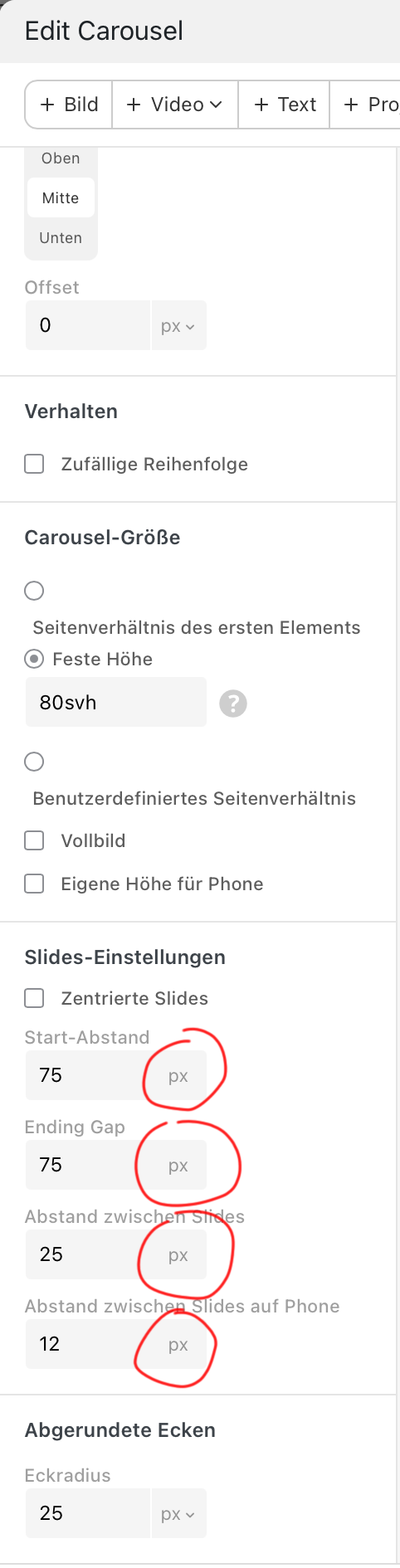
    sure, set this setting to "immediate" [image: 1771234359938-998d1d8d-ae2a-4fc7-aa3a-037c2cf456b6-image.png] also enable this in lay options: [image: 1771234379115-a047a636-9b12-48fd-9a5e-0dd29ee57ee9-image.png]
  • Trouble Setting Up Custom 404 Page

    2
    0 Votes
    2 Posts
    52 Views
    arminunruhA
    there is no 404 page. if you visit a URL that doesnt exist, then the frontpage just shows up. why would you need a 404 page?
  • This topic is deleted!

    1
    0 Votes
    1 Posts
    1 Views
    No one has replied
  • Row Video Background from Vimeo?

    13
    0 Votes
    13 Posts
    432 Views
    arminunruhA
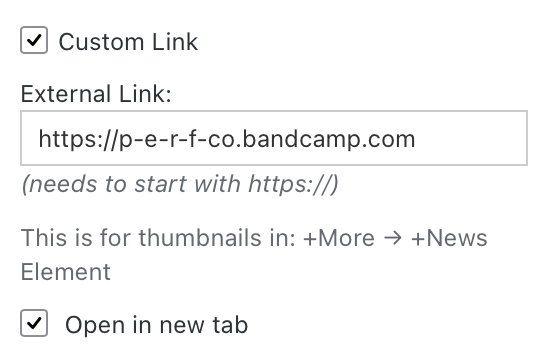
    and are u sure u entered the right url? [image: 1770720977715-b3db89fa-984d-4b7e-9ccf-1f2e9719970c-image.png] it shouldnt be a embed url, but if u have a vimeo pro account, you should be able to get a streaming link or download link of the video that looks similar to: https://player.vimeo.com/progressive_redirect/playback/1126128470/rendition/1080p/file.mp4?loc=external&log_user=0&signature=ee8134cc70b92de5d4917e390d7877728073cc02d9132aee4b2768c9c1ffd517
  • question about arranging elements on a 'sort of' split page

    3
    2
    0 Votes
    3 Posts
    74 Views
    E
    perfect, that achieves it, thanks armin!!
  • This topic is deleted!

    1
    0 Votes
    1 Posts
    4 Views
    No one has replied
  • 0 Votes
    5 Posts
    122 Views
    J
    ah perfekt! Thanks so much!! Worked! <3
  • Split screen website

    2
    0 Votes
    2 Posts
    90 Views
    arminunruhA
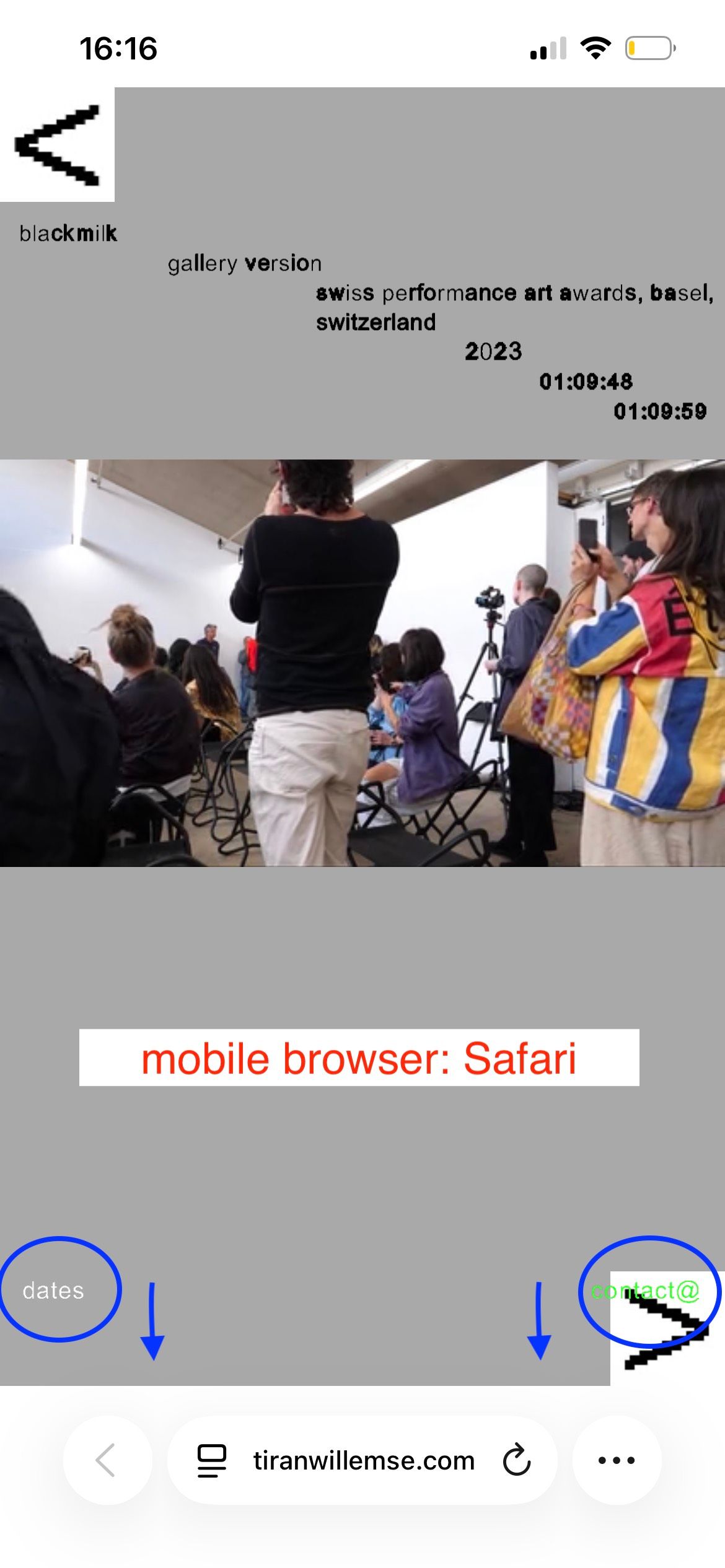
    hello! can you try this css: .lay-content.hascustomphonegrid.footer-hascustomphonegrid{ display: flex!important; flex-direction: column!important; } #footer-region{ position: relative!important; order: 1; /* space top: */ padding-top: 50px; } #custom-phone-grid{ order: 2; } in lay options -> custom css & html -> custom css for phone

I also code custom websites or custom Lay features.
šŸ’æ Email me here: šŸ’æ
info@laytheme.com

Our Web Development company: 100k.studio

Want to tip me? https://www.paypal.com/paypalme/arminunruh

Before you post:
  1. When using a WordPress Cache plugin, disable it or clear your cache.
  2. Update Lay Theme and all Lay Theme Addons
  3. Disable all Plugins
  4. Go to Lay Options → Custom CSS & HTML, click "Turn Off All Custom Code", click "Save Changes"

This often solves issues you might run into

When you post:
  1. Post a link to where the problem is
  2. Does the problem happen on Chrome, Firefox, Safari or iPhone or Android?
  3. If the problem is difficult to explain, post screenshots / link to a video to explain it
Online Users
Forgot your key, lost your files, need a previous Lay Theme or Addon version? Go to www.laykeymanager.com