Empty space bellow carrousel with Cover option on when resize browser
-
Hey,
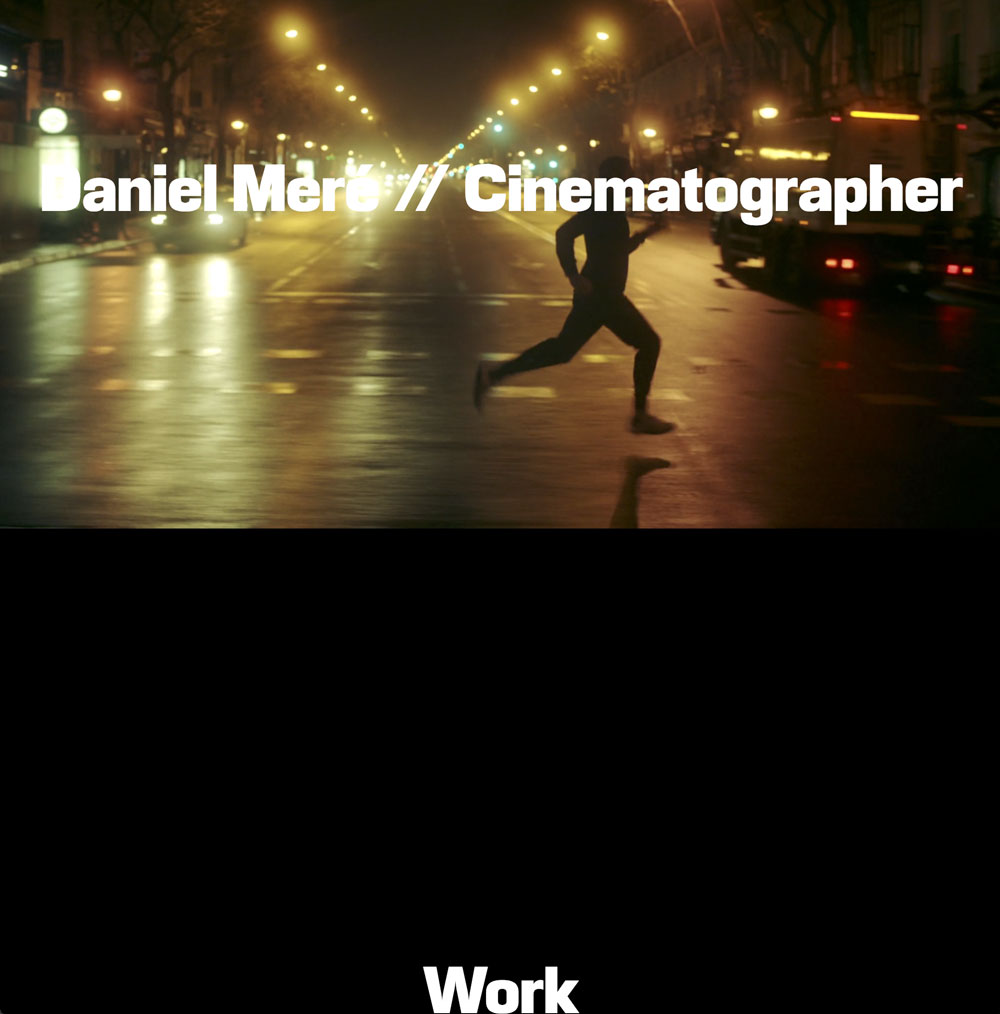
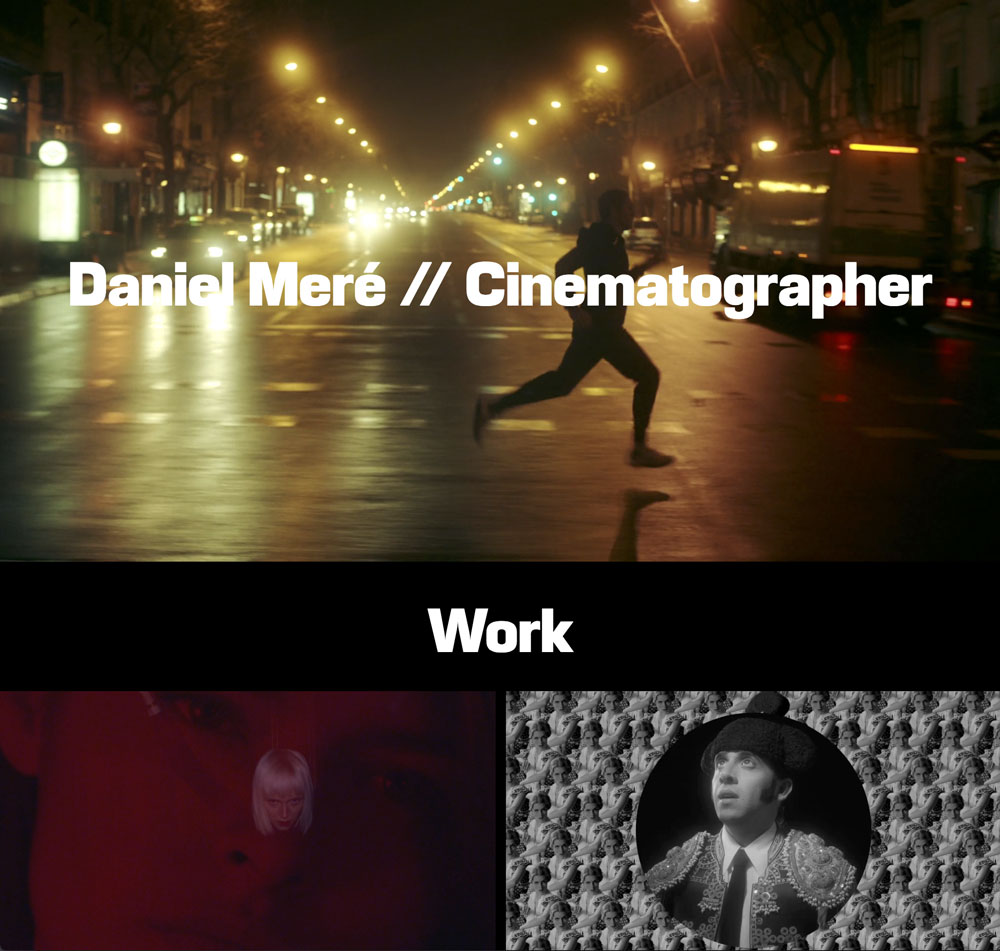
when I activate the Cover option in my front page (the only way i find to get the parallax effect on the top carrousel), if I resize the browser the images fit in 100% width creating an empty space bellow. If I want this space to disappear, the only way is losing the parallax effect by switching off the cover option?
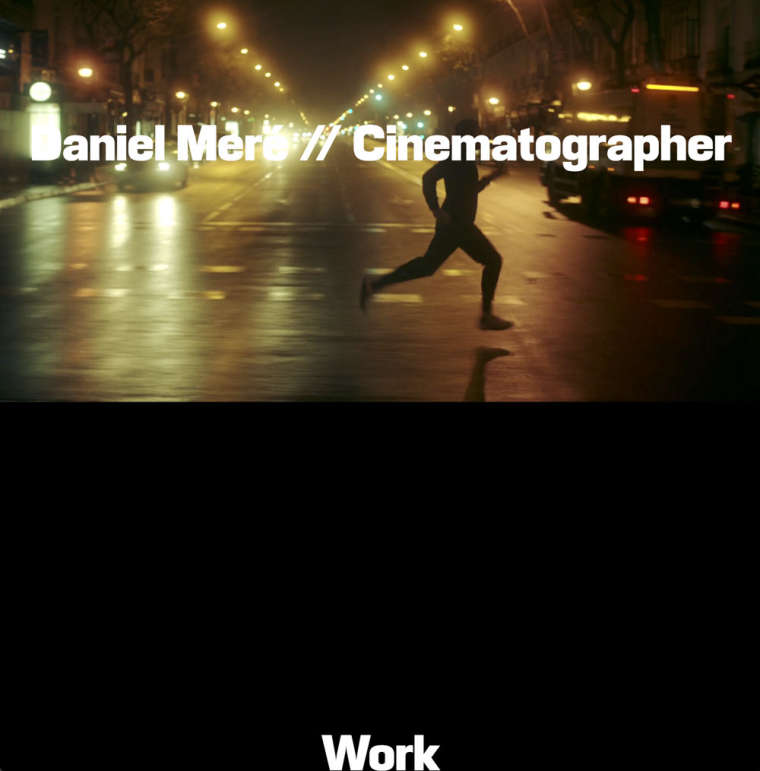
I expected this, but I only get it switching off the cover option:
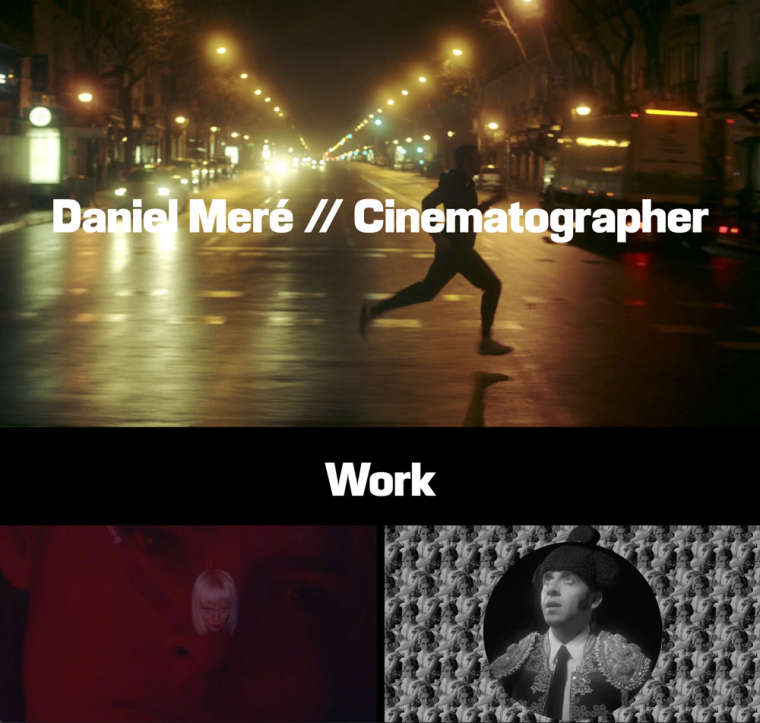
I would like at least to have the option of fitting the image in 100% height, as in the next example: http://www.pabloclemente.com
Can I do something?
Thanks.
-
Dear @huertels
it is not possible to have a full-screen-image-slideshow in the cover-image.It is possible with CUSTOM CSS.
But not with a default setting.Do you know how to play with CSS?
Best!
Marius
-
-
-
-
-
-

Hello! It looks like you're interested in this conversation, but you don't have an account yet.
Getting fed up of having to scroll through the same posts each visit? When you register for an account, you'll always come back to exactly where you were before, and choose to be notified of new replies (either via email, or push notification). You'll also be able to save bookmarks and upvote posts to show your appreciation to other community members.
With your input, this post could be even better 💗
Register Login