Custom menu styling
-
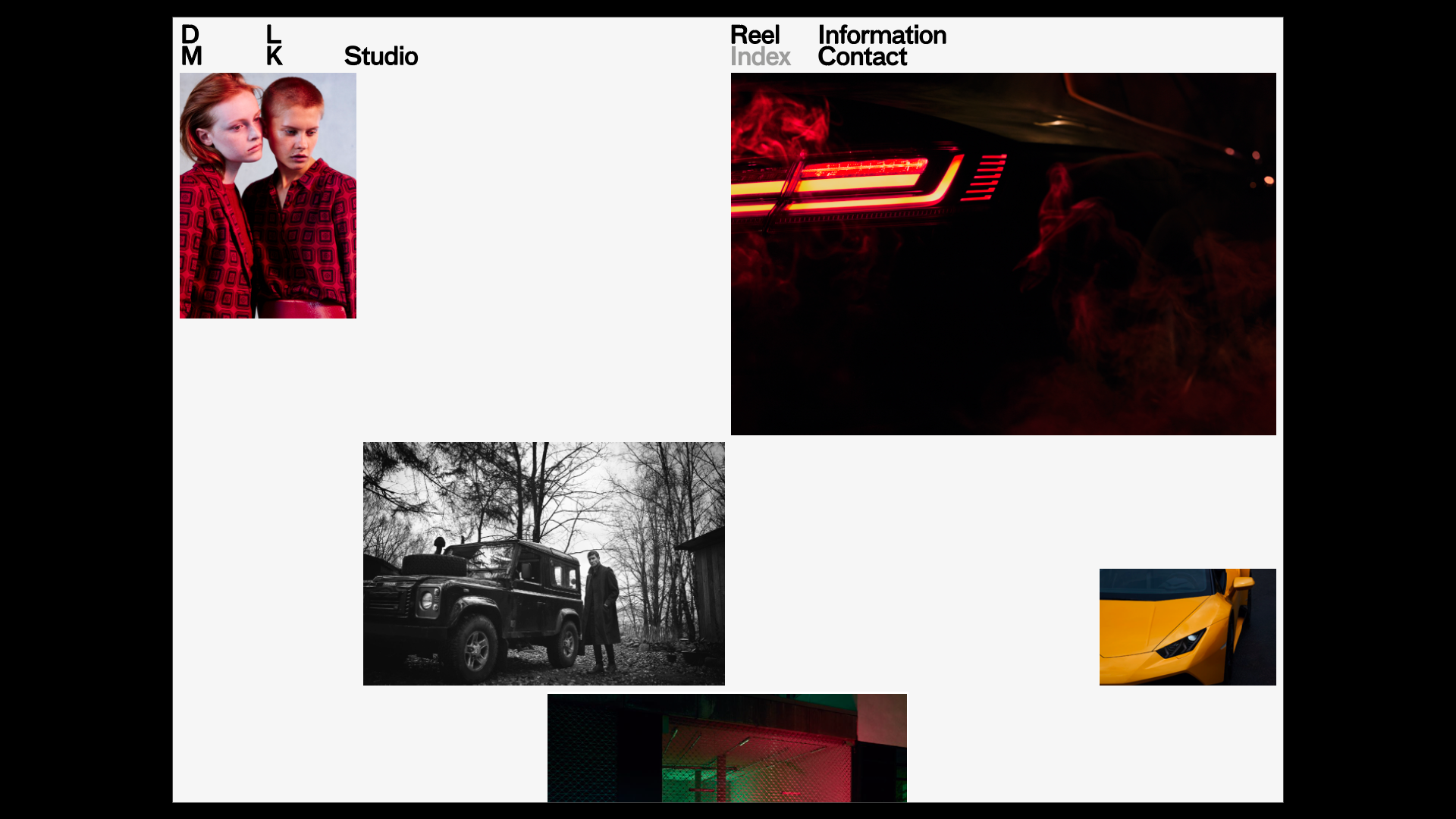
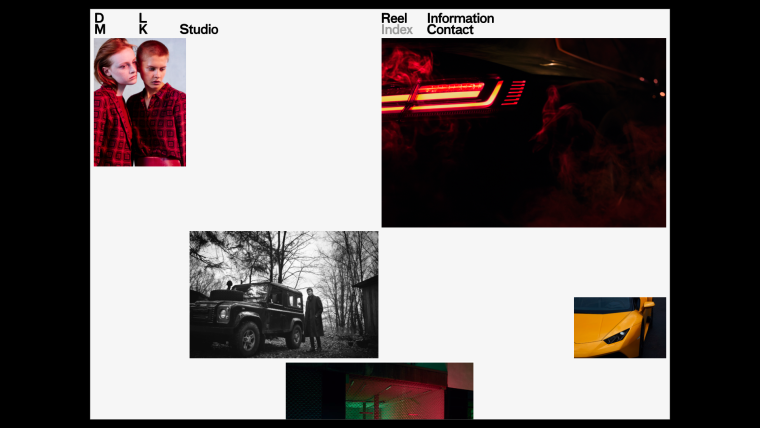
HEY! I am working on a photography portfolio. In my initial design I wanted to style the menu just like the "logo" (see attached images). I’ve tried to rebuild the logo with a third and fourth menu, but the mouseover/active-colors should not be active for them. Is it somehow possible to deactivate them for the third and fourth menu with additional css?
Thanks.
-
Dear @Max-Weinland
maybe to build it as CUSTOM HTML is also a good solution.You can use CUSTOM CSS to change the colours of the links. DOn't forget to use !important.
Best!
Marius

Hello! It looks like you're interested in this conversation, but you don't have an account yet.
Getting fed up of having to scroll through the same posts each visit? When you register for an account, you'll always come back to exactly where you were before, and choose to be notified of new replies (either via email, or push notification). You'll also be able to save bookmarks and upvote posts to show your appreciation to other community members.
With your input, this post could be even better 💗
Register Login