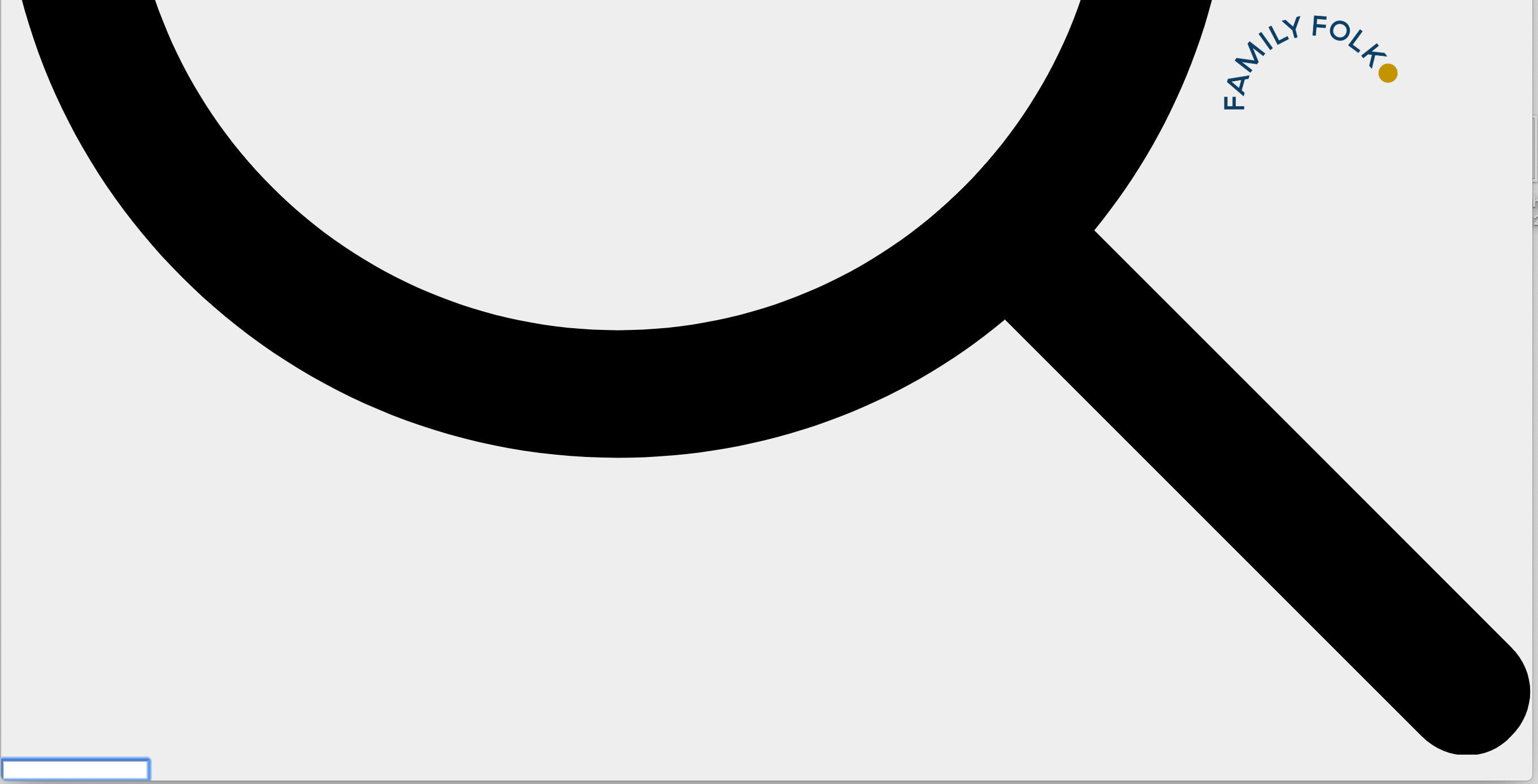
Search function HUGE
-
Hi there,
been using LAY for this site
https://familyfolklondon.com/All good so far but since the weekend there is this huge search magnifier at the button of each page. How?
I used LAY for some website now but this never happened and I dont remember activating the search function.. It does not show using Safari but Chrome.
I did update the Theme and WP recently..Any ideas?
Thank you, Anett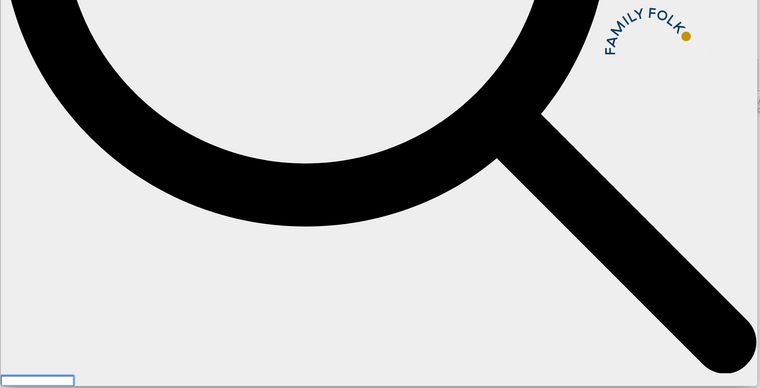
-
Dear @AJ
I cannot see it.Do you have any third-party plugins installed or CUSTOM JS code? Is it possible to deactivate it for a moment to see if the problem remains?
Marius

Hello! It looks like you're interested in this conversation, but you don't have an account yet.
Getting fed up of having to scroll through the same posts each visit? When you register for an account, you'll always come back to exactly where you were before, and choose to be notified of new replies (either via email, or push notification). You'll also be able to save bookmarks and upvote posts to show your appreciation to other community members.
With your input, this post could be even better 💗
Register Login