"no-animation" not working...
-
Hi - "no-animation" not working when applied to an element grid with text elements.
See this page on mobile for an example:
https://www.studioworkhorse.com/huckberry
If you look at the "project" and "sector" text, they still animate on scroll even though I have applied "no-animation" to the element grid.
-
Dear @studioworkhorse
did you click on the element IN the Gridder?
http://laytheme.com/documentation.html#element-transition-on-scrollBest!
Marius
-
@mariusjopen Yep, it's applied inside the gridder. Screenshot attached:
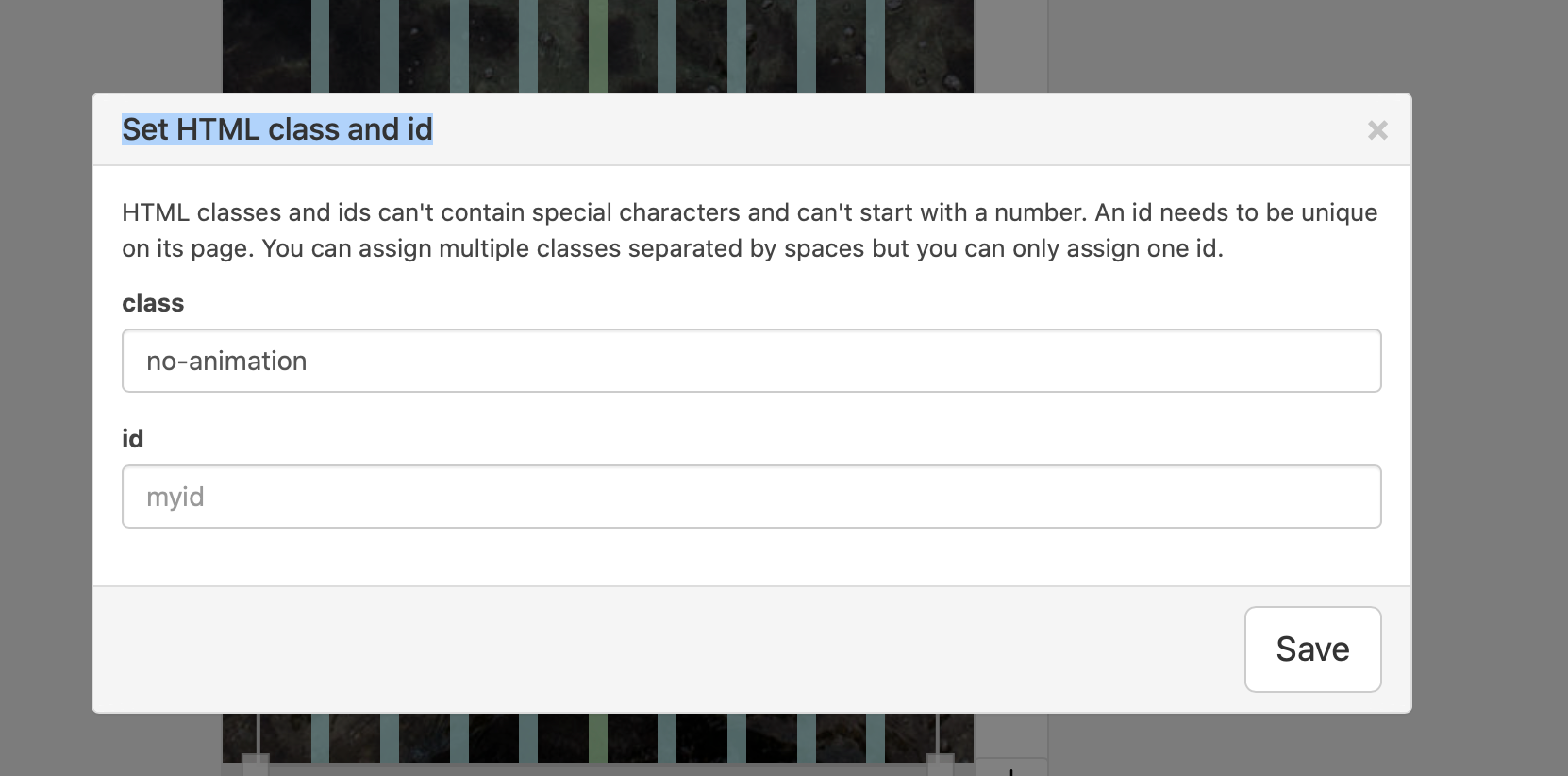
But if you view this URL on a phone and pull down until the "sector" and "project" details disappear and let go, it still animates on scroll.
https://www.studioworkhorse.com/huckberry
Here is a video of the issue:
https://www.youtube.com/watch?v=cMLPTwV0Owo&feature=youtu.be
-
-
Amazing website man, will work on fixing this!
-
@arminunruh @mariusjopen Thank you!


Hello! It looks like you're interested in this conversation, but you don't have an account yet.
Getting fed up of having to scroll through the same posts each visit? When you register for an account, you'll always come back to exactly where you were before, and choose to be notified of new replies (either via email, or push notification). You'll also be able to save bookmarks and upvote posts to show your appreciation to other community members.
With your input, this post could be even better 💗
Register Login