Lazy Load problems after update
-
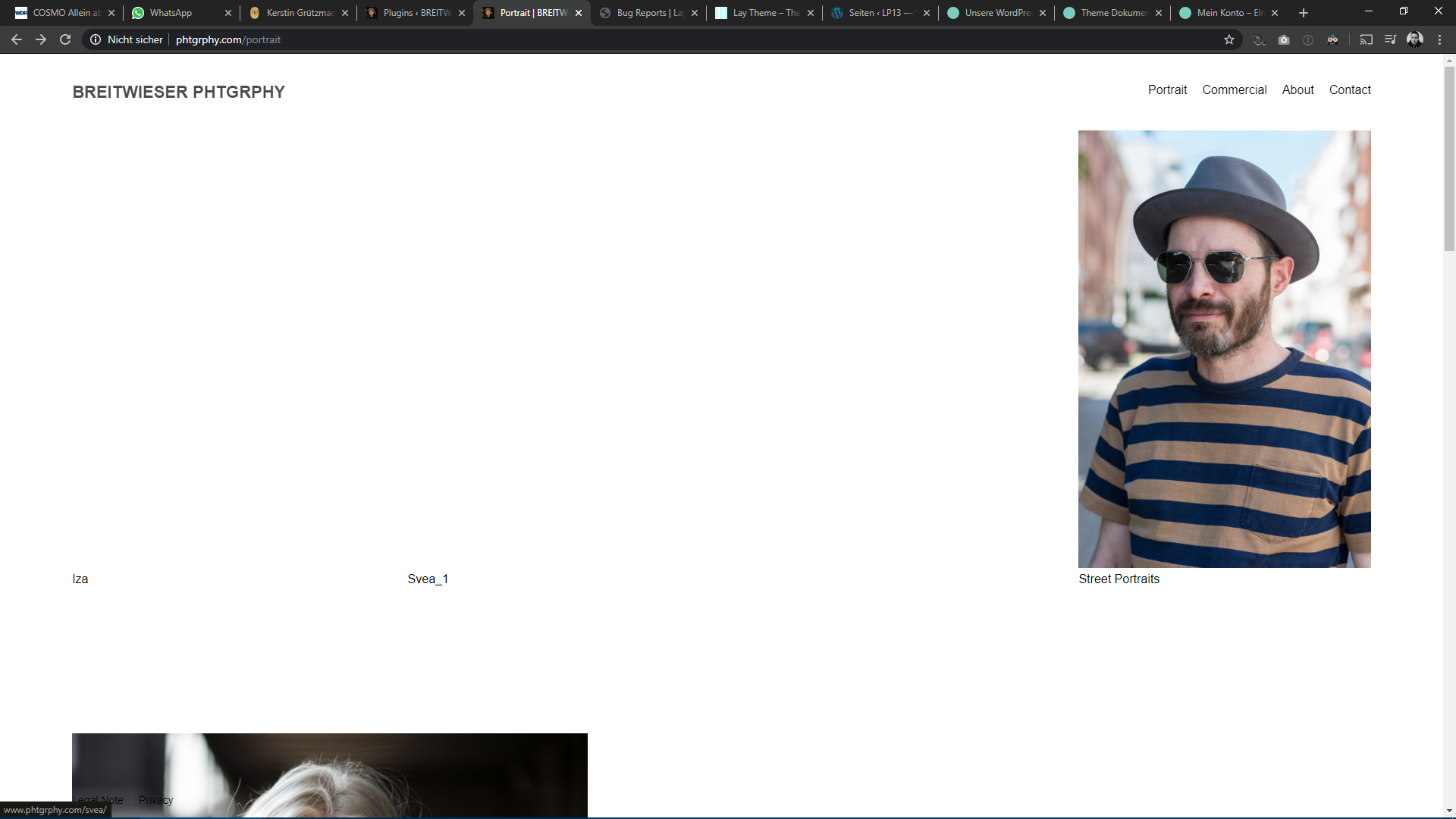
Since the latest update I have problems with lazy load. Console shows nothing (atleast no errors). I deactivated all addons (including lay lightbox), but no change. I have no changes in css/js. It's pretty vanilla.
http://www.phtgrphy.com/commercial/
Chrome Version 80.0.3987.163 on Windows 10Any idea where to look?
All the columsn should have images.

-
Hm yea can you send your /wp-admin/ login info to info@laytheme.com please?
Also send a link to this topic please. -
@arminunruh said in Lazy Load problems after update:
Hm yea can you send your /wp-admin/ login info to info@laytheme.com please?
Also send a link to this topic please.I just sent you an email.
-
Since the latest update I have problems with lazy load. Console shows nothing (atleast no errors). I deactivated all addons (including lay lightbox), but no change. I have no changes in css/js. It's pretty vanilla.
http://www.phtgrphy.com/commercial/
Chrome Version 80.0.3987.163 on Windows 10Any idea where to look?
All the columsn should have images.
-
link please and please create a new topic for a new problem

Hello! It looks like you're interested in this conversation, but you don't have an account yet.
Getting fed up of having to scroll through the same posts each visit? When you register for an account, you'll always come back to exactly where you were before, and choose to be notified of new replies (either via email, or push notification). You'll also be able to save bookmarks and upvote posts to show your appreciation to other community members.
With your input, this post could be even better 💗
Register Login