multiple issues with lay not workingas i am used to. plz help.
-
Hey crew, having multiple issues with Lay, that ive never encountered before.
Firstly, i installed the image hover addon but the options to use it in the link window are not visible.
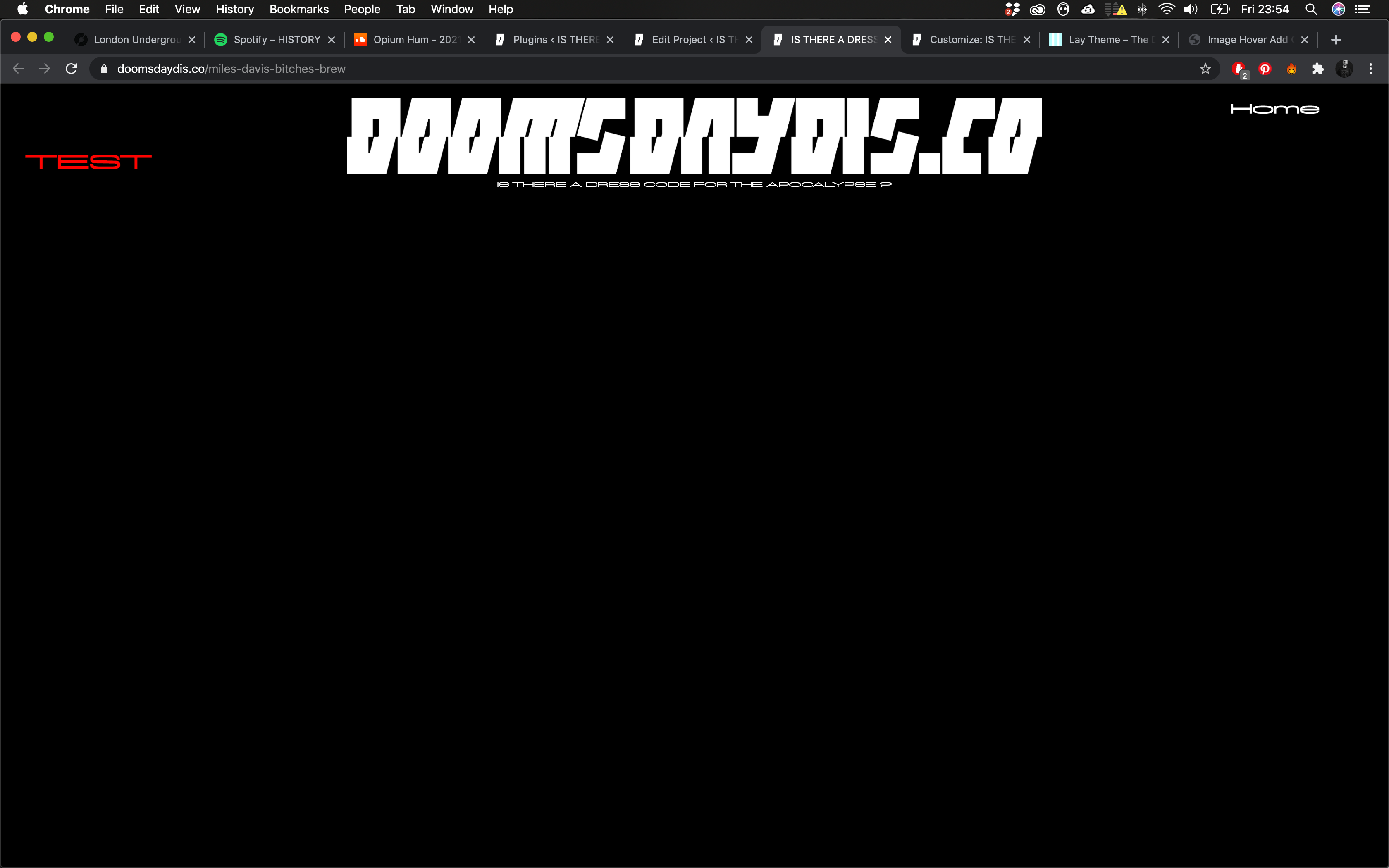
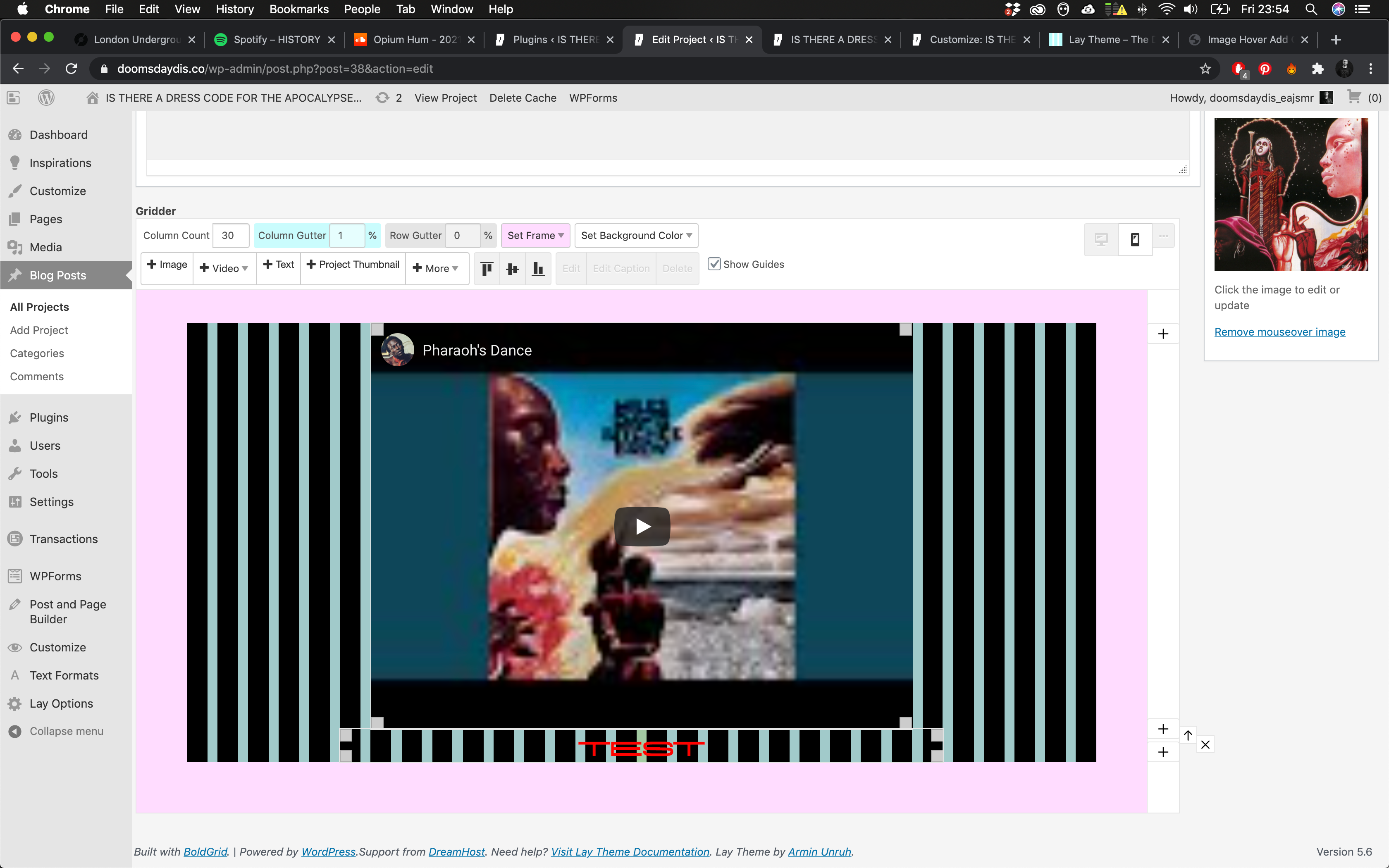
Secondly, not content i place in gridder shows up, or more accurately some of it does in the top left hand corner. which is really confusing. !
Also, the link to add menus doesn't work and takes me straight to customise. So i can't add or edit any menus.
i have an up to date version of lay , actually just purchased it today.
Im working on chrome.Any ideas how to fix this?
-
Dear @Shaun-Bass
Sorry to hear about this!
Some first steps of debugging if you will:
- Wordpress, Lay Theme & Laytheme's Addons are all up to date?
- Any Custom CSS or JS that may interfere is temporarily removed.
- Any third-party plugins de-activated to see if this resolves the issue.
- License key not activated - (in website blank situations or button not available)
- Current PHP version up to date - this can be updating through your hosting provided
If these do not help:
Could you please send your website address, /wp-admin/ username and password and a link to this topic to info@laytheme.com?And will try to get this Bug sorted out as soon as possible
Apologies for any inconvenience this may have caused and as always thank you for being a user of Lay Theme!
Sincerely
Richard

Hello! It looks like you're interested in this conversation, but you don't have an account yet.
Getting fed up of having to scroll through the same posts each visit? When you register for an account, you'll always come back to exactly where you were before, and choose to be notified of new replies (either via email, or push notification). You'll also be able to save bookmarks and upvote posts to show your appreciation to other community members.
With your input, this post could be even better 💗
Register Login