Can't change the frontpage
-
Hello,
Since today I have some problems with my website.
If you visit my website now, it looks like this : http://www.borders.digital/ (an error 403)
Here is what happened :- when I started working on my website, I did a 1st version of it. It is a One paged website, so the whole website was on my frontpage.
- after some feedback, i decided to duplicate this frontpage to do modification while saving my past version : I started to do modifications on the copy page from my first version.
- then I realised that I was not able to set a different frontpage.
In the "Appearance > Customize" there was no "front-page" section. - i deleted the 1st version of the duplicated page which was the front page set by default
- since then, my frontpage is empty and i still don't have the option to change the frontpage in the "Customize" section.
You can have a look here : http://www.borders.digital/wp
And i actually don't really get why I have to add the /wp to see something appear, it is another problem that cames later**. At this moment of the story, the adress www.digital.borders was correct, without the 403 error yet, and showed exactly what you can see in the previous link : An empty frontpage** - I have read that reinstall the theme could be a solution, but i was afraid to lose my content, i have a lot of custom CSS / HTML / JS
so I chose to not do that - Then, after reading tons of topics, and becoming more and more lost about this problem, i decided to change the permalinks to "post-name", i guess before it was "plain" but I dont really remember, at this moment i basically did a stupido thing.
- then the 403 error appeared right after that
plus, the page i wanted to set as frontpage now give me a 404 error : http://www.borders.digital/digital-borders/ - Plus, since then i have to add the /wp in the url adress to get anything shown
Honestly i feel like it's a big mess, I don't really know what to change to repair my website. I have some information i get from my research, but I don't really get what is important or not.
If you can understand anything from this situation, I would be grateful to receive some help and advice.
And definitely, I would like to know that :
- what will happen if I reainstall the Laytheme ? Will I lose my CSS / HTML / JS customization ? What about the page (the one I want to set as my frontpage), is there any possible lose there ?
Thank you a lot
-
Dear @Sophie1000
Im so sorry, Super frustrating!
What I can do first, as i think it will help you and others in the future is a little test! so here we go :)I have Lay Theme installed with some Custom CSS, JS and have also set a Frontpage with content on it:
My Project 1 page ( this is set as frontpage ):
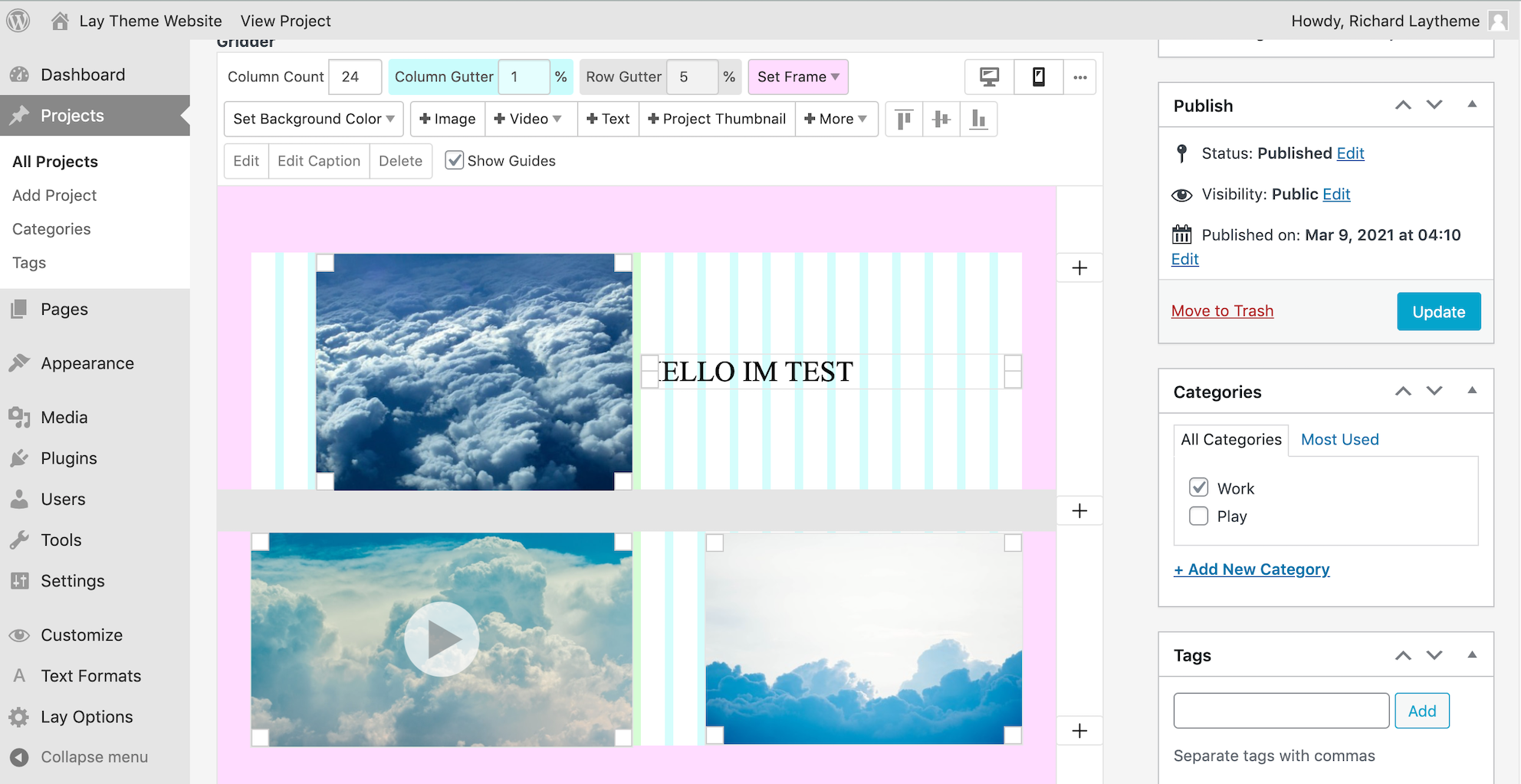
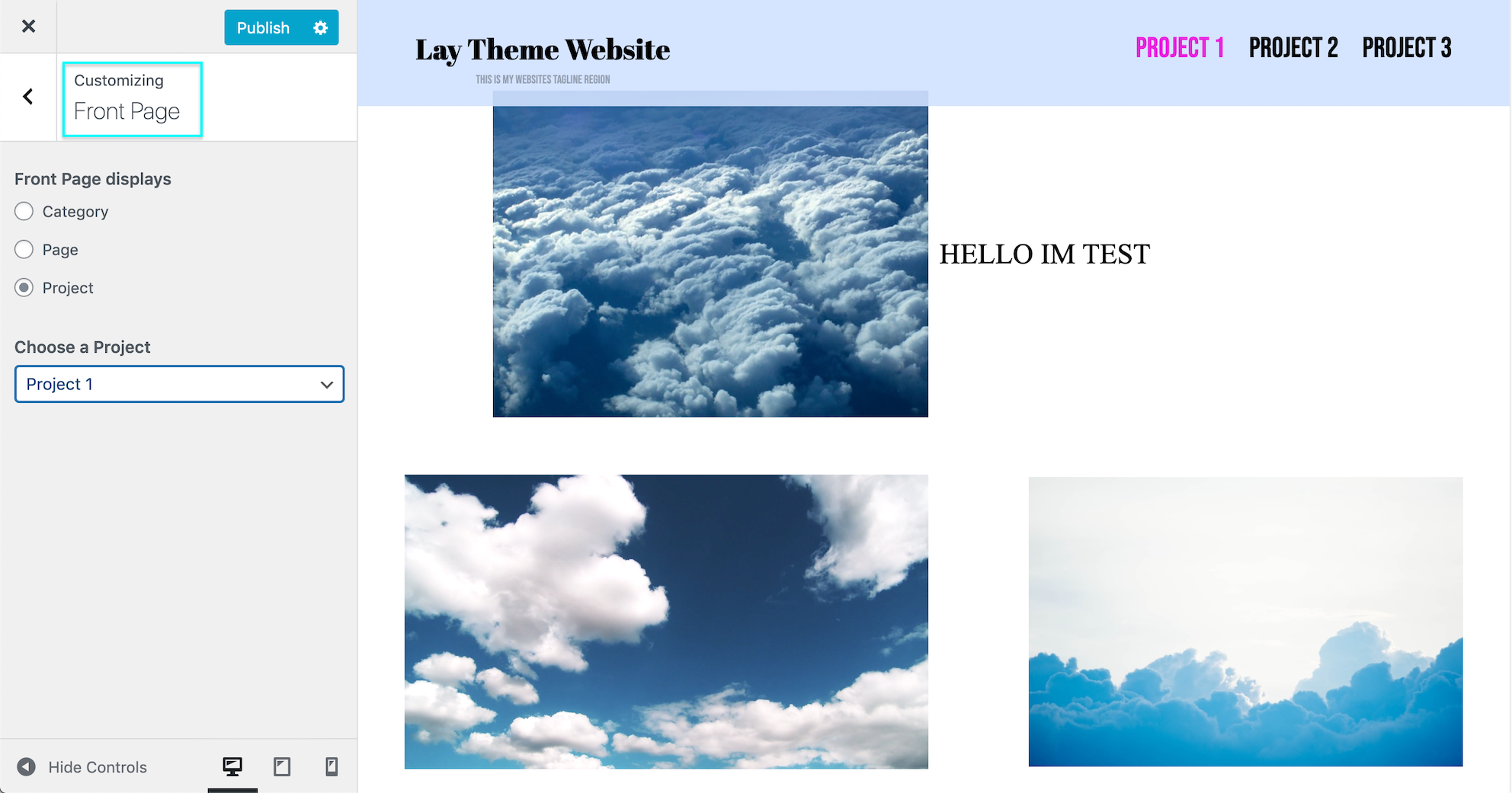
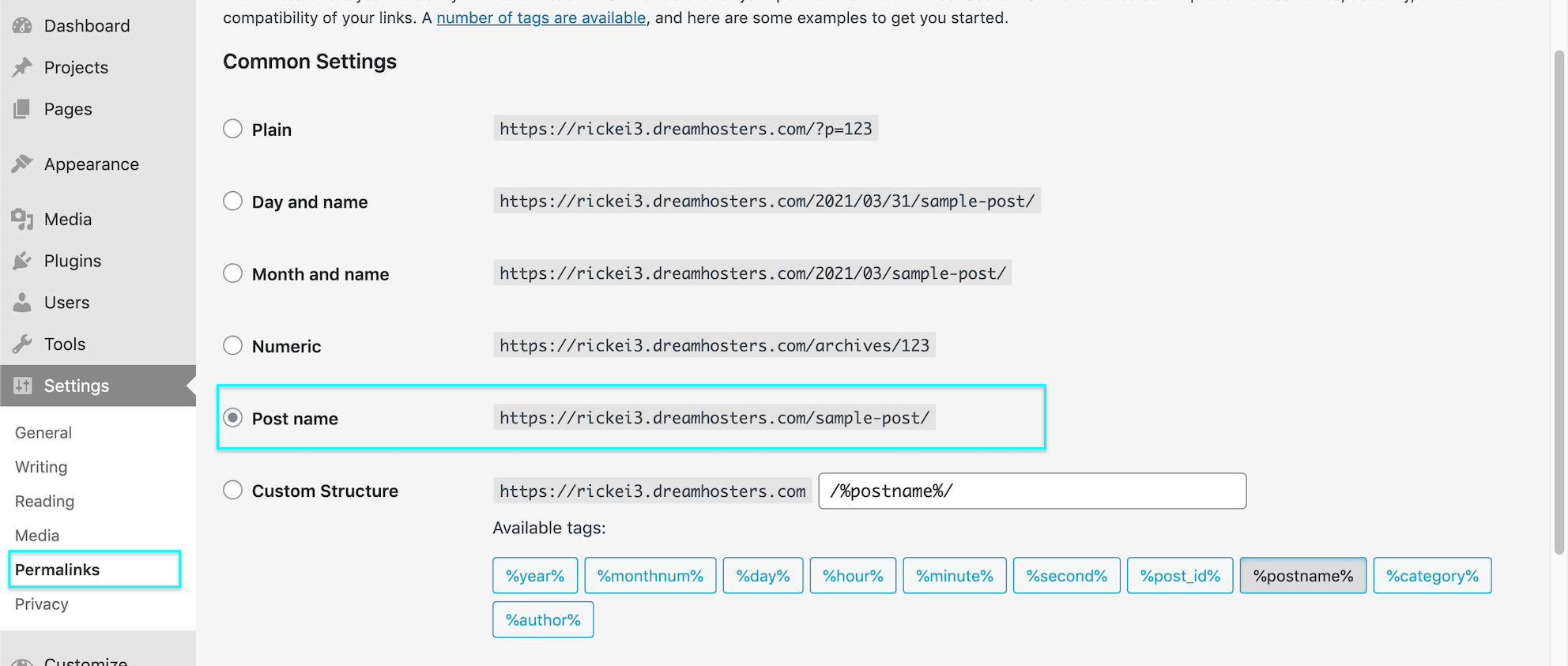
Also if it helps my Permalink structure is set to %postname%
I have some:
Custom CSS - Custom CSS for Desktop - JS within Custom <head> Content and also - Custom HTML at top.This should give a good range to see if things are lost.
Now i delete Lay Theme!
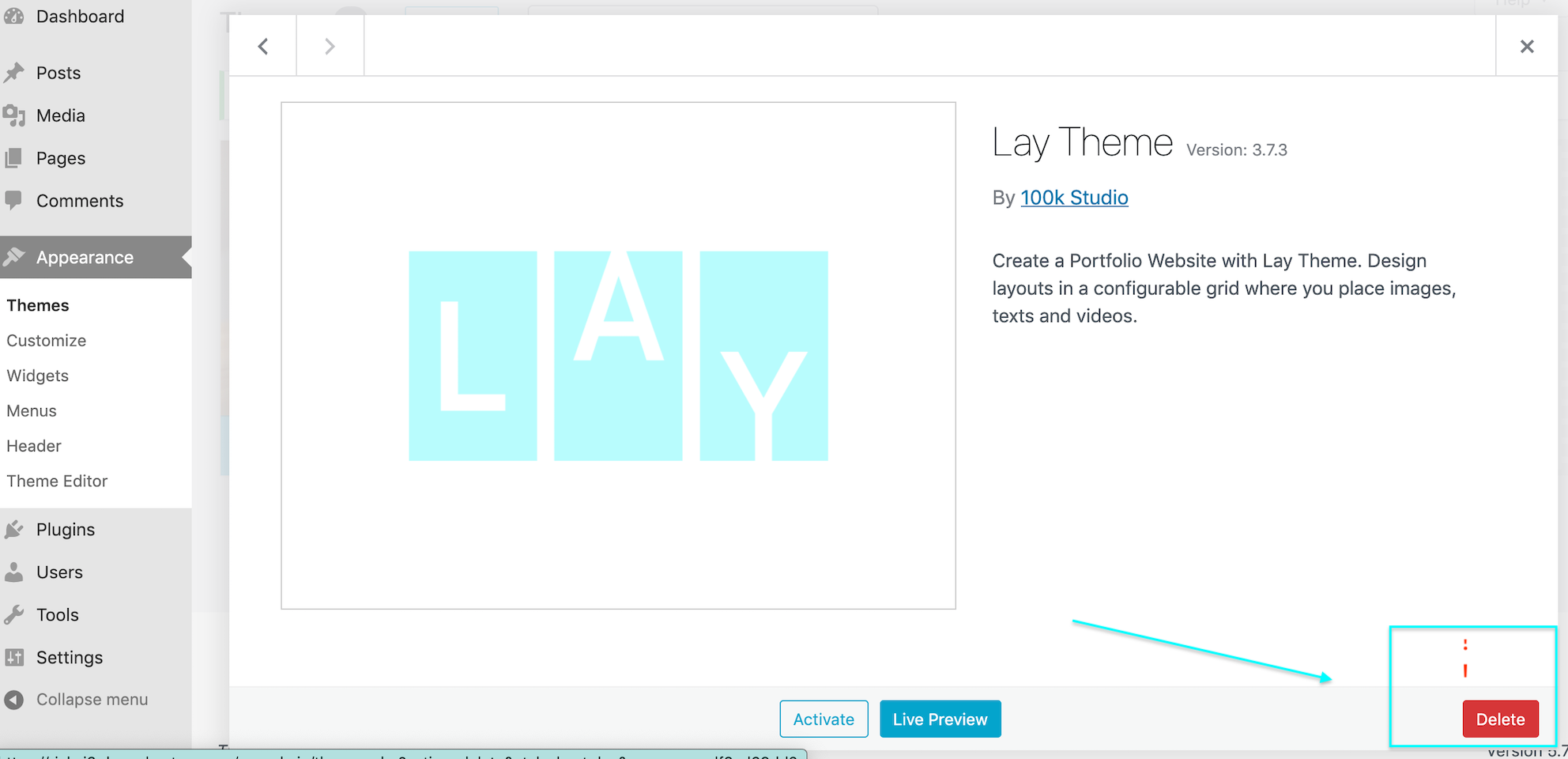
Outcome is basic wordpress Post:
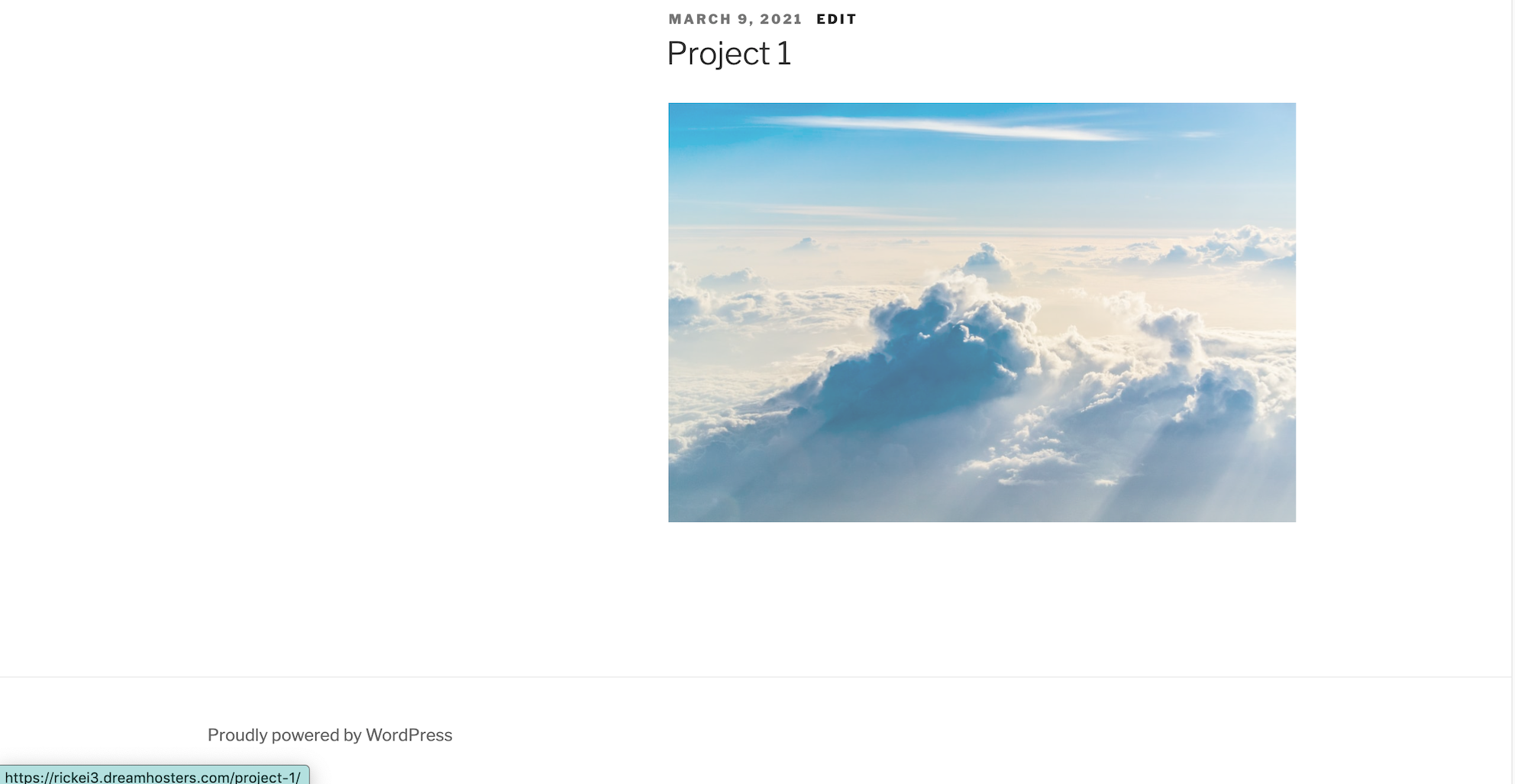
Obviously i'm not able to access the Gridder or Custom Content anymore, then i re-install a new Theme.
And Content is still there and Custom Code is still there:
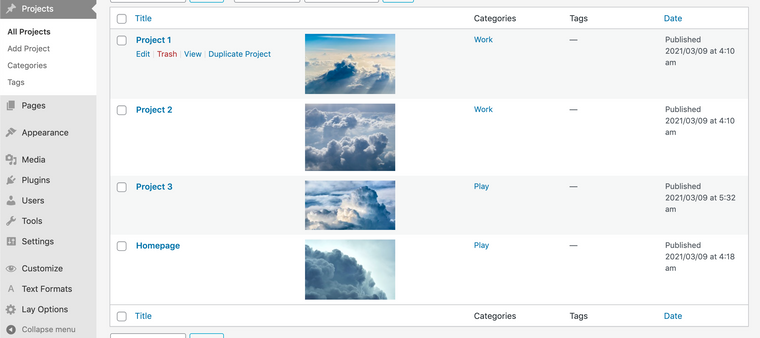
I thought this would be the case before my test as Content-data is not stored within a Theme itself but in the database controlled by your server. But i thought it necessary to do for you and Others - although its very unlikely that you will lose any data - I still dont know if it will solve your specific issue - this of course you will need to test.
If i can do any further testing on my end Sophie, please let me know and i will help as best i can! :)
Talk soon & best wishes
Richard -
Hey @Richard
Thank you a lot for this test !Furthermore, I still have a question about that :
- Does every elements are still at the same place in the grid after you re-installed the theme ? with class attributed ?
Thank you so much for clarifying that point.
I have still a lot of problem to struggle with, but I guess to change the permalinks has created a conflict with my .htaccess.
As I did in the past, I will write the solution here if I find it.
-
Hello again,
I have found the solution for my previous problem of 404 and 403 errors.
With FileZila i figured out that when i've changed the permalinks option it has created an .htaccess by default.
The problem was that I already had a customized .htaccess in my /wp folder.
It's the combination of these two files that caused these problems, for your information, the .htaccess created by Wordpress appeared in the folder / -
Hello again,
I have found the solution for my previous problem of 404 and 403 errors.
With FileZila i figured out that when i've changed the permalinks option it has created an .htaccess by default.
The problem was that I already had a customized .htaccess in my /wp folder.
It's the combination of these two files that caused these problems, for your information, the .htaccess created by Wordpress appeared in the folder /Dear @Sophie1000
Thanks for update & solution :)
Best
Richard

Hello! It looks like you're interested in this conversation, but you don't have an account yet.
Getting fed up of having to scroll through the same posts each visit? When you register for an account, you'll always come back to exactly where you were before, and choose to be notified of new replies (either via email, or push notification). You'll also be able to save bookmarks and upvote posts to show your appreciation to other community members.
With your input, this post could be even better 💗
Register Login