Change Search Placeholder Text
-
-
Dear Mo
@KochMo
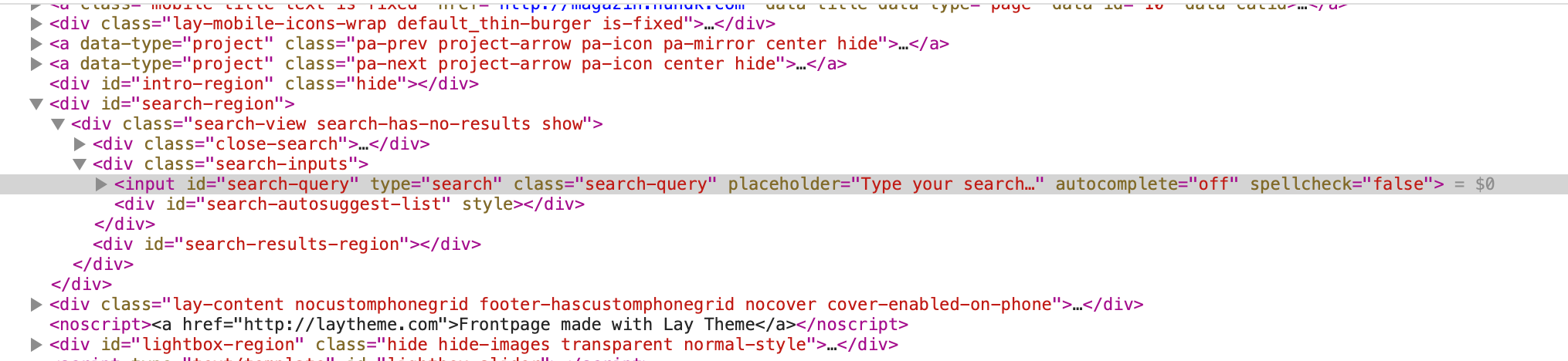
I don't think it can be changed within standard settings (someone please advise me if i'm wrong 🌝)
We can use some very simple jQuery however to get the desired result. Within Lay Options > Custom CSS & HTML > the following code can be applied:
<script>
    window.laytheme.on("newpageshown", function(layoutObj, type, obj){

      jQuery("input[type=search]").attr("placeholder", "Hey Mo! Best Wishes!");

    });
</script>
Result:

Let me know how you go Mo & have a great day 🏖
Richard
-
-

Hello! It looks like you're interested in this conversation, but you don't have an account yet.
Getting fed up of having to scroll through the same posts each visit? When you register for an account, you'll always come back to exactly where you were before, and choose to be notified of new replies (either via email, or push notification). You'll also be able to save bookmarks and upvote posts to show your appreciation to other community members.
With your input, this post could be even better 💗
Register LoginOnline Users
Forgot your key, lost your files, need a previous Lay Theme or Addon version?
Go to www.laykeymanager.com