Skip to content
  • Recent
  • Tags
  • Popular
  • Users
  • Search
Skins
  • Light
  • Brite
  • Cerulean
  • Cosmo
  • Flatly
  • Journal
  • Litera
  • Lumen
  • Lux
  • Materia
  • Minty
  • Morph
  • Pulse
  • Sandstone
  • Simplex
  • Sketchy
  • Spacelab
  • United
  • Yeti
  • Zephyr
  • Dark
  • Cyborg
  • Darkly
  • Quartz
  • Slate
  • Solar
  • Superhero
  • Vapor

  • Default (No Skin)
  • No Skin
Collapse

Lay Theme Forum

  1. Home
  2. Bug Reports
  3. 4.1.6 "frame bug" — displaced elements after update
4.1.6 "frame bug" — displaced elements after update
Scheduled Pinned Locked Moved Bug Reports
17 Posts 11 Posters 2.0k Views 4 Watching
  • Oldest to Newest
  • Newest to Oldest
  • Most Votes
Reply
  • Reply as topic
Log in to reply
This topic has been deleted. Only users with topic management privileges can see it.
  • L
    L
    leo01
    wrote on last edited by leo01
    #8

    Im having the same issue.
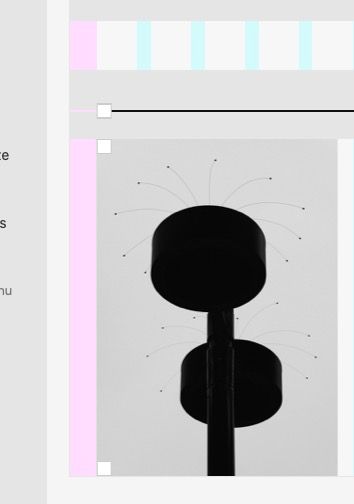
    All my content does not respect the frame settils (its set to 5% left anf 5% right. but it does not work.
    It only aplies for the left frame settings.

    1 Reply Last reply
    0
    • R
      R
      rookie
      wrote on last edited by
      #9

      Hey
      I have the same problem. :/

      http://laythemeforum.com/topic/7617/gridder-defaults-not-active

      1 Reply Last reply
      0
      • G
        G
        Garrod
        wrote on last edited by
        #10

        @leo01 did you find a way to fix the problem? I just looked at your site and it’s all aligned correctly

        Thanks

        L 1 Reply Last reply
        0
        • W
          W
          wua.frank
          wrote on last edited by
          #11

          Same for us - left frame is ignored

          1 Reply Last reply
          0
          • N
            N
            Nzagamba
            wrote on last edited by
            #12

            Same for me, the whole website margins are ruined with the 4.1.6 update. Also if I add new content that shows in the backend, it doesn't show in frontend. Need help urgently!

            1 Reply Last reply
            0
            • RichardR
              RichardR
              Richard
              Global Moderator
              wrote on last edited by Richard
              #13

              Dear All

              @alexandre @chrsgrbr @leo01 @Garrod @wua-frank @rookie @aarondawkins @Nzagamba @albsss

              Have forwarded to Armin ASAP! ✅ (also emailed), hope for a fix soon!


              UPDATE:

              Please test this Bug after deleting any Cache, Browser Cache or Purging any Cache Plugins (de-activating cache plugins even better)

              Let me know if this changes things ⭐️


              Does @chrsgrbr Fix :

              "ok so i kinda fixed it for now. i moved my content one step right, saved, moved it back to the absolute left, saved – and now it works. lol"

              Work for the majority or only for him?


              For anyone who needs a fix urgently please send me an email via: lostfiles@laytheme.com with your License key & link to this thread.

              I will create download files for you asap of Lay Theme version 4.1.5. while we wait for this to be fixed 👍

              Deleting version 4.1.6 and installing 4.1.5 will not delete your Gridder content


              For anyone who has a clean recreation of the Bug ( e.g @alexandre ) :

              Please send your website address, /wp-admin/ username and password and a link to this topic to info@laytheme.com?

              Armin can then have a better look 🔍✅


              Promise to keep you all updated and talk soon, thank you for all commenting on this thread 🌝
              Richard
              1 Reply Last reply
              0
              • S
                S
                SGP
                wrote on last edited by
                #14

                Hello,

                I also have the same issue after updating this morning.

                In my case, I moved my text one step right, saved, moved it back to the original left position, saved – and the text goes back to the correct position.

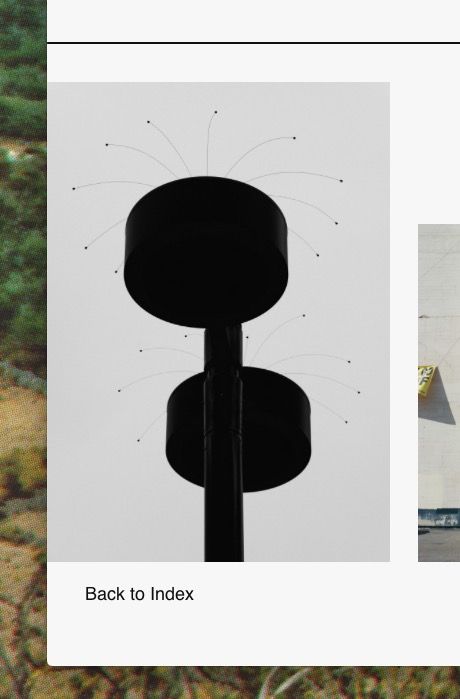
                But I am also using horizontal lines as separators, and this workaround doesn't work with the lines. They keep an offset to the left, and do not respond to the gridder positioning.

                S 1 Reply Last reply
                0
                • G Garrod

                  @leo01 did you find a way to fix the problem? I just looked at your site and it’s all aligned correctly

                  Thanks

                  L
                  L
                  leo01
                  wrote on last edited by
                  #15

                  @Garrod no i reverted everything from an old backup i had.

                  For me its not an option to move it bx hand and than save if andf move it back i have about 40 pages or so where it applies.

                  1 Reply Last reply
                  0
                  • L
                    L
                    leo01
                    wrote on last edited by
                    #16

                    i tried to empty cache and use ingogioto mode of course. looking fwd to a fix @Armin-Unruh @mariusjopen

                    1 Reply Last reply
                    1
                    • S SGP

                      Hello,

                      I also have the same issue after updating this morning.

                      In my case, I moved my text one step right, saved, moved it back to the original left position, saved – and the text goes back to the correct position.

                      But I am also using horizontal lines as separators, and this workaround doesn't work with the lines. They keep an offset to the left, and do not respond to the gridder positioning.

                      S
                      S
                      SGP
                      wrote on last edited by
                      #17
                      This post is deleted!
                      1 Reply Last reply
                      0

                      Hello! It looks like you're interested in this conversation, but you don't have an account yet.

                      Getting fed up of having to scroll through the same posts each visit? When you register for an account, you'll always come back to exactly where you were before, and choose to be notified of new replies (either via email, or push notification). You'll also be able to save bookmarks and upvote posts to show your appreciation to other community members.

                      With your input, this post could be even better 💗

                      Register Login
                      Reply
                      • Reply as topic
                      Log in to reply
                      • Oldest to Newest
                      • Newest to Oldest
                      • Most Votes


                      Online Users
                      R
                      robertobarbes
                      Forgot your key, lost your files, need a previous Lay Theme or Addon version? Go to www.laykeymanager.com
                      laytheme.com
                      • Login

                      • Don't have an account? Register

                      • Login or register to search.
                      • First post
                        Last post
                      0
                      • Recent
                      • Tags
                      • Popular
                      • Users
                      • Search