Horizontal Image Position in Imagehover Addon
-
Hi Lay Theme team,
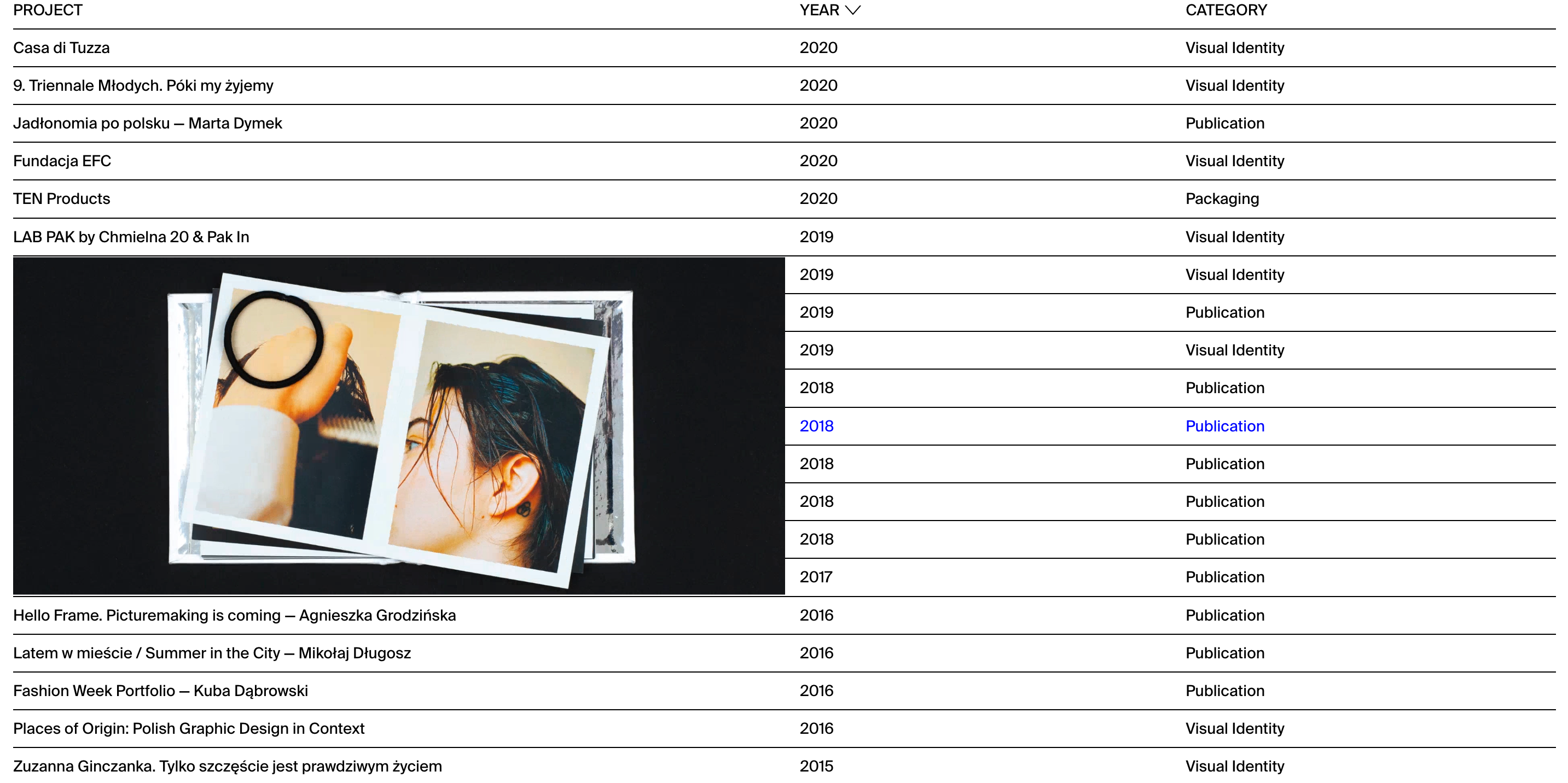
thanks for your great theme. I got problem with horizontal image position in imagehover addon. I want my images be on the right side of my site, and configuration looks like this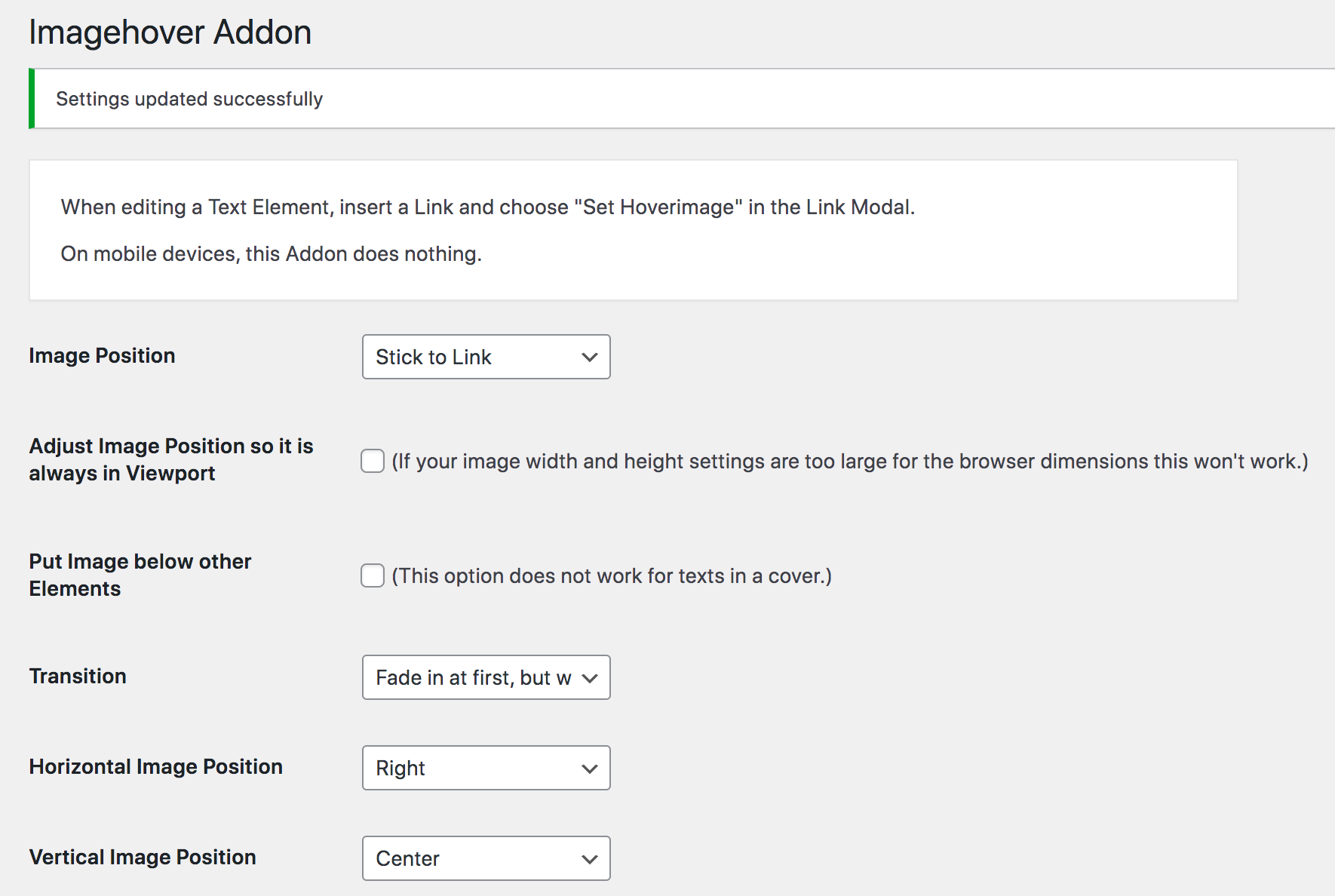
But image appear all the time like this
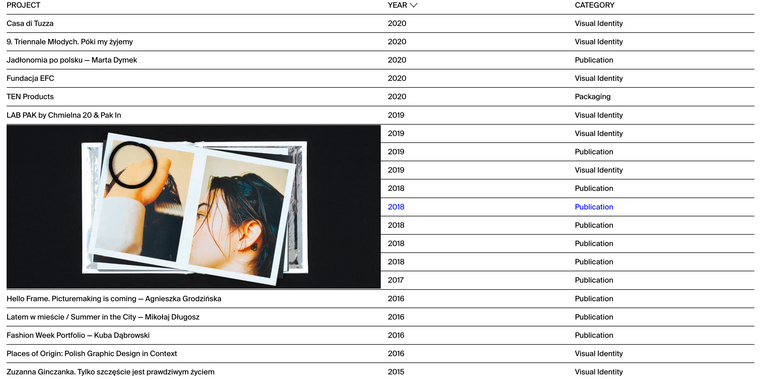
I got theme and addons updated and no custon css.
Thanks for help.
Best,
Olek -
Dear @Olek
I have the same behaviour, here with a normal link "link":
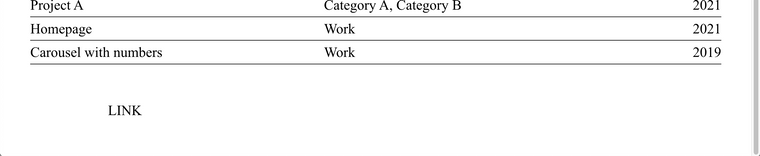
The Image chooses the right-hand side of the link but it still has to "stick to it" because that it's setting:

Here again:


This is an interesting one because technically the whole row in the project index is a link and it "sticks" to the start but on the right hand side. I can change it to the left hand side to be sure:
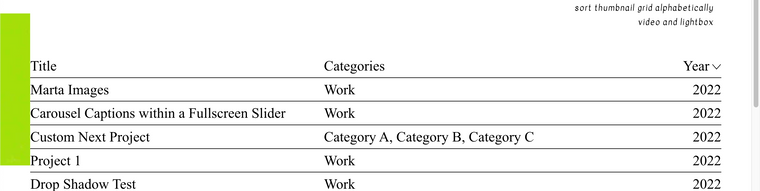
If needed you could use:
.lay-imagehover-region img.lay-image-responsive {
margin-left:30vw;
}
To Push the image to the right:
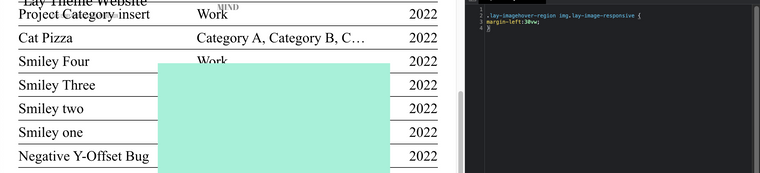
Note: This will apply to all imagehover regions across your website, you should target the specific page by slug "CSS Based on Current Page" https://laytheme.com/documentation/custom-css-styling.html
Will also forward behaviour to Armin ✅
Best wishes
Richard
-
-
-
Hi @Richard
yes it was working, in my case, with not obvious settings. I'm sorry but I don't remember after which update, laytheme or addon it stop, max 2 updates back.
There was also connection with setting "Adjust image position so it is always in viewport".
If you want I can make you some screenshots, how it works with various settings.Best
Olek -
Dear Olek
@Olek
You are welcome to any previous version of Lay Theme you need.
Please send your License key and a link to this topic to licensekeys@laytheme.com
And a download file can be set up for you 🌝
Best
Richard
-
-
hey there!
im releasing an imagehover update now
you can remove your custom css and use this new setting "Right inside":
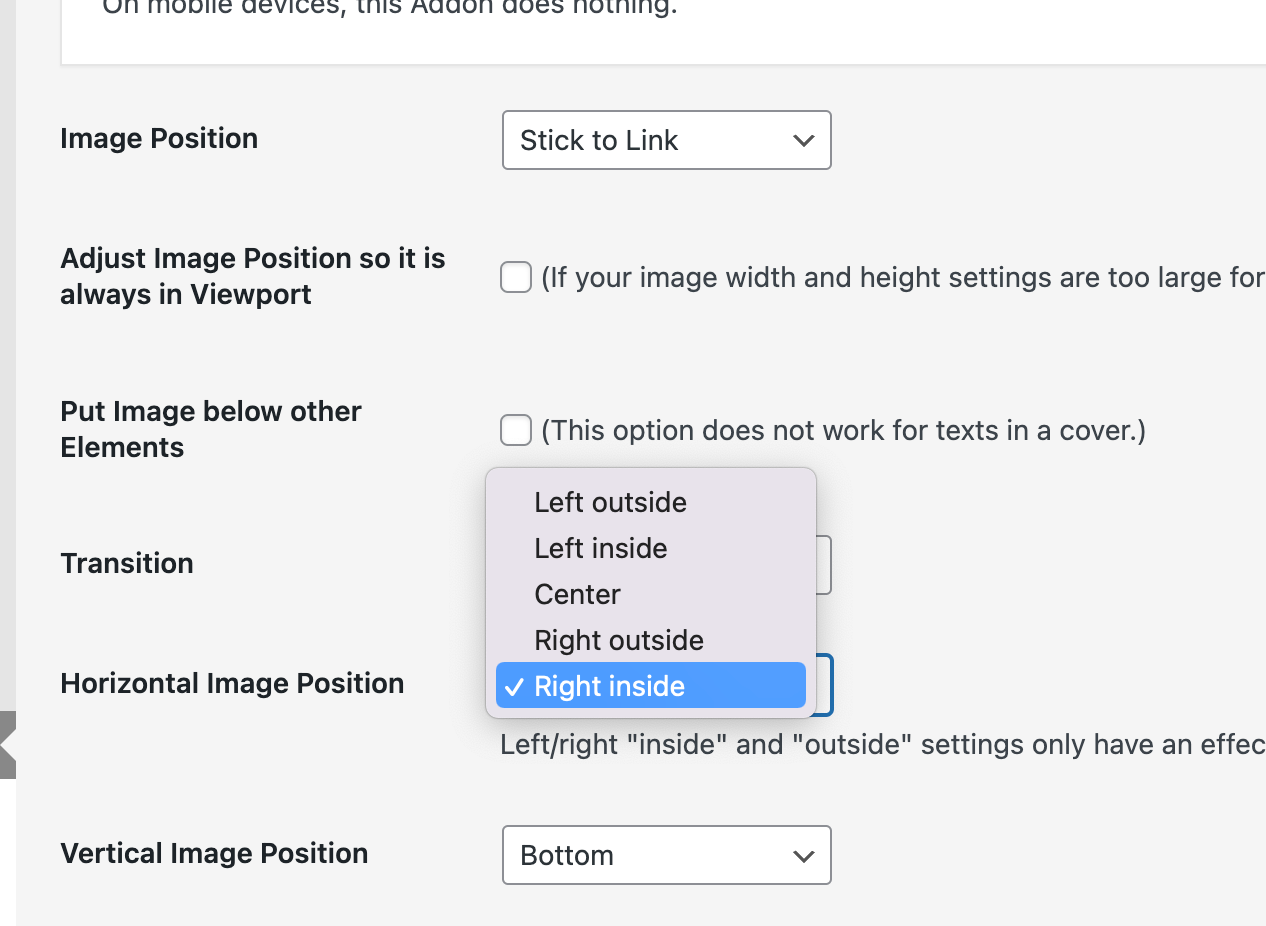
-


Hello! It looks like you're interested in this conversation, but you don't have an account yet.
Getting fed up of having to scroll through the same posts each visit? When you register for an account, you'll always come back to exactly where you were before, and choose to be notified of new replies (either via email, or push notification). You'll also be able to save bookmarks and upvote posts to show your appreciation to other community members.
With your input, this post could be even better 💗
Register Login