WP Critical Error after Lay Theme update
-
Hi I've been working on a simple film portfolio page for a client with a few assets & embedded videos from YT/Vimeo since quite a while. I was running into issues updating wordpress and whenever I tried updating Lay Theme, it failed as well.
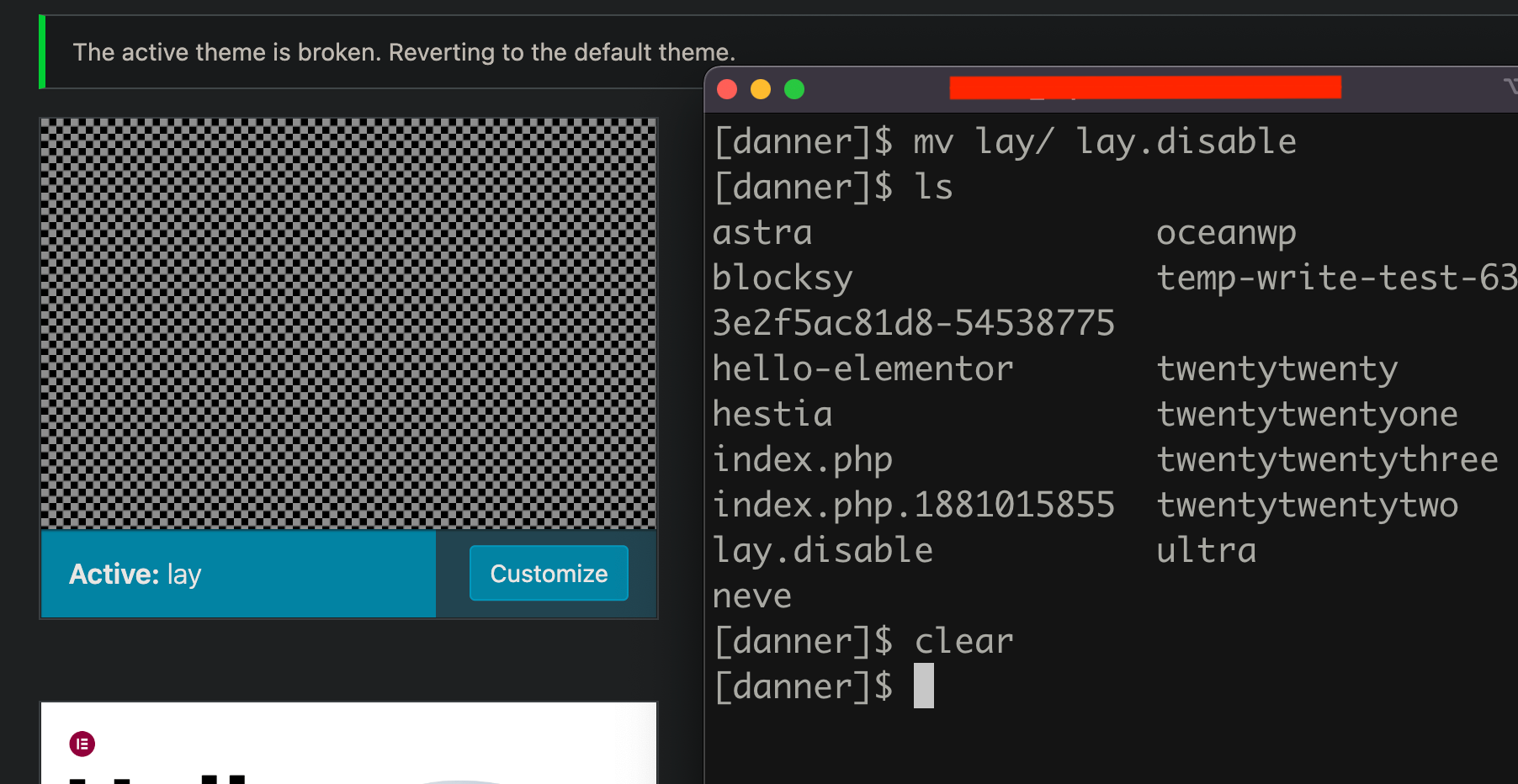
Now i manually updated WP via SSH access successfully, now when I tried updating Lay theme, WP throws a critical Error. It also did that before I upgraded.
I am able to access WP dashboard if I rename the lay folder via SSH/FTP. Not sure but could the solution be to do a clean lay theme install and you provide a new license key for it?
can someone help me/point me into the right direction here? please see screen captures for context
I was having issues since starting to work on this and my client already purchased 2 lay theme licenses since nobody replied to his emails.
-
Can't edit the original post anymore, here's another screen capture video https://imgur.com/a/EiNYSNl
-
oh
whats the email address of him? i can send refunds
i just answered almost all emails today, not sure if his landed in spam maybe

Hello! It looks like you're interested in this conversation, but you don't have an account yet.
Getting fed up of having to scroll through the same posts each visit? When you register for an account, you'll always come back to exactly where you were before, and choose to be notified of new replies (either via email, or push notification). You'll also be able to save bookmarks and upvote posts to show your appreciation to other community members.
With your input, this post could be even better 💗
Register Login