Objects in gridder are in the wrong position
-
Hi,
i have a really strange problem.
When I try to compose a page, I place the objects in the gridder but they didn't stay in the right position.
It's really strange to describe....Example....
now the page it's like that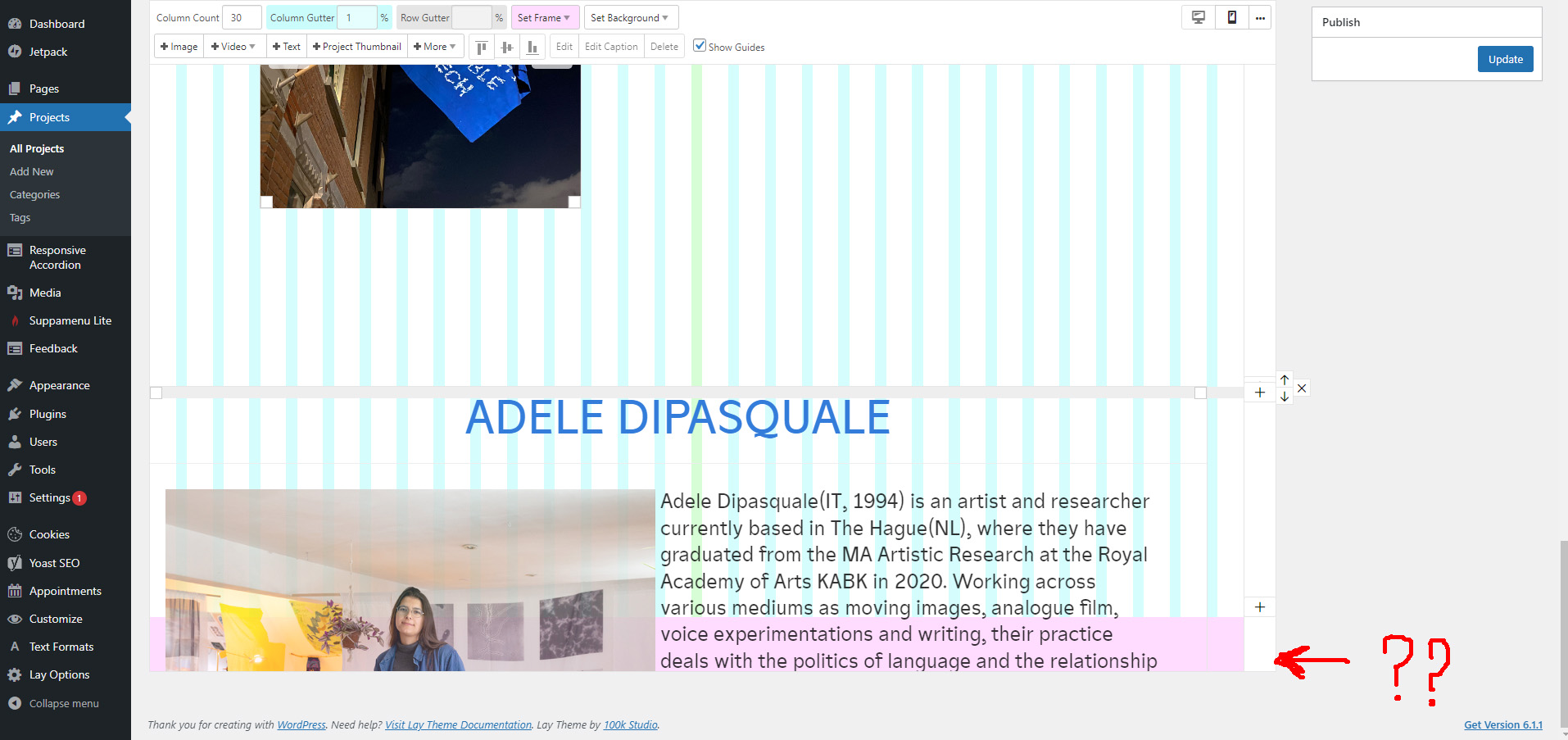
First problem: i expect to see the whole content, not just a part.
Anyway.... If i click on the "+" to create a new sections....
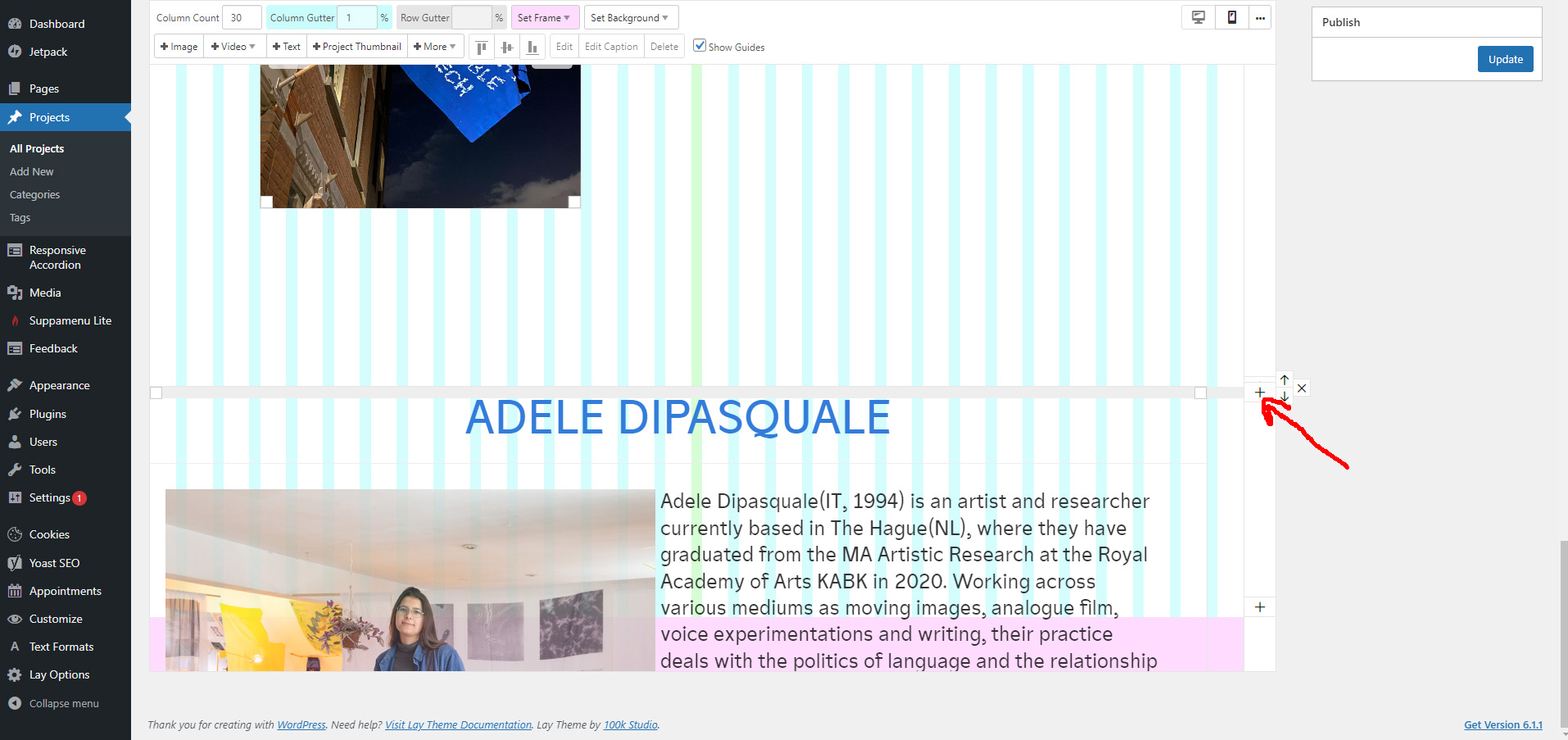
...i'll be in that situation
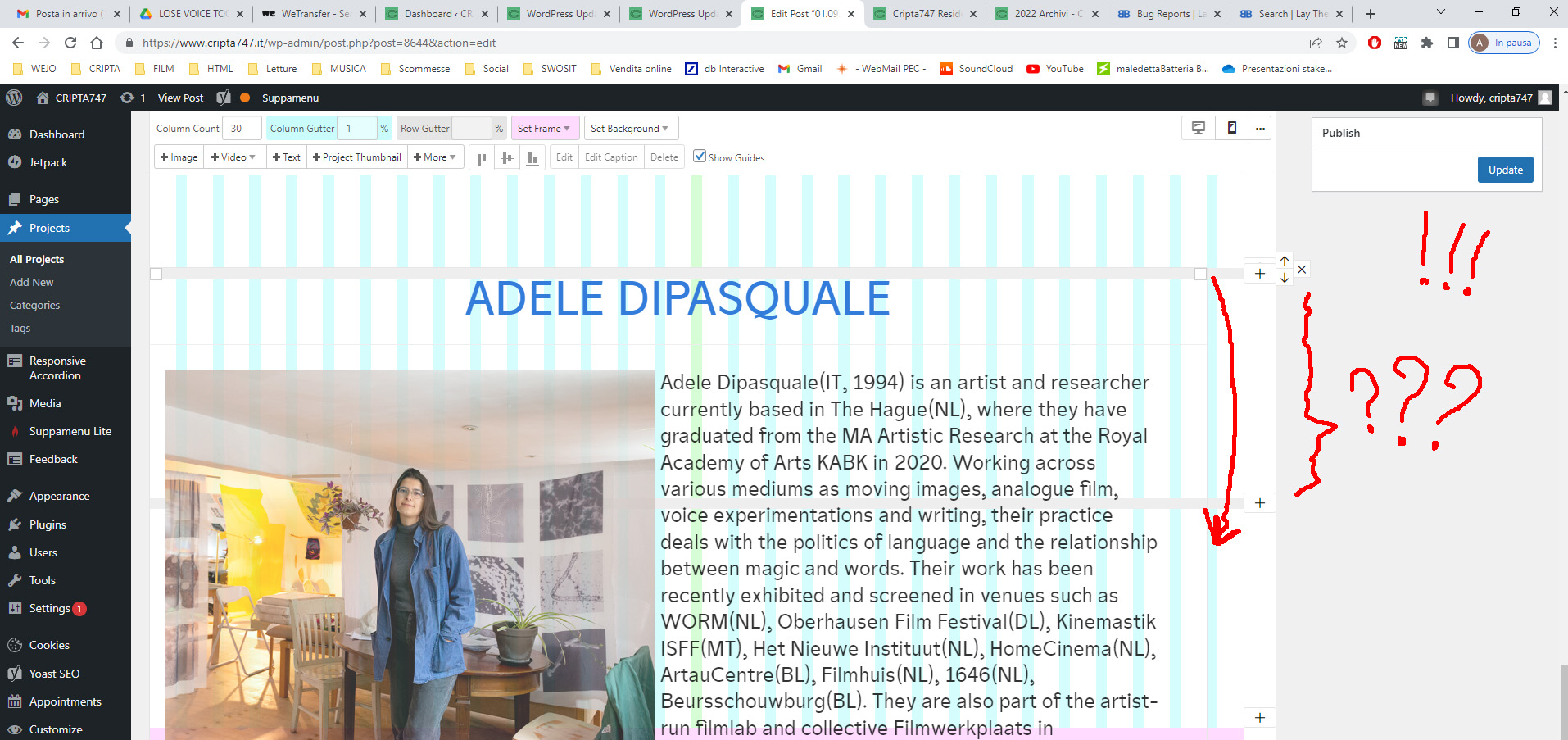
As you can see the "html box" did'nt move in the right position, it stay sticked there but i expect to see it on the next sections (please, see the arrow).
Of course it's quite impossible to moove objects and compose the pages, because object moove in a quite random way.....
I'm sorry for my bad english and my stupid draws, hope you could understand the problem...
If you need any other info I'm here...
Hope you could find a solution.
Thanks in advance. Ciao!
-
hey there!
oh yea of course that shouldnt happen
can you update lay theme and see if it works?
if it doesnt work:
can you send your website address, /wp-admin/ username and password and a link to this topic to info@laytheme.com?

Hello! It looks like you're interested in this conversation, but you don't have an account yet.
Getting fed up of having to scroll through the same posts each visit? When you register for an account, you'll always come back to exactly where you were before, and choose to be notified of new replies (either via email, or push notification). You'll also be able to save bookmarks and upvote posts to show your appreciation to other community members.
With your input, this post could be even better 💗
Register Login