After latest update, text doesn't remain at a fixed height.
-
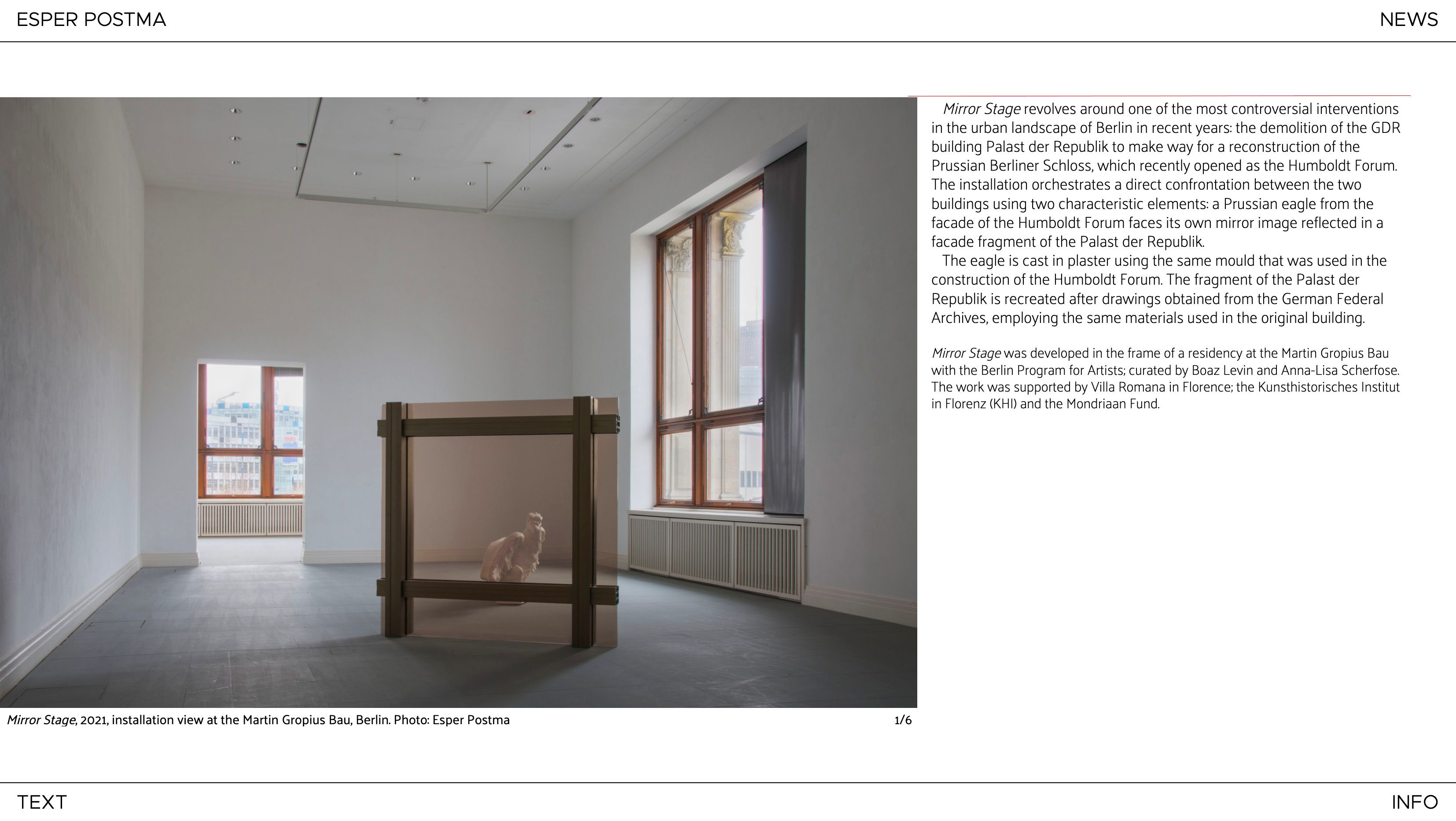
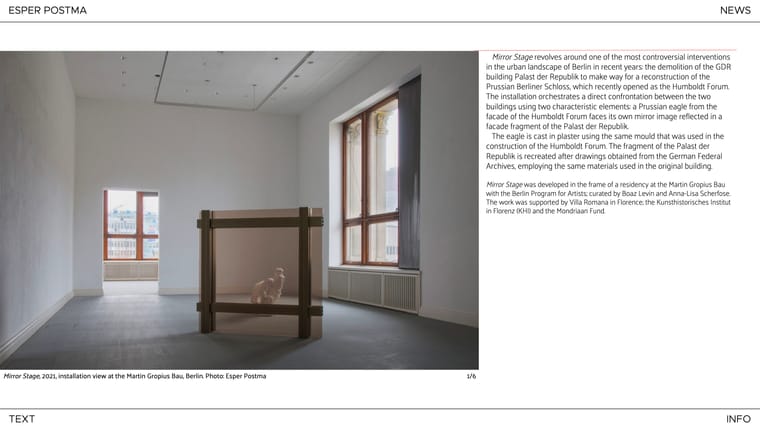
In the design of my website (esperpostma.com) the image is always centred in the page, without the user ever having to scroll. I disabled scrolling in custom html. Before I updated Lay Theme, the top of the text was always aligned with the top of the image. (Marked with a red line in the screenshot). The Y offset of the text always remained the same, in other words.
Since the update, I can’t find a way to do that. Even if I use px for offset, the text still moves up and down when I change the size of the browser. The only way to keep the text at the same height, is to use a frame and select "align top”. But if I use a frame, the image is not centred on the page anymore. It falls off the page at the bottom.
Is this something that can be fixed? Alternatively, is there something I can do in custom html?
-
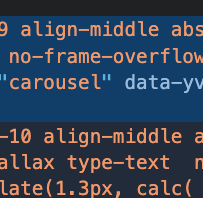
both your carousel and your text are aligned to the middle
why dont u just align them to the top

Hello! It looks like you're interested in this conversation, but you don't have an account yet.
Getting fed up of having to scroll through the same posts each visit? When you register for an account, you'll always come back to exactly where you were before, and choose to be notified of new replies (either via email, or push notification). You'll also be able to save bookmarks and upvote posts to show your appreciation to other community members.
With your input, this post could be even better 💗
Register Login