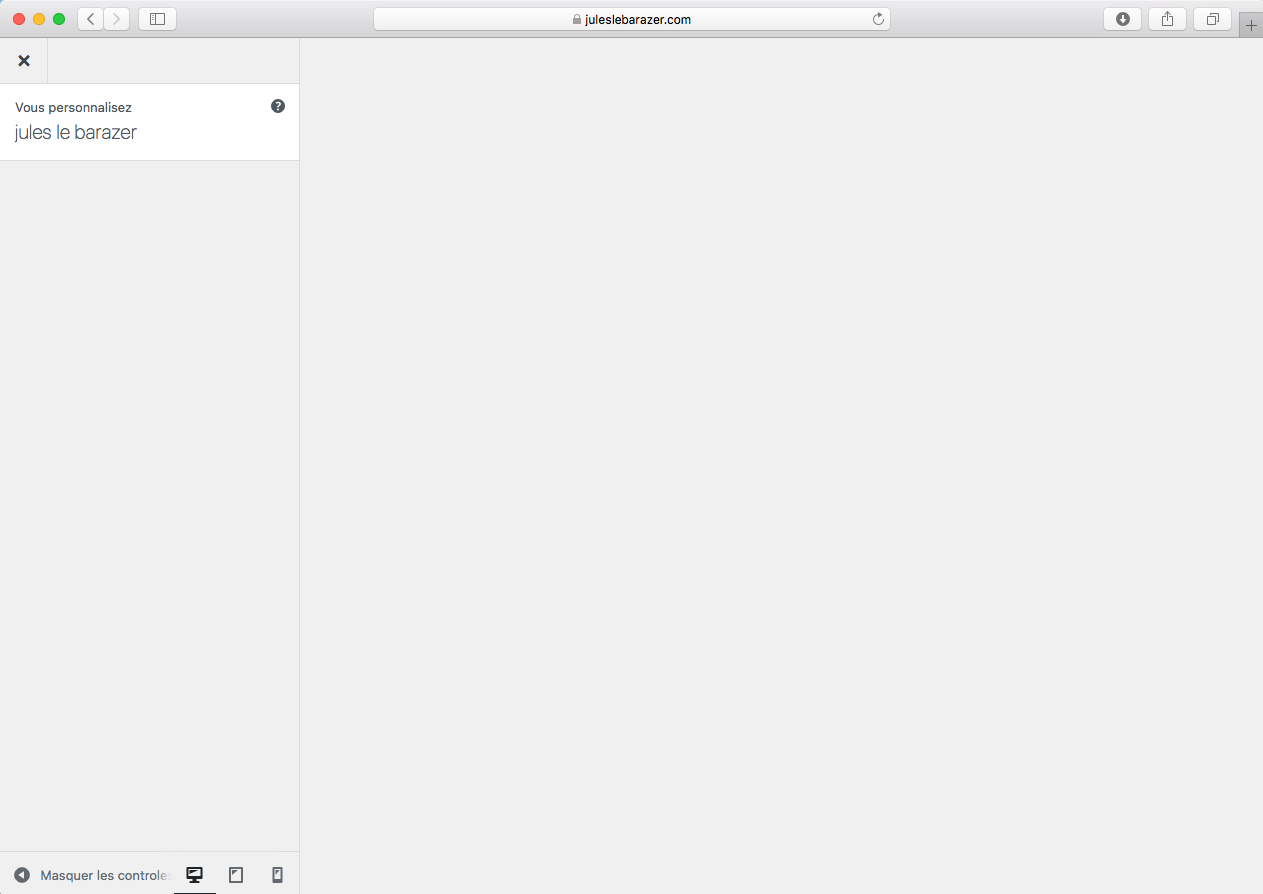
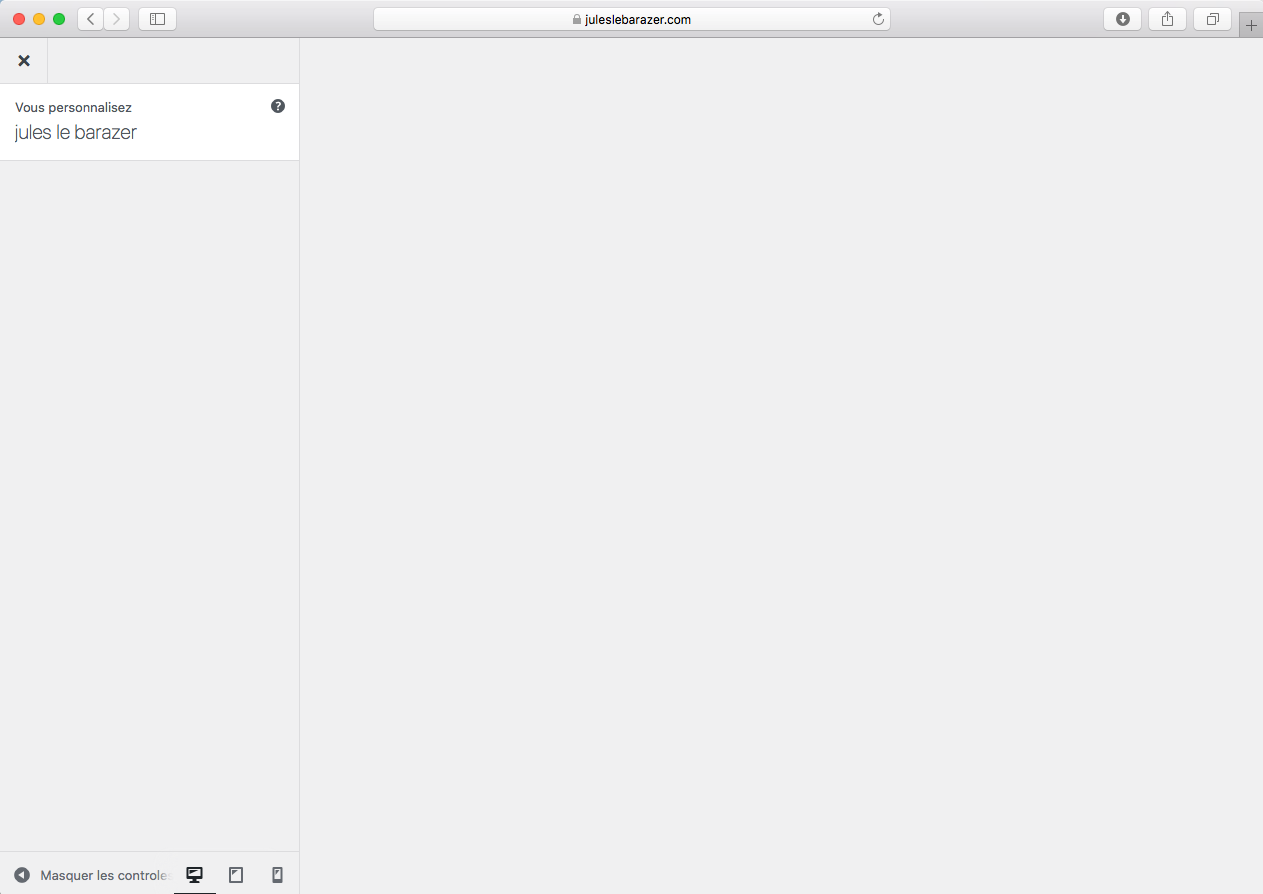
"Customize" doesn't work
-
Hello,
Today I updated my website from PHP 7.4 to PHP 8.1
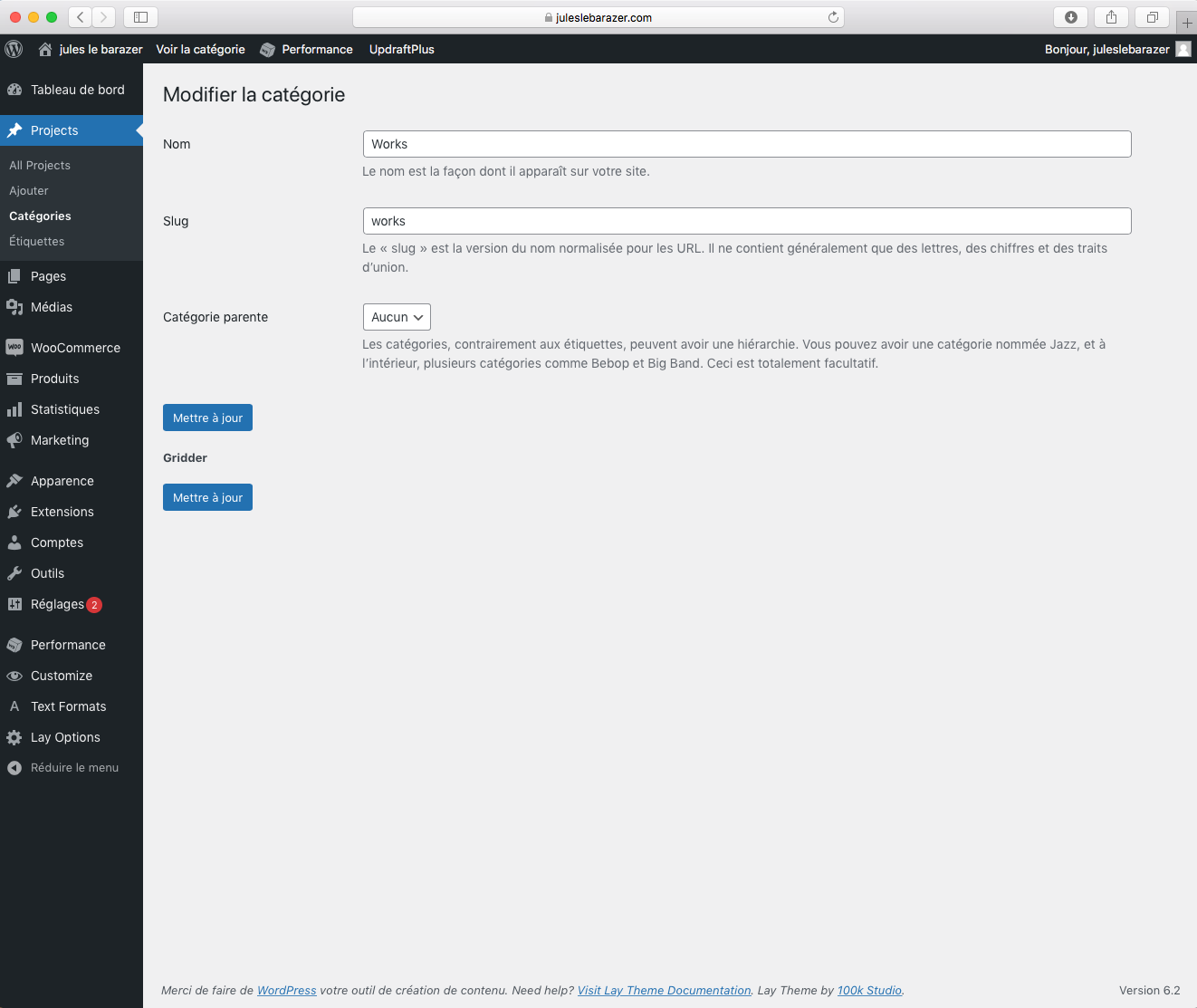
I don't know if it is related, but after that, the "Customize" tool wasn't accessible anymore. Same for the "Gridder" tool in the "Categories" section.
I use the WordPress 6.2, and the latest version of Laytheme. My browser is Safari 13.1.2 on MacOS 10.13.6
I tried the first steps as indicated on the Troubleshooting section, but it didn't worked.
Can you help me?
Thank you in advance!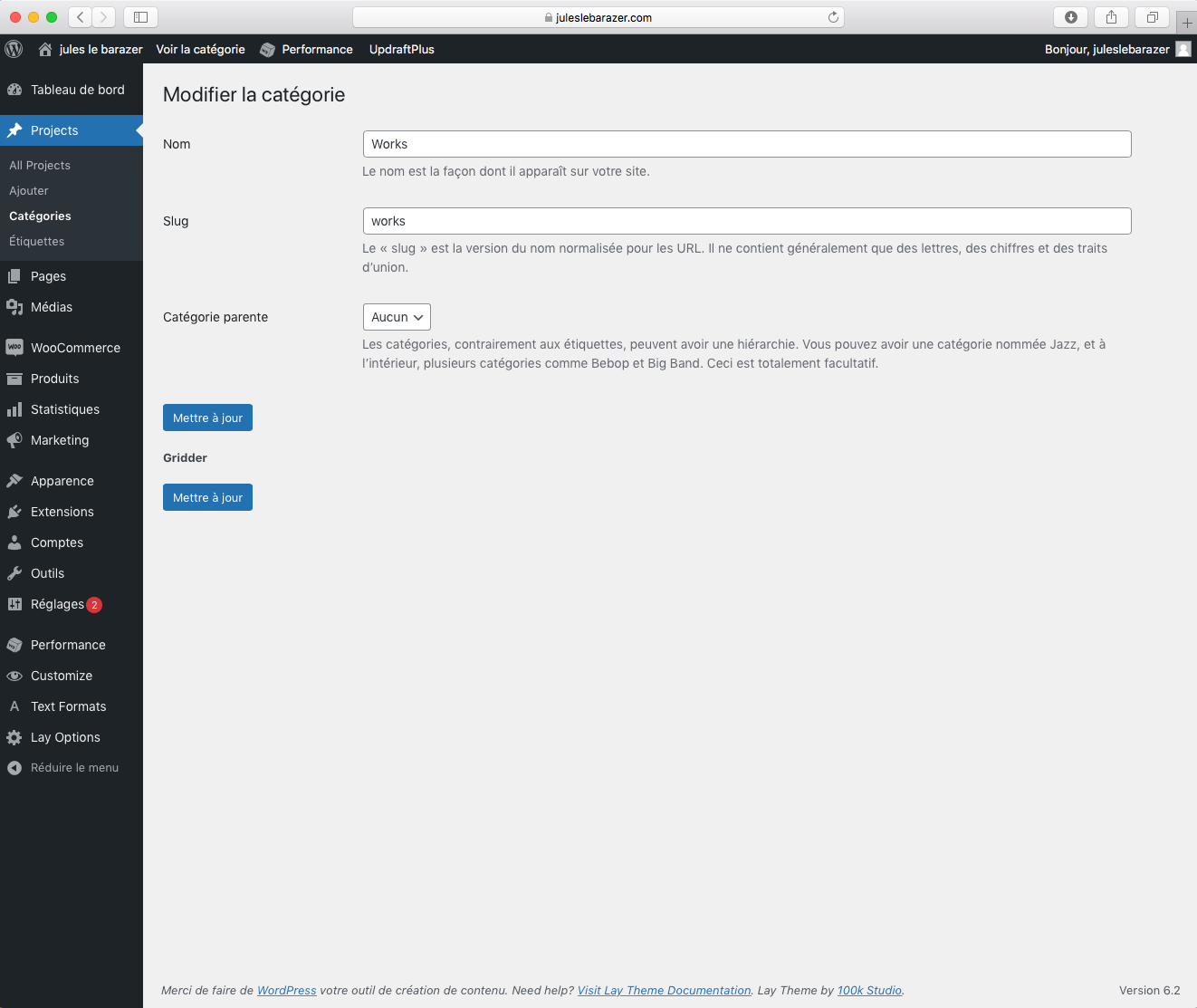
-
can you send your website address, /wp-admin/ username and password and a link to this topic to info@laytheme.com?

Hello! It looks like you're interested in this conversation, but you don't have an account yet.
Getting fed up of having to scroll through the same posts each visit? When you register for an account, you'll always come back to exactly where you were before, and choose to be notified of new replies (either via email, or push notification). You'll also be able to save bookmarks and upvote posts to show your appreciation to other community members.
With your input, this post could be even better 💗
Register Login