Thumbnail replace image not working
-
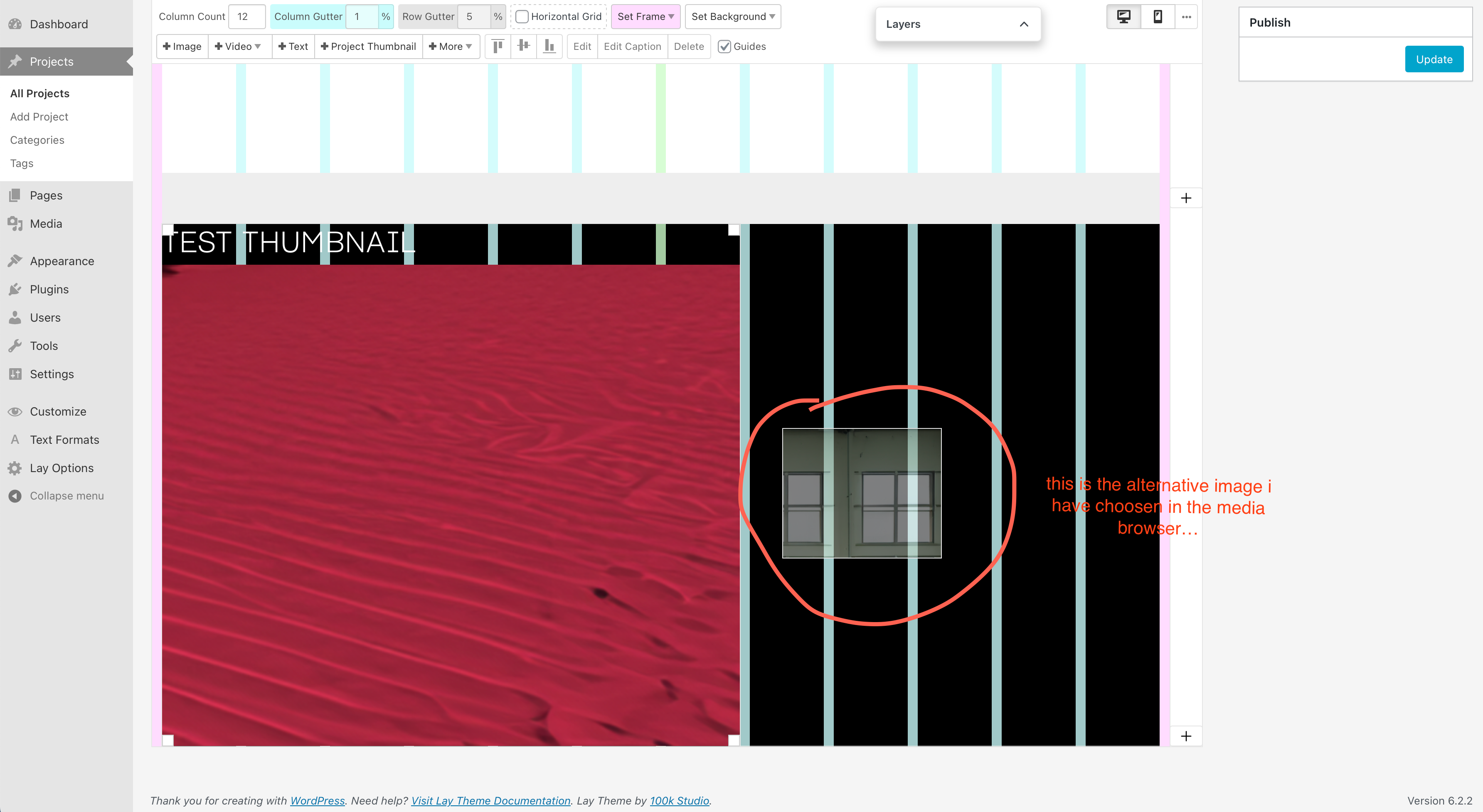
If i got it right, you can change the image of a project thumbnail element by right click and choosing an alternative image in the media browser…
Somehow it is not replacing the image, and just gives me the option to place it as a regular image somewhere else.
Am I doing/getting something wrong, or is it a bug?
(tried with safari/chrome/firefox on mac osx 13.2.1 / laytheme 5.7.2 / wordpress 6.2.2 / working offline with Local) -
i see! this is bug, im fixing it now and will release an update later today
-
@arminunruh
thanks for the update
it works perfectly now! <3

Hello! It looks like you're interested in this conversation, but you don't have an account yet.
Getting fed up of having to scroll through the same posts each visit? When you register for an account, you'll always come back to exactly where you were before, and choose to be notified of new replies (either via email, or push notification). You'll also be able to save bookmarks and upvote posts to show your appreciation to other community members.
With your input, this post could be even better 💗
Register Login