Carousel caption for next slide showing on previous slide
-
Hi,
I've got what seems like quite a simple issue in essence, but I cannot for the life of me figure out how to fix it...
My website design has remained the same for coming up to 2 years now, with a full screen carousel on the homepage and captions at the bottom of the page.
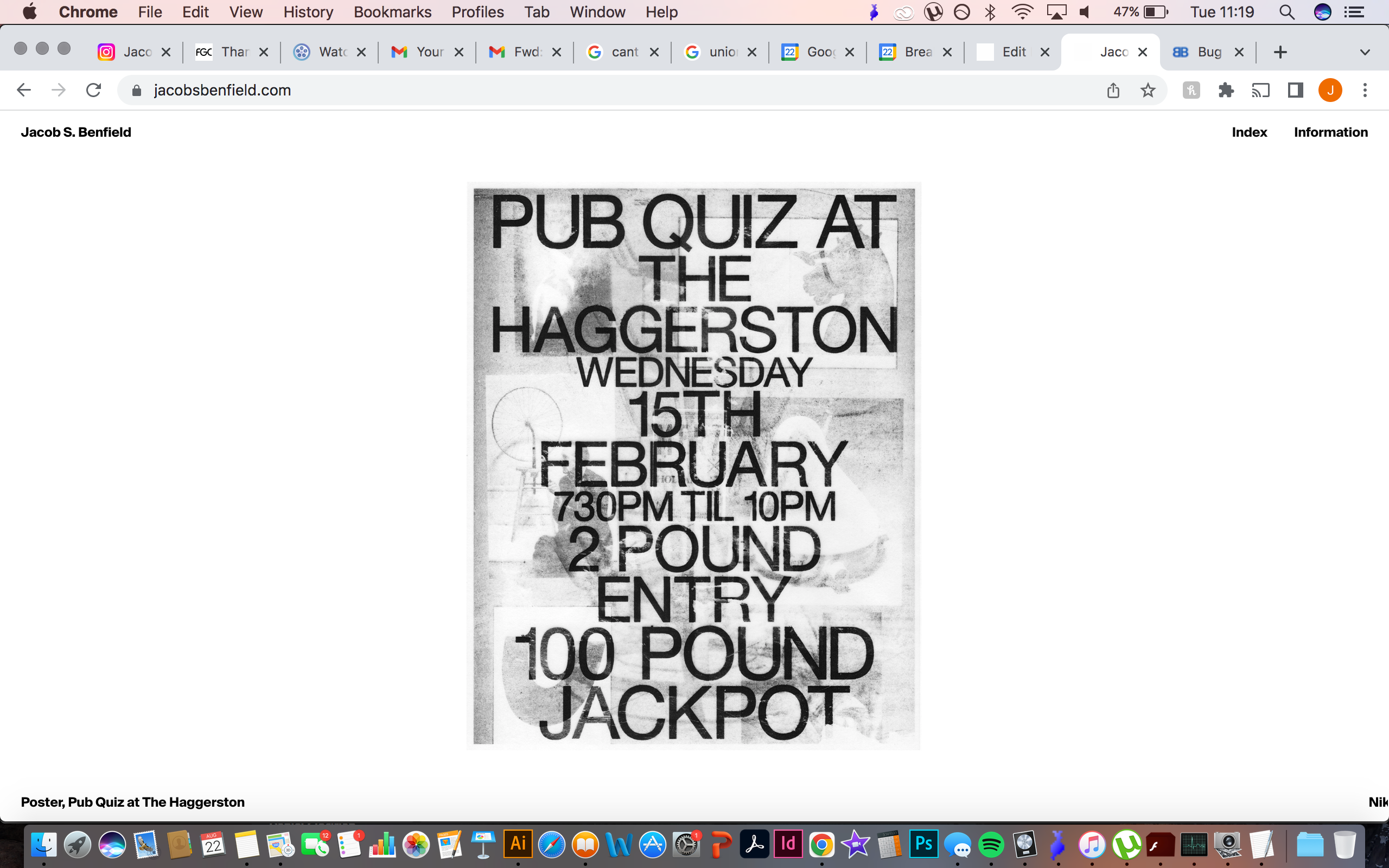
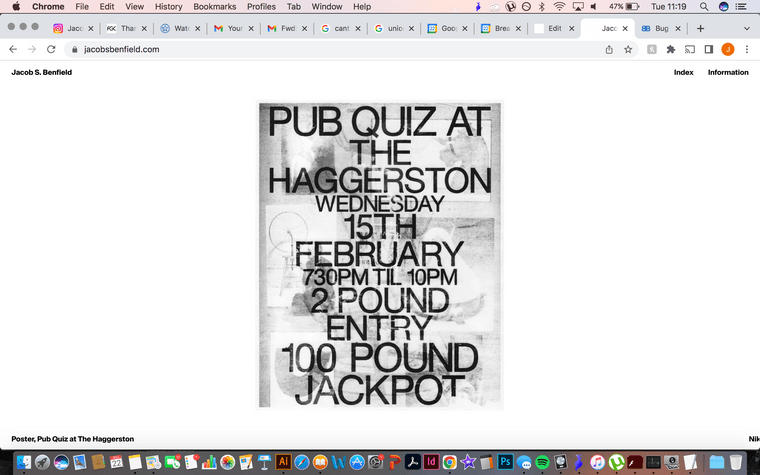
However, for some reason the positioning of the carousel captions now appear to have changed and the caption for the following slide is appearing in the bottom right corner.
See screenshot attached:
See link below:
https://jacobsbenfield.com/Any ideas?
Thank you! Really appreciate this forum
-
seems like you use some custom css,
maybe thats making it show up like that not surereplace this custom css of yours:
.lay-carousel-sink-parent {
    position: fixed;
    bottom: 2px;
}
with this:
.lay-carousel-sink-parent {
    position: fixed;
    bottom: 2px;
    left: 1.5%;
    right: 1.5%;
    overflow: hidden;
}
or i think you can just add overflow:hidden; to your css, that should be enough like:
.lay-carousel-sink-parent {
    position: fixed;
    bottom: 2px;
    overflow: hidden;
}
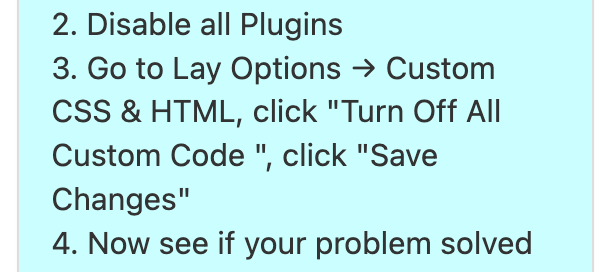
best to try and disable custom code and then see if it still doesnt work like in step 3:
-
seems like you use some custom css,
maybe thats making it show up like that not surereplace this custom css of yours:
.lay-carousel-sink-parent {
    position: fixed;
    bottom: 2px;
}
with this:
.lay-carousel-sink-parent {
    position: fixed;
    bottom: 2px;
    left: 1.5%;
    right: 1.5%;
    overflow: hidden;
}
or i think you can just add overflow:hidden; to your css, that should be enough like:
.lay-carousel-sink-parent {
    position: fixed;
    bottom: 2px;
    overflow: hidden;
}
best to try and disable custom code and then see if it still doesnt work like in step 3:
@arminunruh My hero Armin! This worked perfectly, thank you once again :)
Keep on keeping on!
-
A alasdair17 referenced this topic on

Hello! It looks like you're interested in this conversation, but you don't have an account yet.
Getting fed up of having to scroll through the same posts each visit? When you register for an account, you'll always come back to exactly where you were before, and choose to be notified of new replies (either via email, or push notification). You'll also be able to save bookmarks and upvote posts to show your appreciation to other community members.
With your input, this post could be even better 💗
Register Login