Project Index showing active background color even not on project page
-
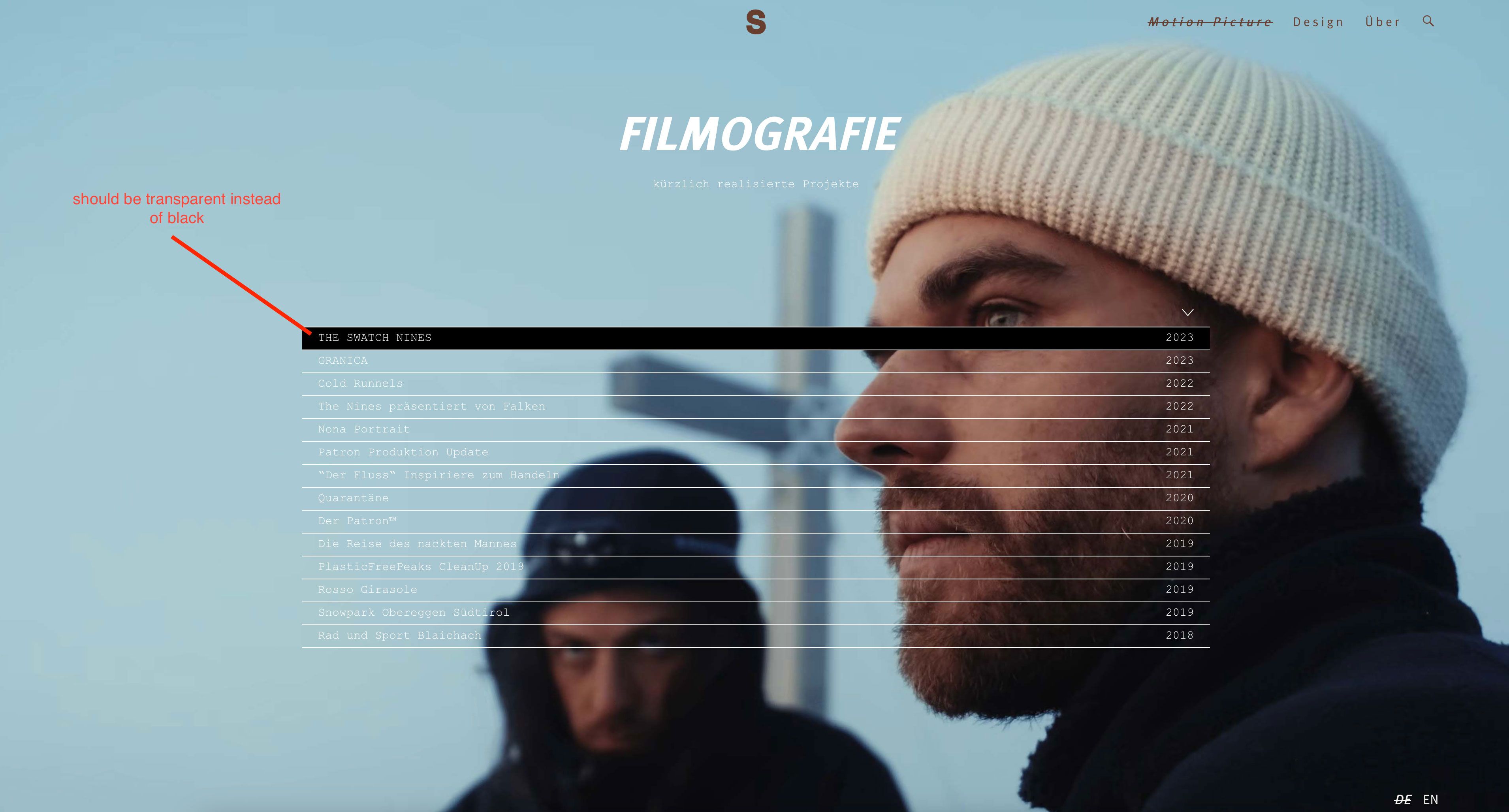
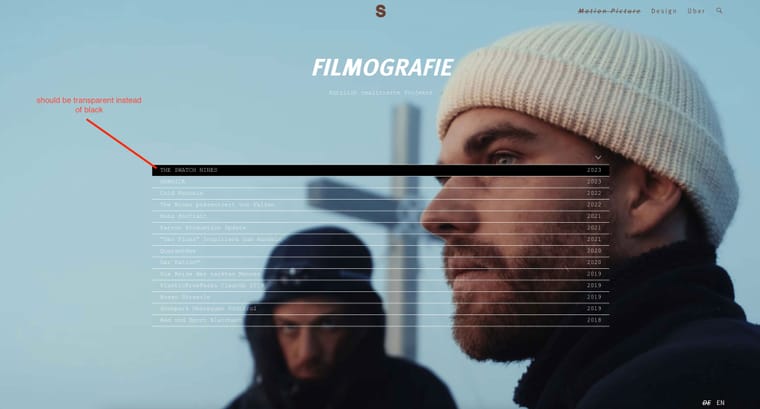
Hello, I encountered a problem with the "project index" plugin. On my header page I got a list of all my projects using the project index plugin. Normally the list would appear only with white font and lines (transparent background). But the very first project got a column in black background color even though I am not on its current project page for the moment --> here is the description how lay theme should handle it, but it is not working correctly: Active Background Color (A project is active means you are on its project-page currently). For reference you find my project index on the very bottom of this page where everything beside the list should be transparent.
-
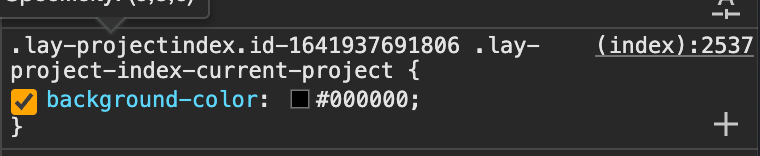
i see this one has a black background because it thinks its currently on that project :/
can you just edit the projectindex element in the gridder and remove the black color?
-
Many thanks for the quick reply. Actually that is what I tried to do. But the settings of the Plugin don't allow for transparent background. Should I try to solve the issue within CSS ?
-
mmh yea you're right, i need to change this
.lay-project-index-current-project{
background-color: transparent!important;
}
.lay-projectindex-row, .lay-project-index-current-project.lay-projectindex-row{
background-color: white!important;
}
use this css, does it work?

Hello! It looks like you're interested in this conversation, but you don't have an account yet.
Getting fed up of having to scroll through the same posts each visit? When you register for an account, you'll always come back to exactly where you were before, and choose to be notified of new replies (either via email, or push notification). You'll also be able to save bookmarks and upvote posts to show your appreciation to other community members.
With your input, this post could be even better 💗
Register Login