#footer-region overflow problem
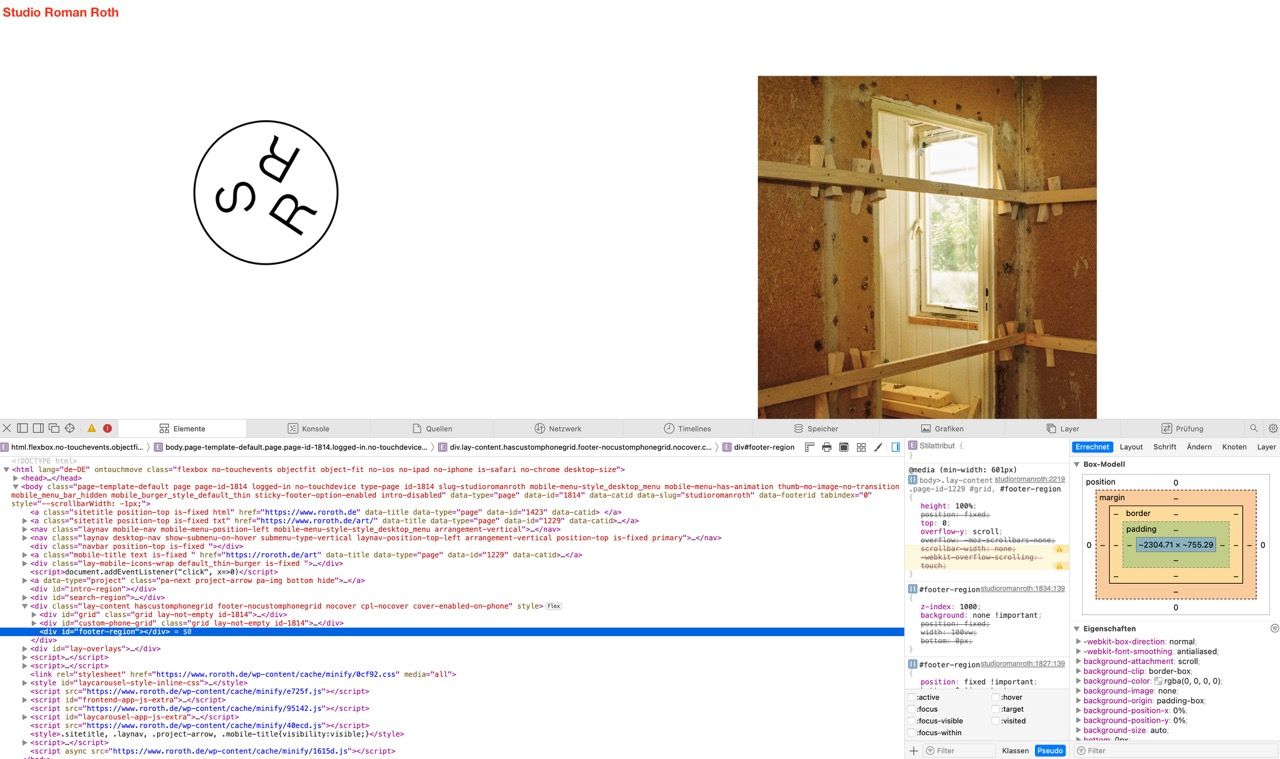
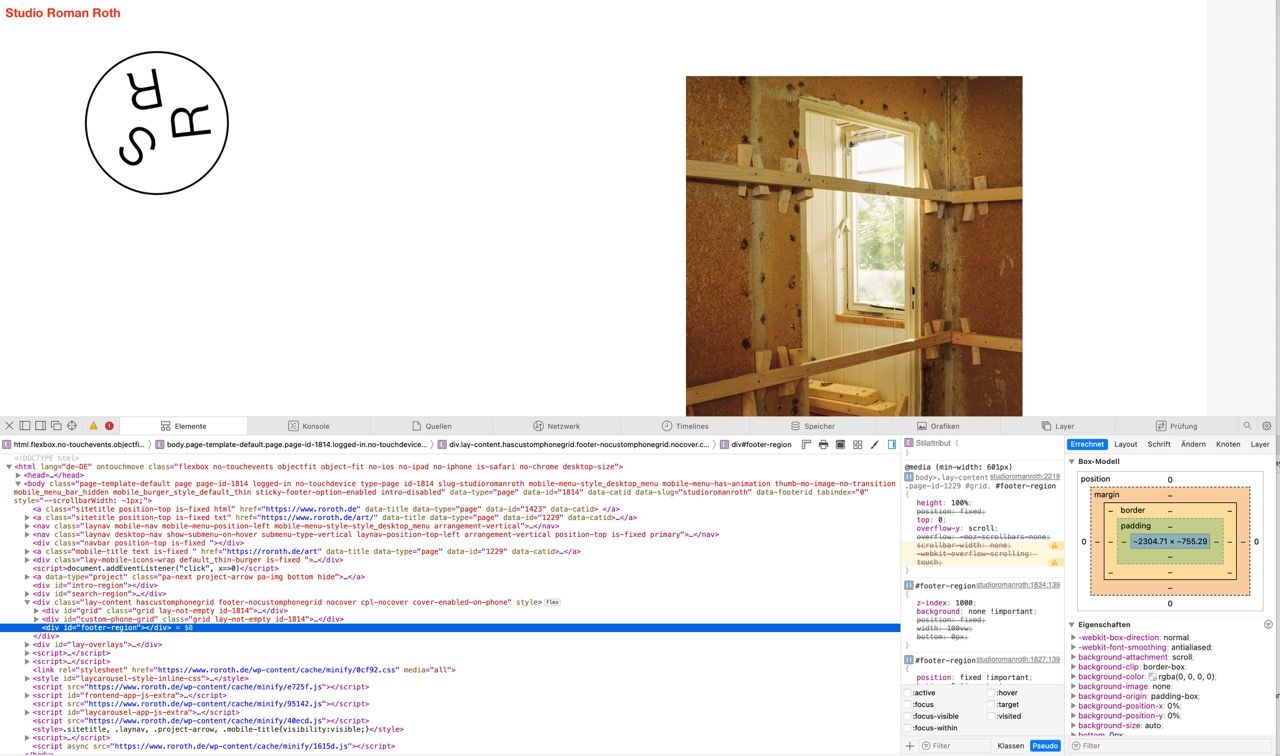
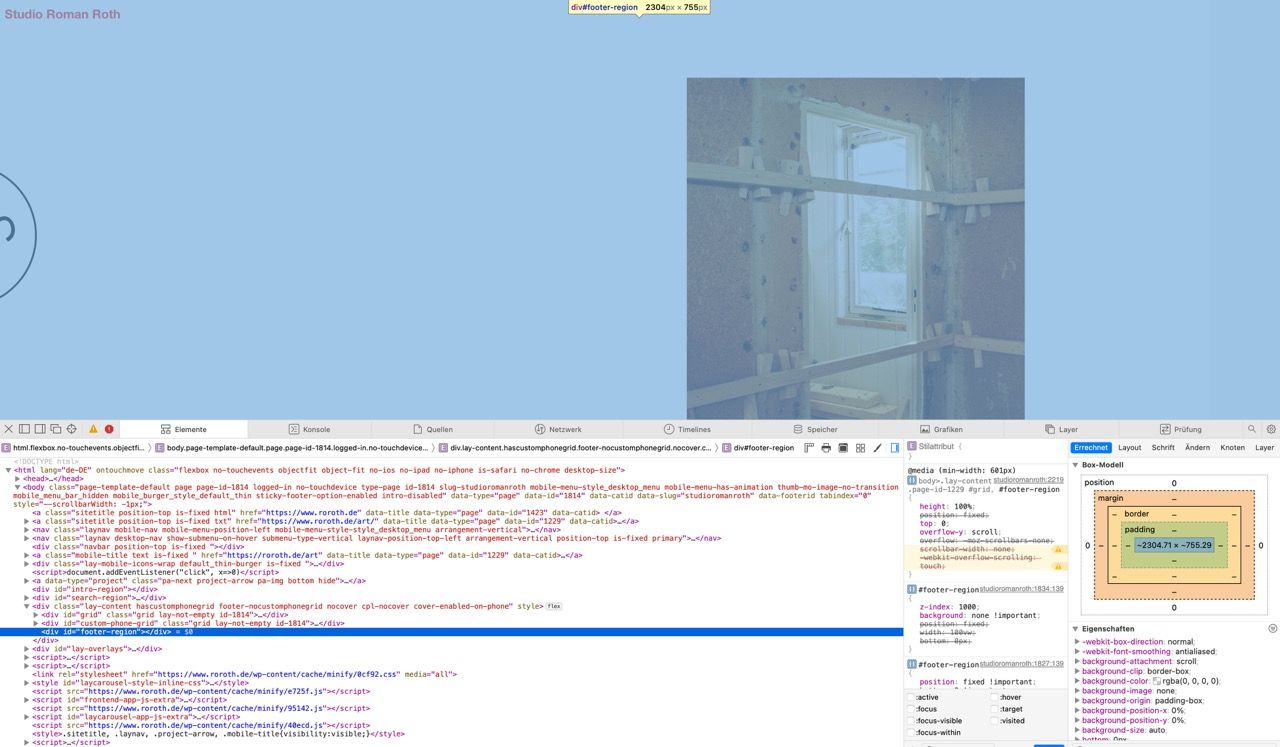
-
Hi Lay Team
Page: https://www.roroth.de/studioromanroth/
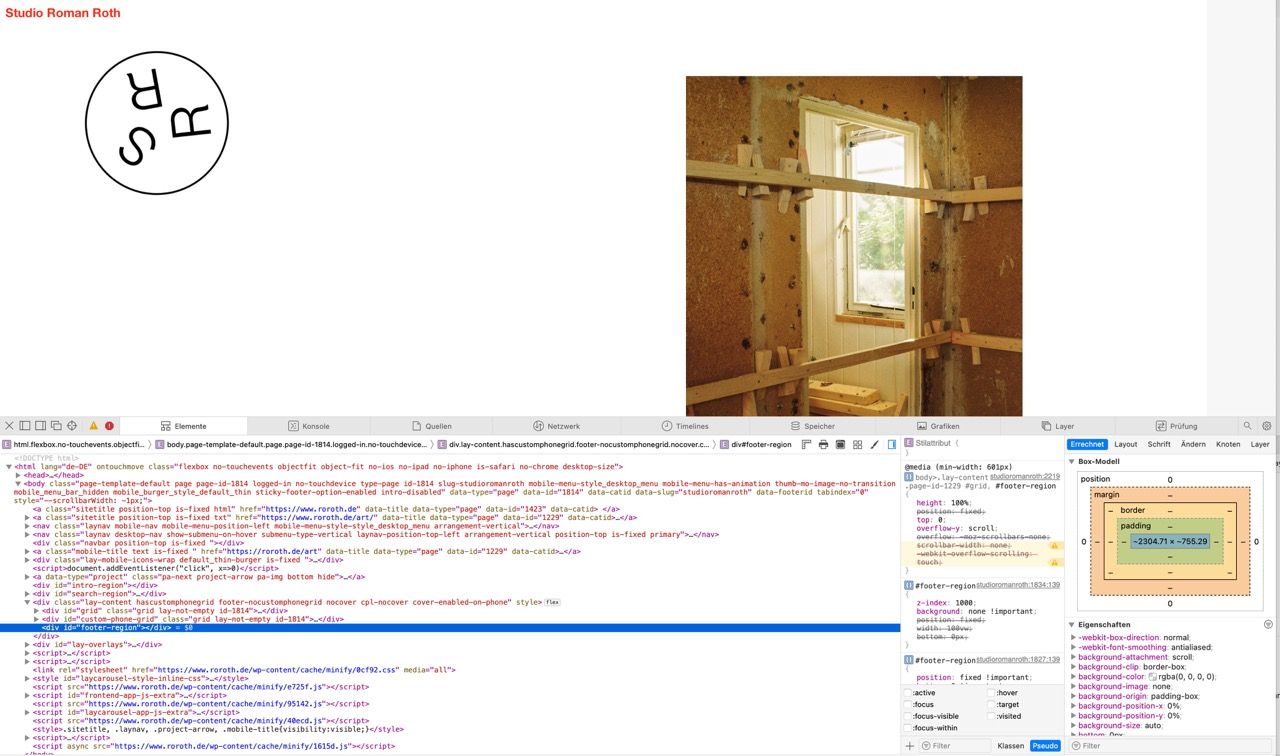
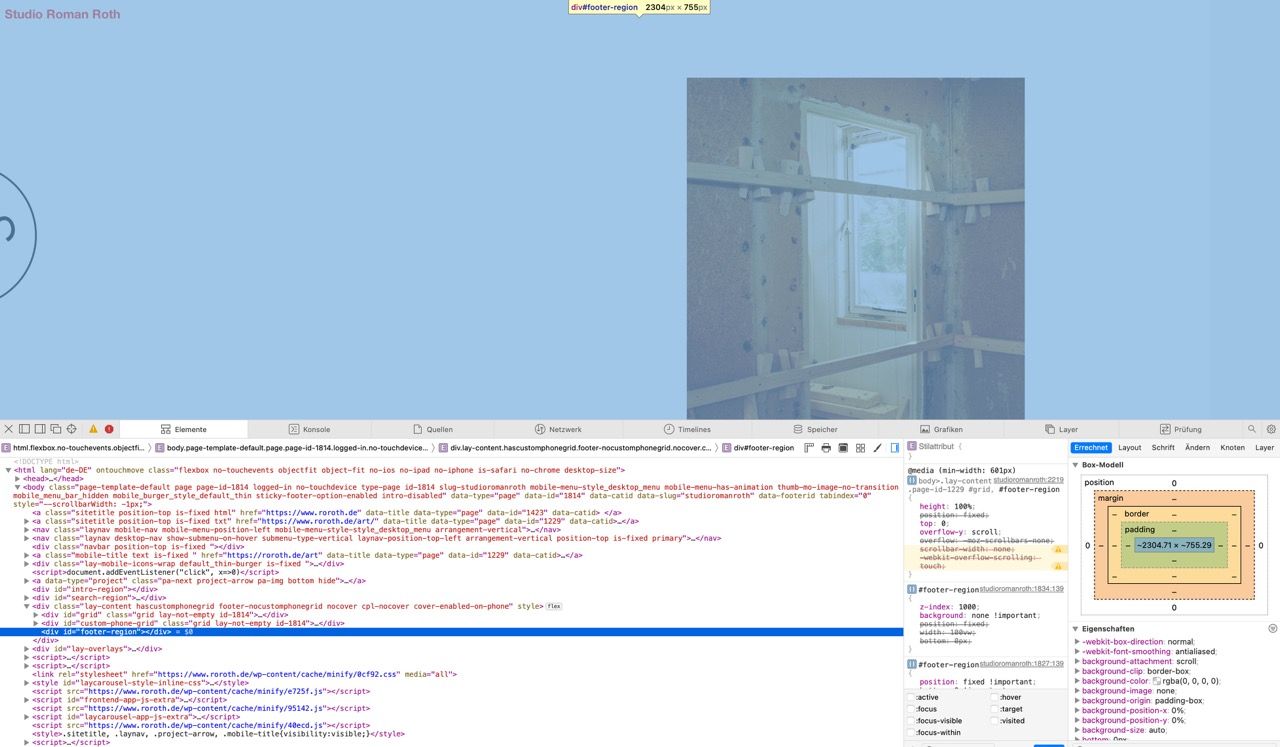
Classic overflow problem, something is forcing the page to be more than 100% wide – hence scrollable to the right.
I have:
- turned all custom code off
- removed all spinny funky images from the page
- etc etc.
When I inspect the Element, it seems that the Footer-Region is pushing although it is not set to 110% or something similar.
ive also tried
- setting / unsetting a footer
- redone a clean footer to try
- forcing the footer to be only 10vw; left: 0
nothing does the trick.
What am I missing here or might it be a bug?Thanks in advance and good night,
Roman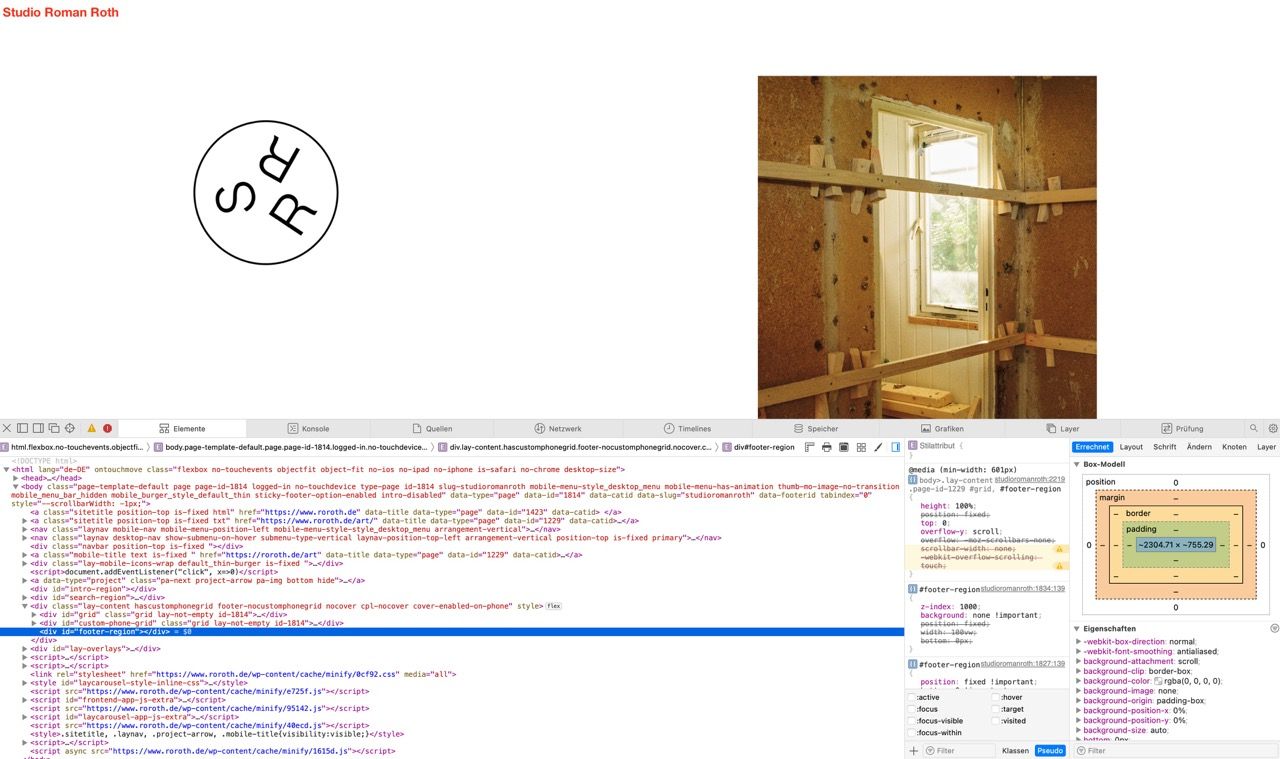
-
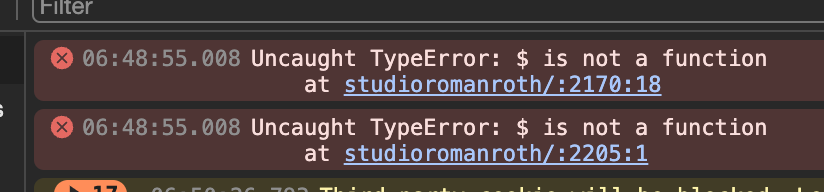
can you use "jQuery" instead of "$"
-
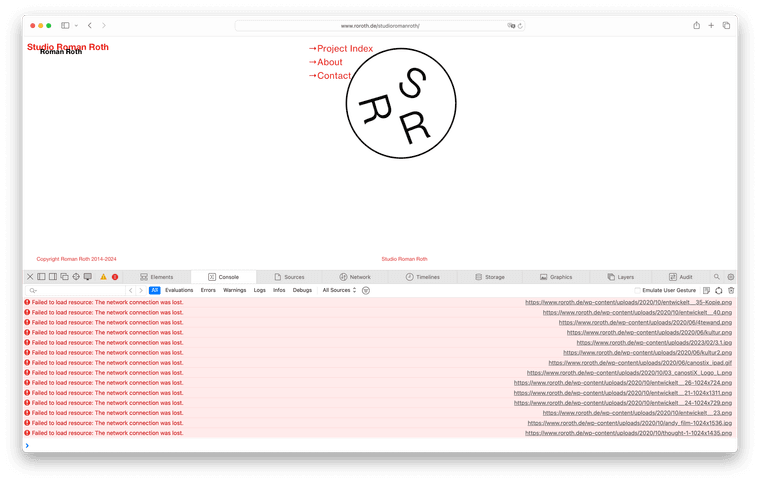
i cant see an overflow on chrome or safari
can you change your site so i can see the issue happening?

Hello! It looks like you're interested in this conversation, but you don't have an account yet.
Getting fed up of having to scroll through the same posts each visit? When you register for an account, you'll always come back to exactly where you were before, and choose to be notified of new replies (either via email, or push notification). You'll also be able to save bookmarks and upvote posts to show your appreciation to other community members.
With your input, this post could be even better 💗
Register Login