Tag filter bug
-
here is what it looks like without any selection:
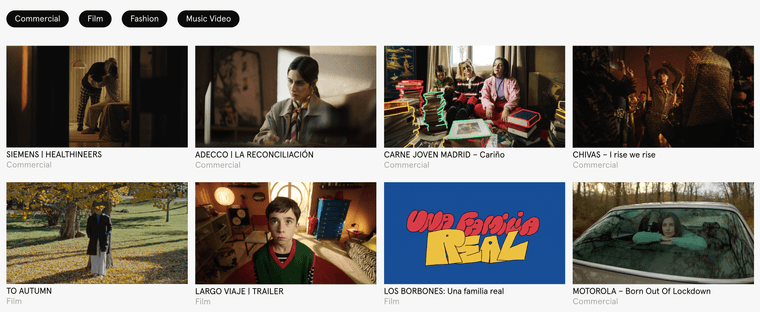
this is what it looks like when i select "commercial" and then "film":
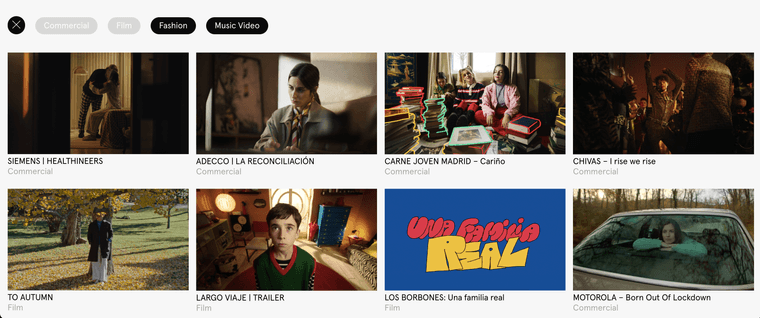
so you're saying when i would select "commercial" and then "film", i should see the same order as in the first screenshot?
is that how you'd like it to behave?
-
Here without any selection:

Here when i select "commercial":
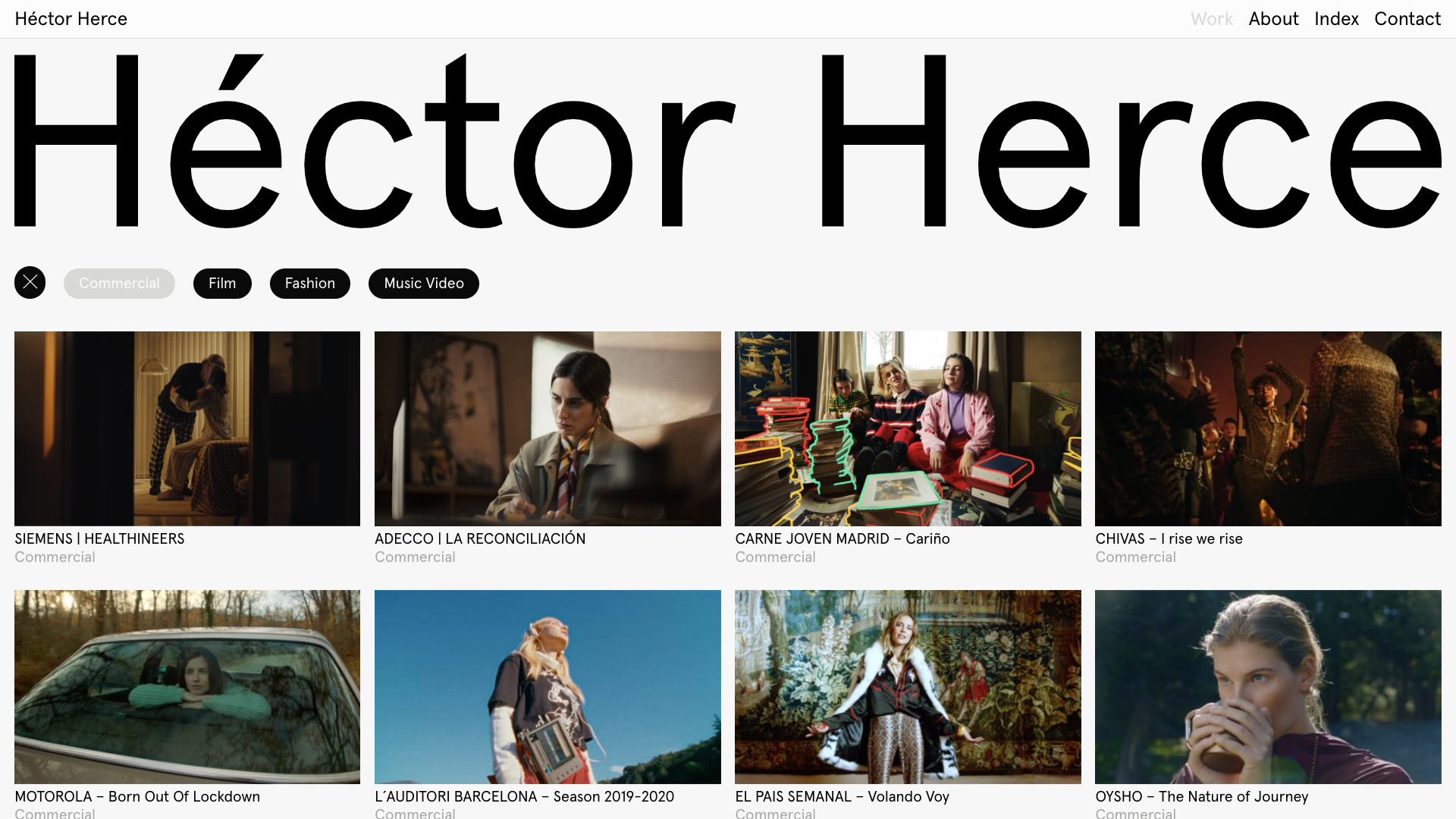
Here is the problem, when I delete the selection it does not return to how it was at the beginning ( all "commercial" appear first:

Thanks a lot! @arminunruh for you time as always.
-
ok i see! ok will try and fix this soon
-
ok i see! ok will try and fix this soon
@arminunruh Thanks :)
-
could you fix it @arminunruh ?
Thanks :)
-
yea sorry im so busy!
its still on my list :O -
Thanks :) @arminunruh
-
still haven't done it sorry ^^
-
hey so i finally got the time to look at this
however, after trying a lot, i couldn't reproduce the issue
can you send your website address, /wp-admin/ username and password and a link to this topic to info@laytheme.com?
-
I sent you everything @arminunruh

Hello! It looks like you're interested in this conversation, but you don't have an account yet.
Getting fed up of having to scroll through the same posts each visit? When you register for an account, you'll always come back to exactly where you were before, and choose to be notified of new replies (either via email, or push notification). You'll also be able to save bookmarks and upvote posts to show your appreciation to other community members.
With your input, this post could be even better 💗
Register Login