How do i make Images inserted via Shortcode responsive?
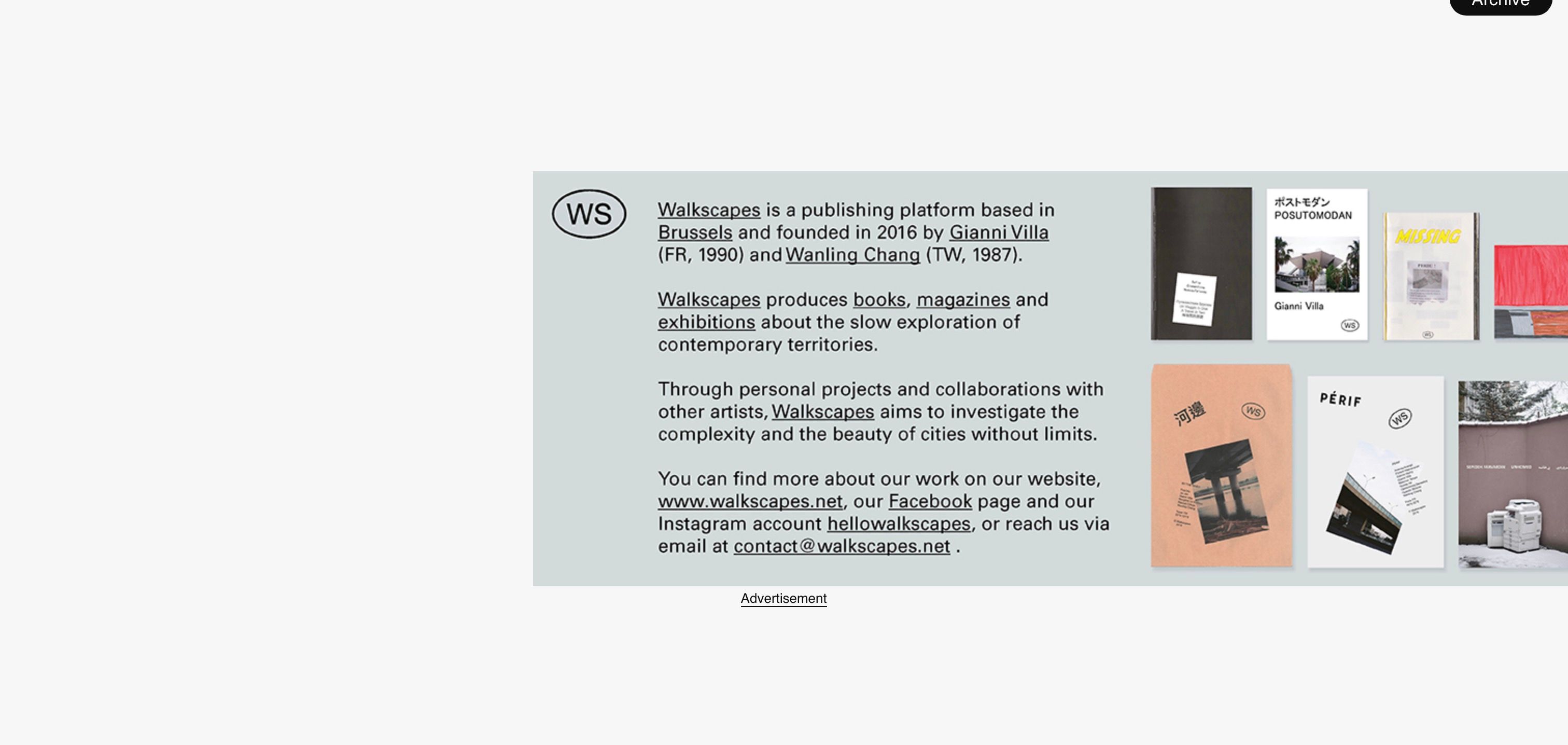
-
Here's some context:
- I'm running Lay Theme version: 7.0.9 and Wordpress 6.5.2
- I'm using the Plugin Advanced Ads to insert image ads via shortcode.
- Image dimensions can be set inside Advanced Ads but only in pixels, this means they are not responsive and stay the same dimensions when resizing the browser window
- I can set the container class and id of each image via the plugin
Is there a way to insert images via shortcode and make them responsive, no matter the actual image dimensions? It used to work a couple of updates ago.
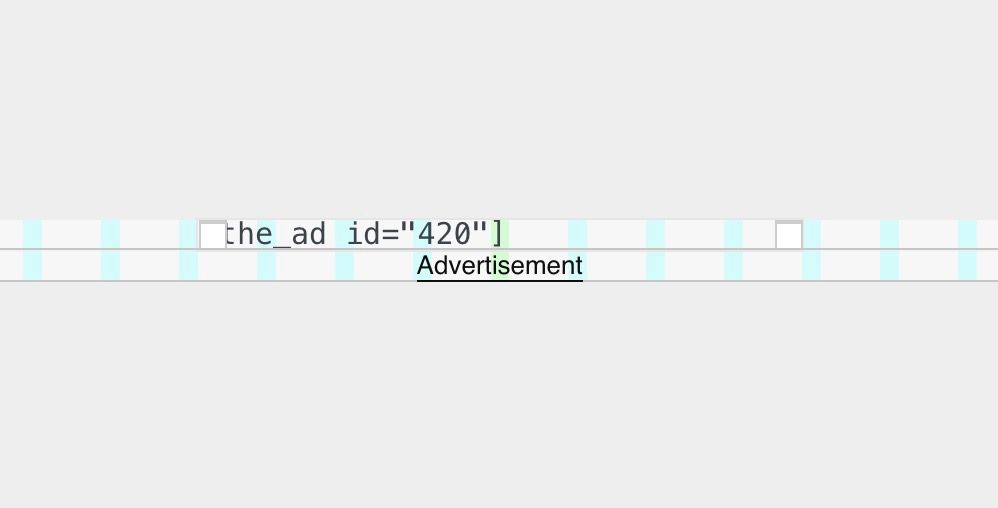
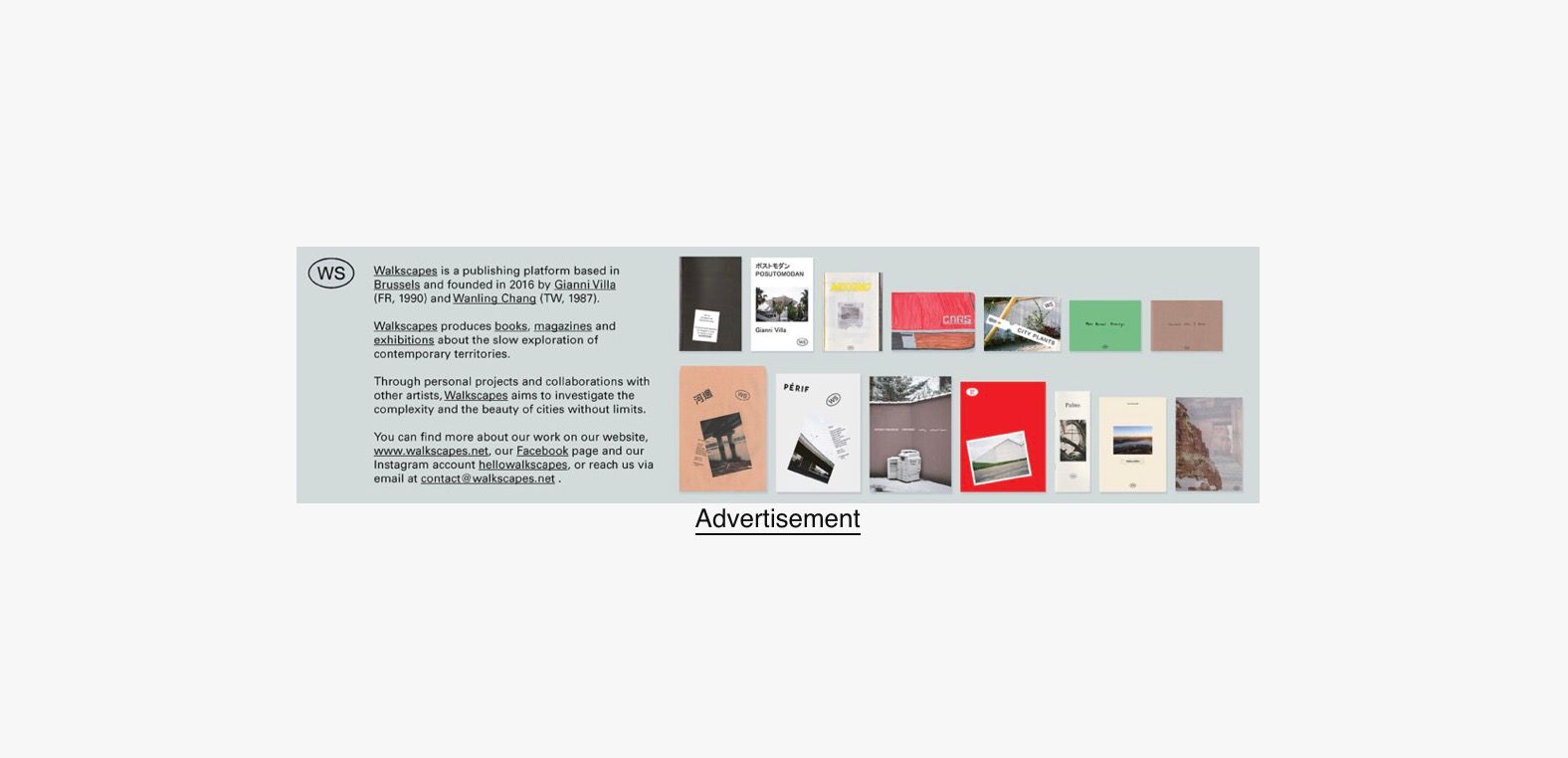
If I insert the shortcode into the gridder (like above), I want the image to have the same width as set in the gridder, and for it to be responsive (like below). Is that possible?
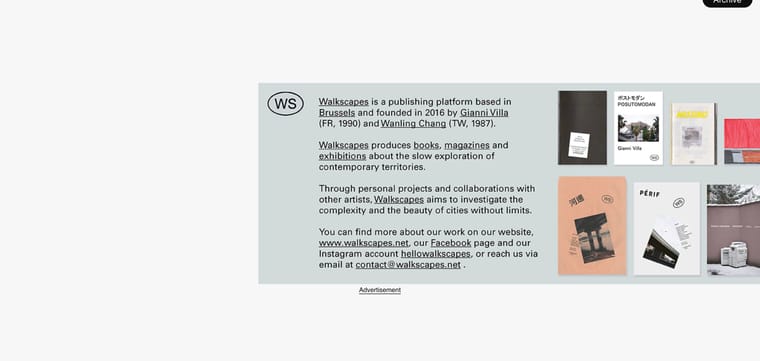
Unfortunately it looks like this when I enter the shortcode (see below). No matter the size I set in the gridder, the image is shown in its original dimensions and stays unresponsive.
I have only minimal knowledge about HTML/CSS or class / id, and such. Any help is much appreciated!
-
i need the link
-
its just an image?
.type-shortcode img{
width: 100%important;
}
maybe this?
-
-
nice!
i had to change this before because some people had the exact opposite problem.
^^

Hello! It looks like you're interested in this conversation, but you don't have an account yet.
Getting fed up of having to scroll through the same posts each visit? When you register for an account, you'll always come back to exactly where you were before, and choose to be notified of new replies (either via email, or push notification). You'll also be able to save bookmarks and upvote posts to show your appreciation to other community members.
With your input, this post could be even better 💗
Register Login