project "update" button not available
-
Hi there,
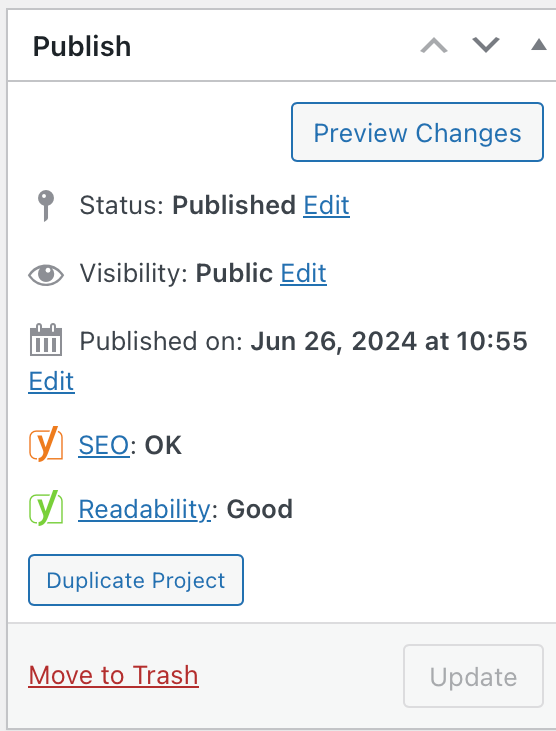
I have made a New Project, which has been working as normal for some time. However, now I am unable to select "Update" when I make changes.
This is the case even when I try to duplicate the project and make a new one. It is happening on both Chrome and Safari.
Have I accidentally locked this from changes? Or is this some type of bug that has occurred?
Screen shot below.
-
Hello! It looks like you're interested in this conversation, but you don't have an account yet.
Getting fed up of having to scroll through the same posts each visit? When you register for an account, you'll always come back to exactly where you were before, and choose to be notified of new replies (either via email, or push notification). You'll also be able to save bookmarks and upvote posts to show your appreciation to other community members.
With your input, this post could be even better 💗
Register Login