Projects Overlays row with background color
-
web: https://talineiman.com/start-copy-2/
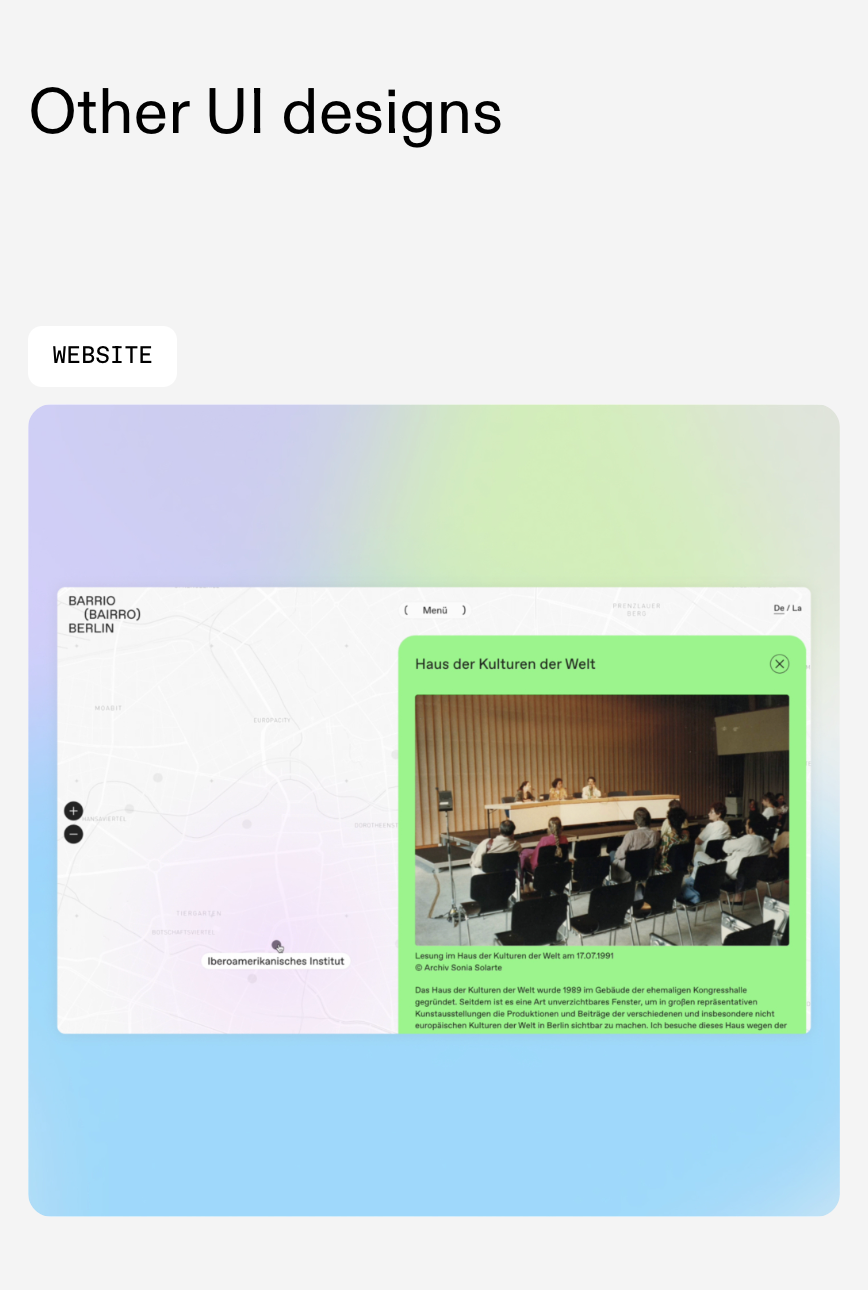
I have an issue with Project Overlay
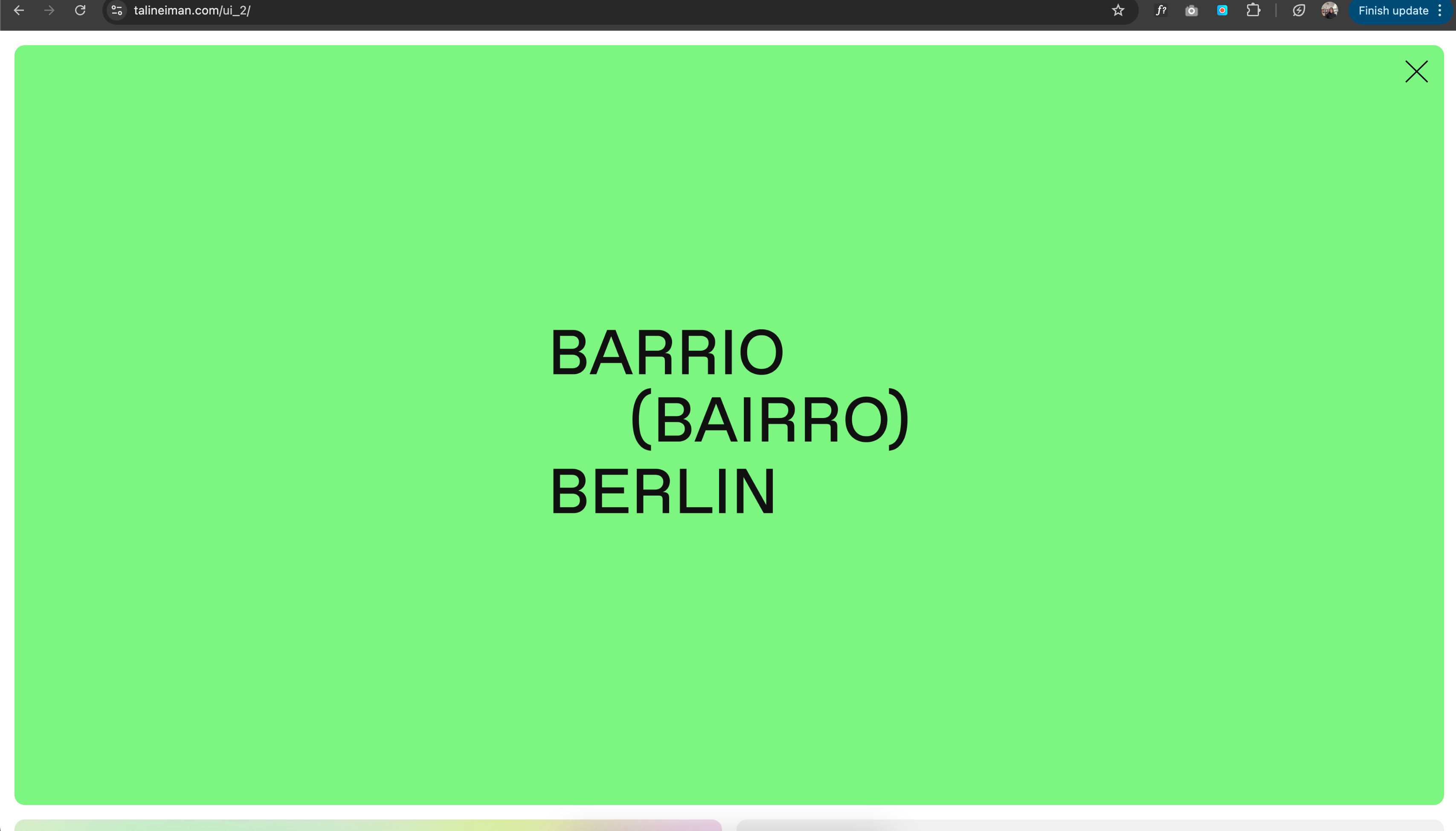
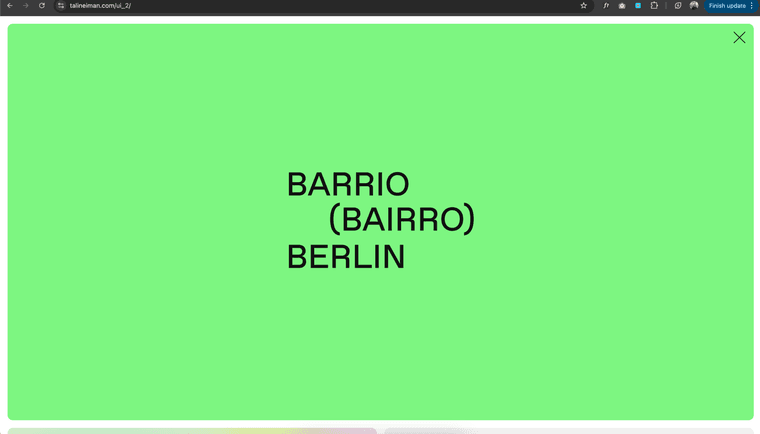
When it opens (and there is a row with background color), I see the color background and the content... but, it shows all WHITE for a quick second.
I tried different settings but nothing works.Images:
- This is the project that has the error: the first "other ui design"
- The green background with the logo is where the error happens (everything white for a sec)
-
lay options → projects overlays
set this to when loaded:
-
ur design looks rlly good!
-
Hi @arminunruh thanks!
Thats what i did, but the problem is still there :/
any other idea? -
Hi, I don't know if I should make a new topic or this is fine but I also have an issue with Project Overlay on Safari - when clicking the link it works on Chrome and Firefox but not in Safari. I tried to disable all my custom coding and the overlay still doesn't want to open in Safari.
-
hey @notrodman whats ur website address and which version of safari do u use
-
idk what u mean
https://capture.dropbox.com/7dETG02pjYxehmV4ah so u have a green background just for the first row.
then it shows up normally, but then it flashes white for a second -
@tali i cant reproduce this on my lay theme installation
can you send your website address, /wp-admin/ username and password and a link to this topic to info@laytheme.com?
-
ok i know now why it happened
i fixed it!
very nice website btw

Hello! It looks like you're interested in this conversation, but you don't have an account yet.
Getting fed up of having to scroll through the same posts each visit? When you register for an account, you'll always come back to exactly where you were before, and choose to be notified of new replies (either via email, or push notification). You'll also be able to save bookmarks and upvote posts to show your appreciation to other community members.
With your input, this post could be even better 💗
Register Login