Categories and tags section missing from project pages
-
I am working on a new site with Laytheme and I cannot find the way to add tags or place projects into categories on project pages.
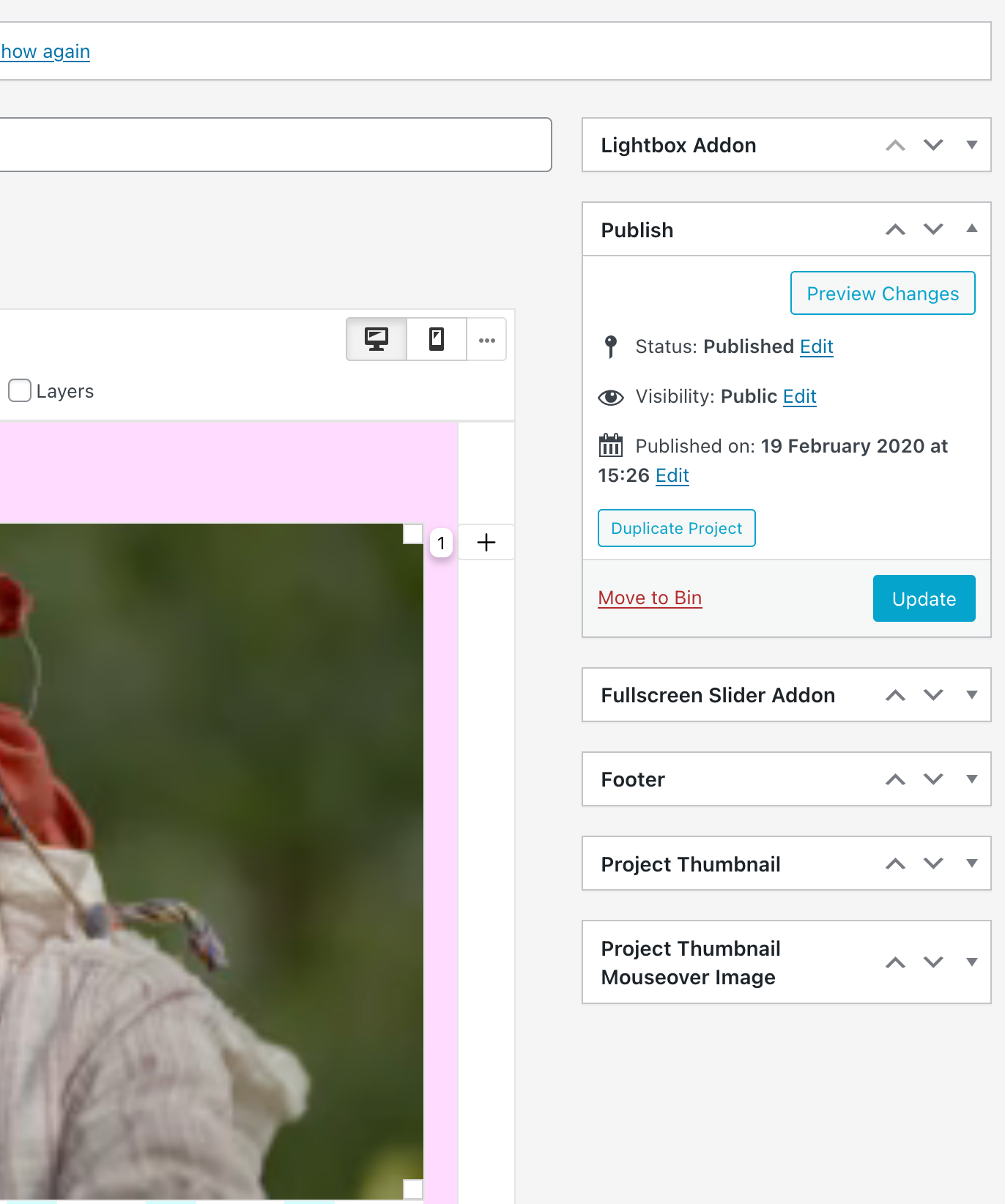
I know there is normally a box on the right underneath the publish tab, but nothing is there.
I'm very confused.Please help as I need to categorise projects so I can organise them into thumbnail grids.
-
when u are editing a project, at the top right click "screen options"
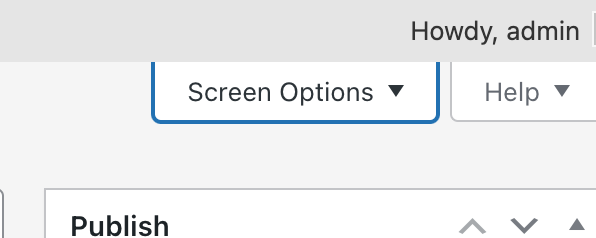
then make sure tags and categories are set to shown

Hello! It looks like you're interested in this conversation, but you don't have an account yet.
Getting fed up of having to scroll through the same posts each visit? When you register for an account, you'll always come back to exactly where you were before, and choose to be notified of new replies (either via email, or push notification). You'll also be able to save bookmarks and upvote posts to show your appreciation to other community members.
With your input, this post could be even better 💗
Register Login