Stretched Images in grid
-
I have a few images that are getting stretched in my masonry grid layout. Also, I am unable to edit my grid within the theme now.
Grid is here:
https://www.willtuddenham.com/grid -
its a element grid right
if you update lay theme you will be able to double click it again in the gridder
https://www.willtuddenham.com/grid/
which image exactly here gets stretched?
great website!! -
It is an element grid.
Editing works agin with the update! However, the images are not stretched in wordpress, but when I preview the site they are still stretched. It's 2 images:
One is showing a t-shirt with a cloud background - it's getting stretched into the next column (2/3 way down, second column from left).
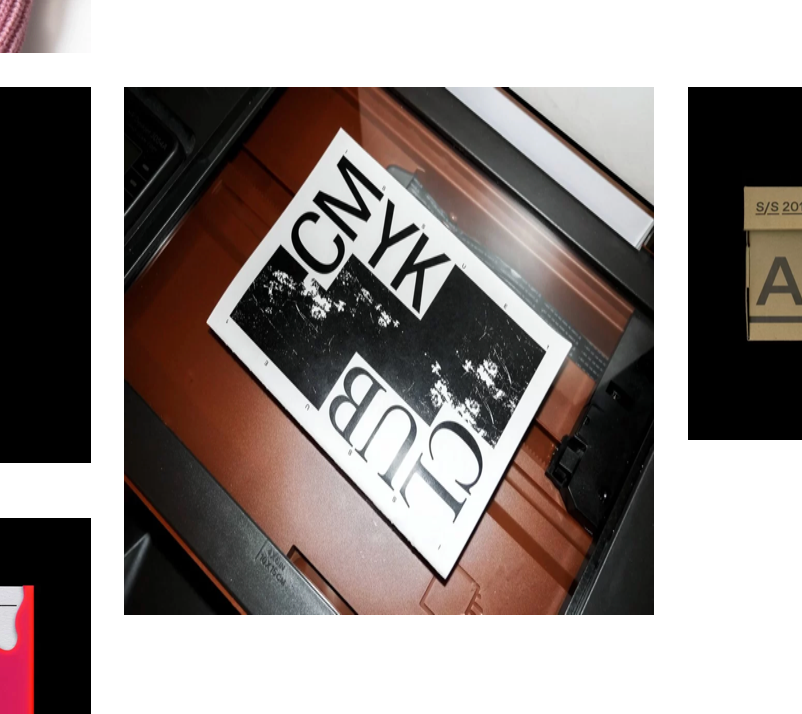
The other is a booklet on top of a scanner, very last row. Second column from left.
If I can upload images, I can show you.
-
-
ok
can you go to your media library

click on one of the images that have the wrong size.
then click "edit more details":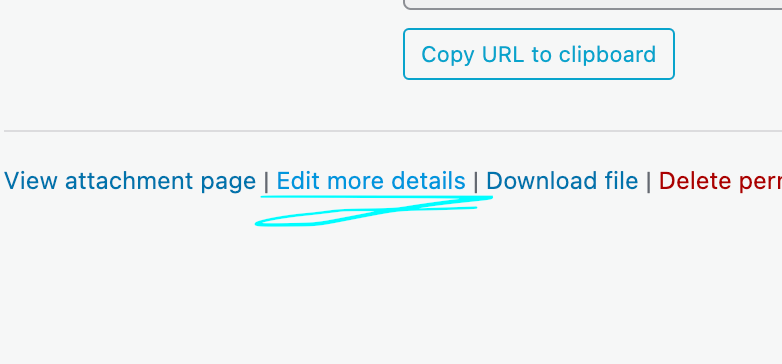
Now on the top right, you will see "Width" and "Height". Change the width and height here to the correct width and height then click "update":
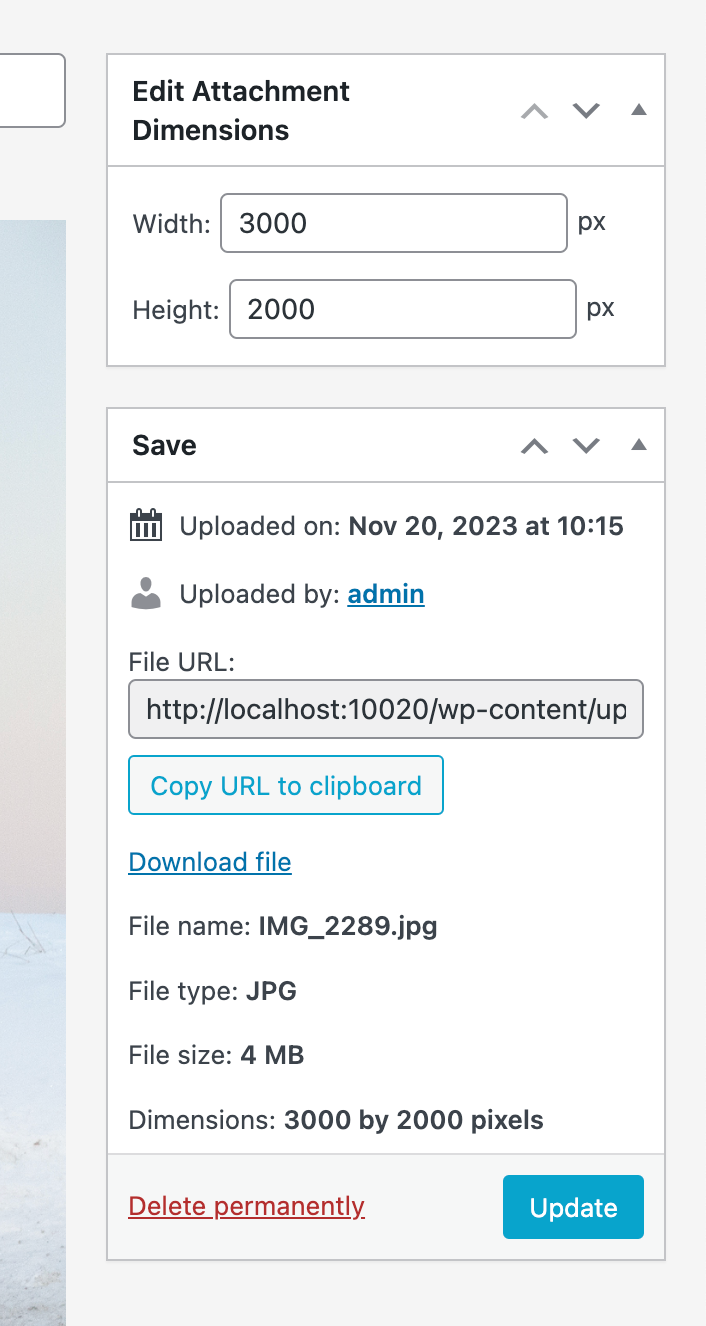
does that work?
-
-
-
ok im glad it worked! weird though that it didnt work before mmh


Hello! It looks like you're interested in this conversation, but you don't have an account yet.
Getting fed up of having to scroll through the same posts each visit? When you register for an account, you'll always come back to exactly where you were before, and choose to be notified of new replies (either via email, or push notification). You'll also be able to save bookmarks and upvote posts to show your appreciation to other community members.
With your input, this post could be even better 💗
Register Login