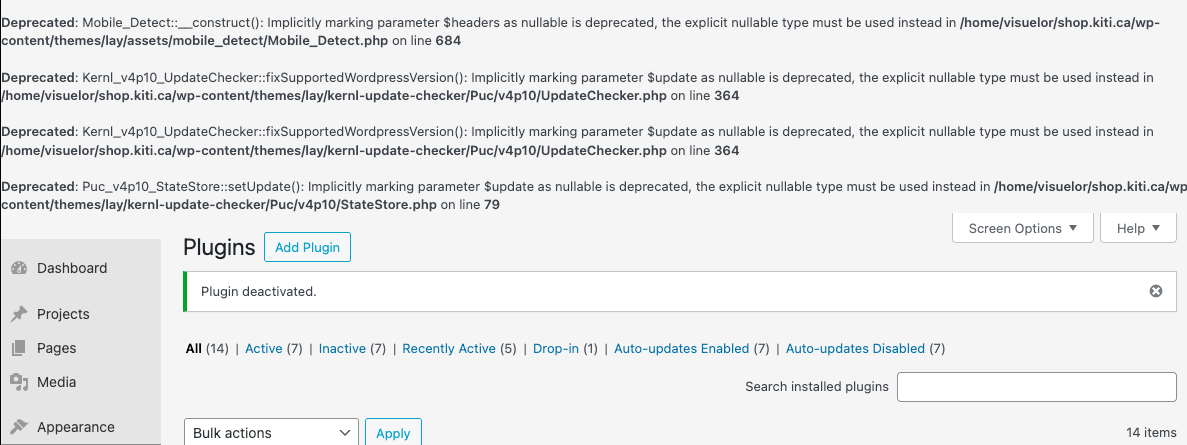
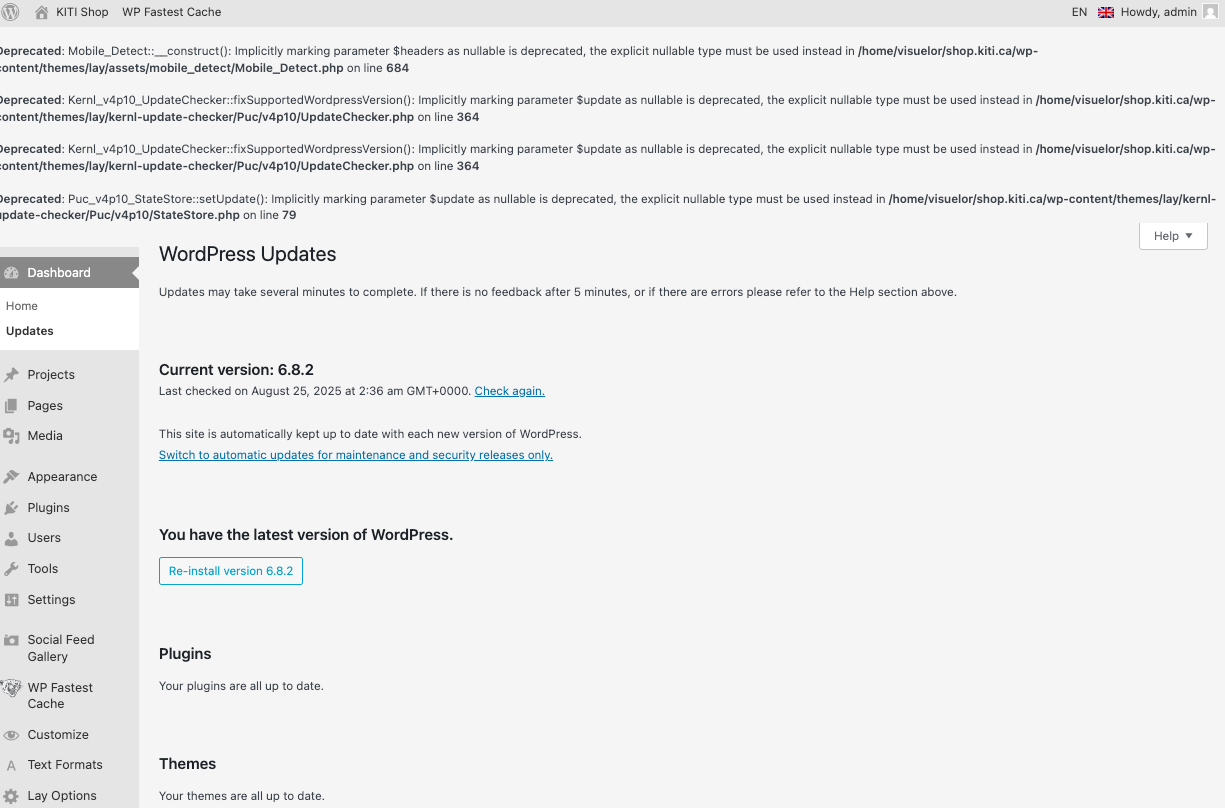
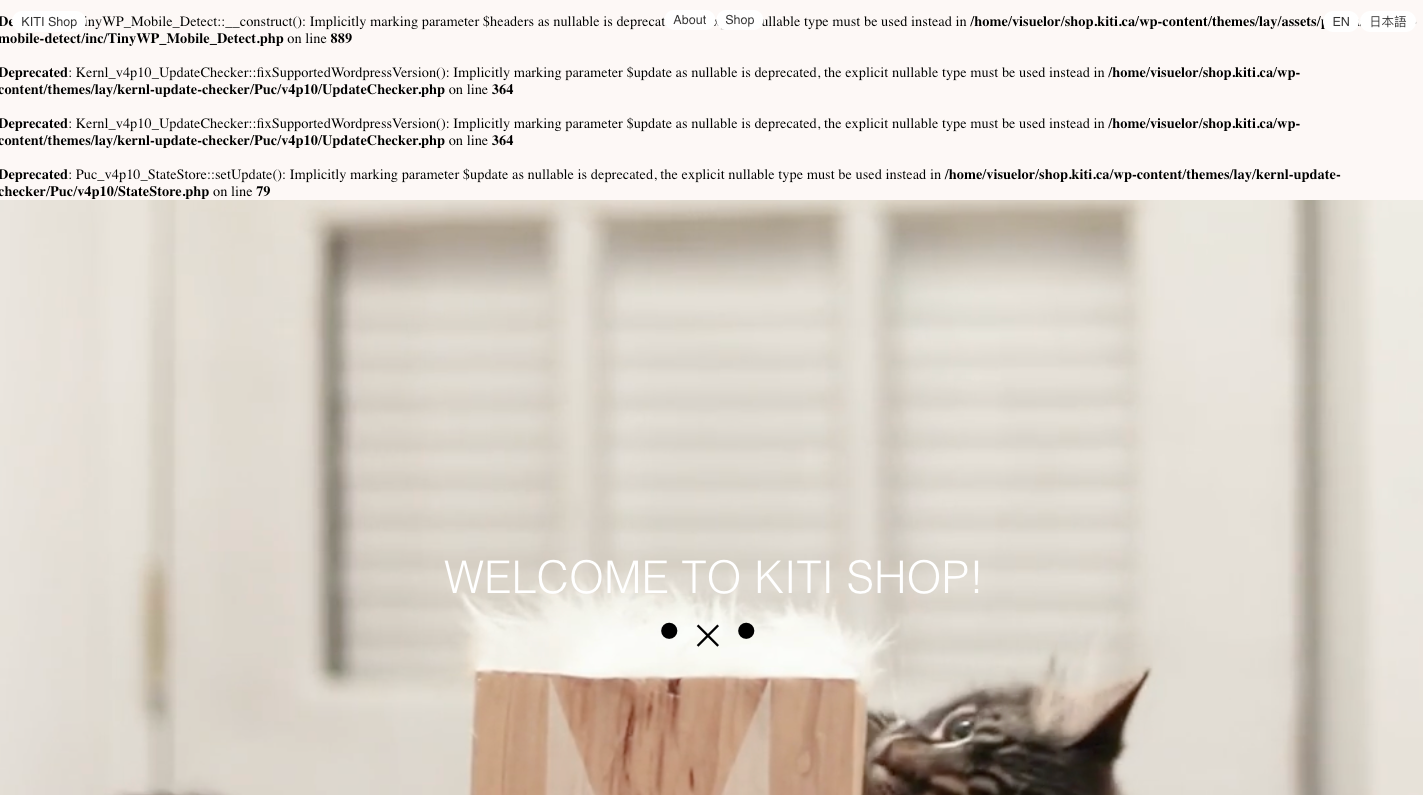
PHP 8.3+ compatibility errors (theme, WP, and plugins all up to date)
-
-
yea in wp-config.php
you can disable wp_debugchange this line:
define('WP_DEBUG', true);to:
define('WP_DEBUG', false);but im also working on a solution now where this warning wont show up
-
ok the warning wont show up with the next update
-
-
ah yea, ok let me work on this more
you can also as i said disable wp_debug to make these messages disappearyea in wp-config.php
you can disable wp_debugchange this line:
define('WP_DEBUG', true);to:
define('WP_DEBUG', false);


Hello! It looks like you're interested in this conversation, but you don't have an account yet.
Getting fed up of having to scroll through the same posts each visit? When you register for an account, you'll always come back to exactly where you were before, and choose to be notified of new replies (either via email, or push notification). You'll also be able to save bookmarks and upvote posts to show your appreciation to other community members.
With your input, this post could be even better 💗
Register Login