Distinct project in thumbnail grid
-
-
-
Im glad you found a solution! I'm not sure what you mean with "distinct a project in thumbnail grid".
Do you mean you want to highlight one project in the thumbailgrid?

a thumbnail like this would have the CSS selector:
.thumb[data-id="3408"]{
}
-
Im glad you found a solution! I'm not sure what you mean with "distinct a project in thumbnail grid".
Do you mean you want to highlight one project in the thumbailgrid?
a thumbnail like this would have the CSS selector:
.thumb[data-id="3408"]{
}
@arminunruh
Yes, to highlight one of the projects would be a great solution or to make the general ".landscape" thumbnail-wrap class projects double column width.Same width is beneficial for portrait images, but landscape ones sometimes lose visibility.
That's why same height worked better for my case.Regular, same-width column grid
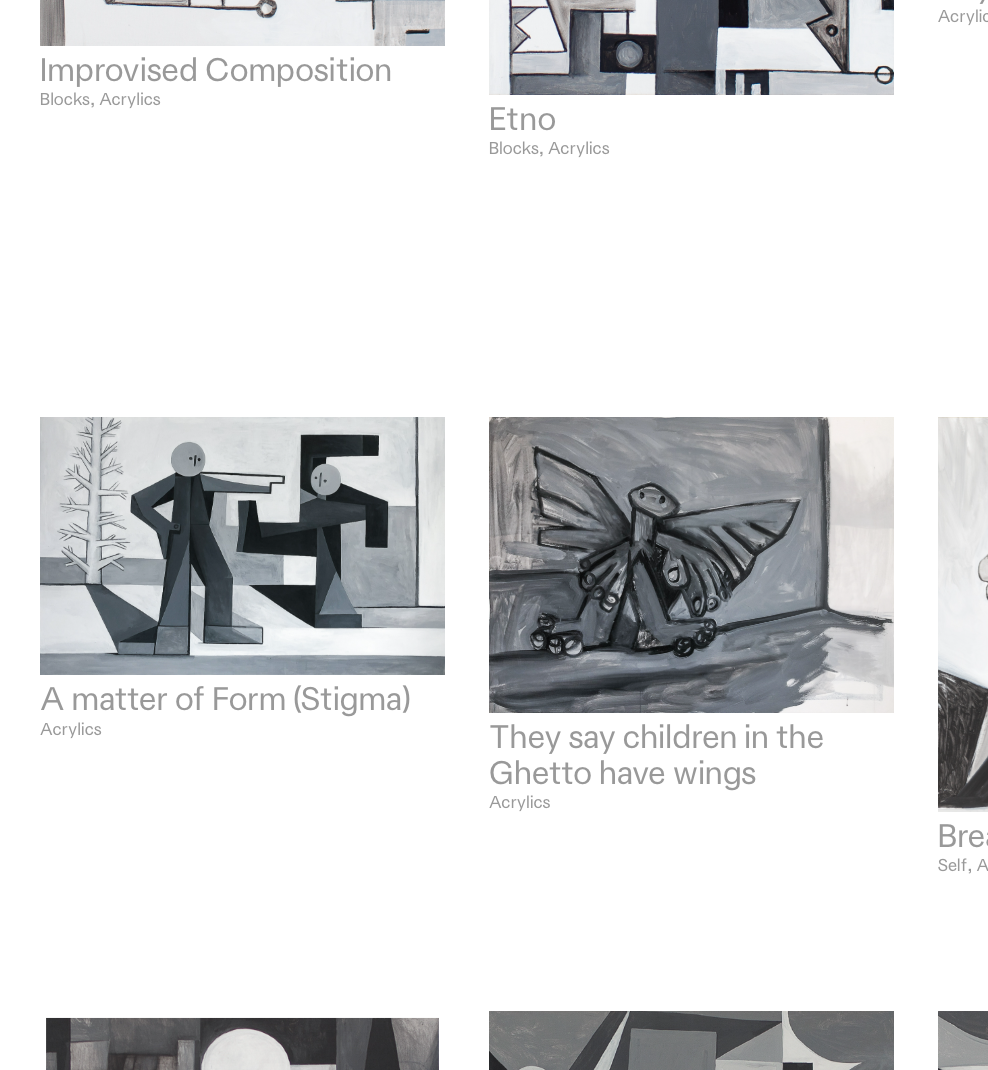
After CSS "inspector" width adjustment on thumbnail-wrap
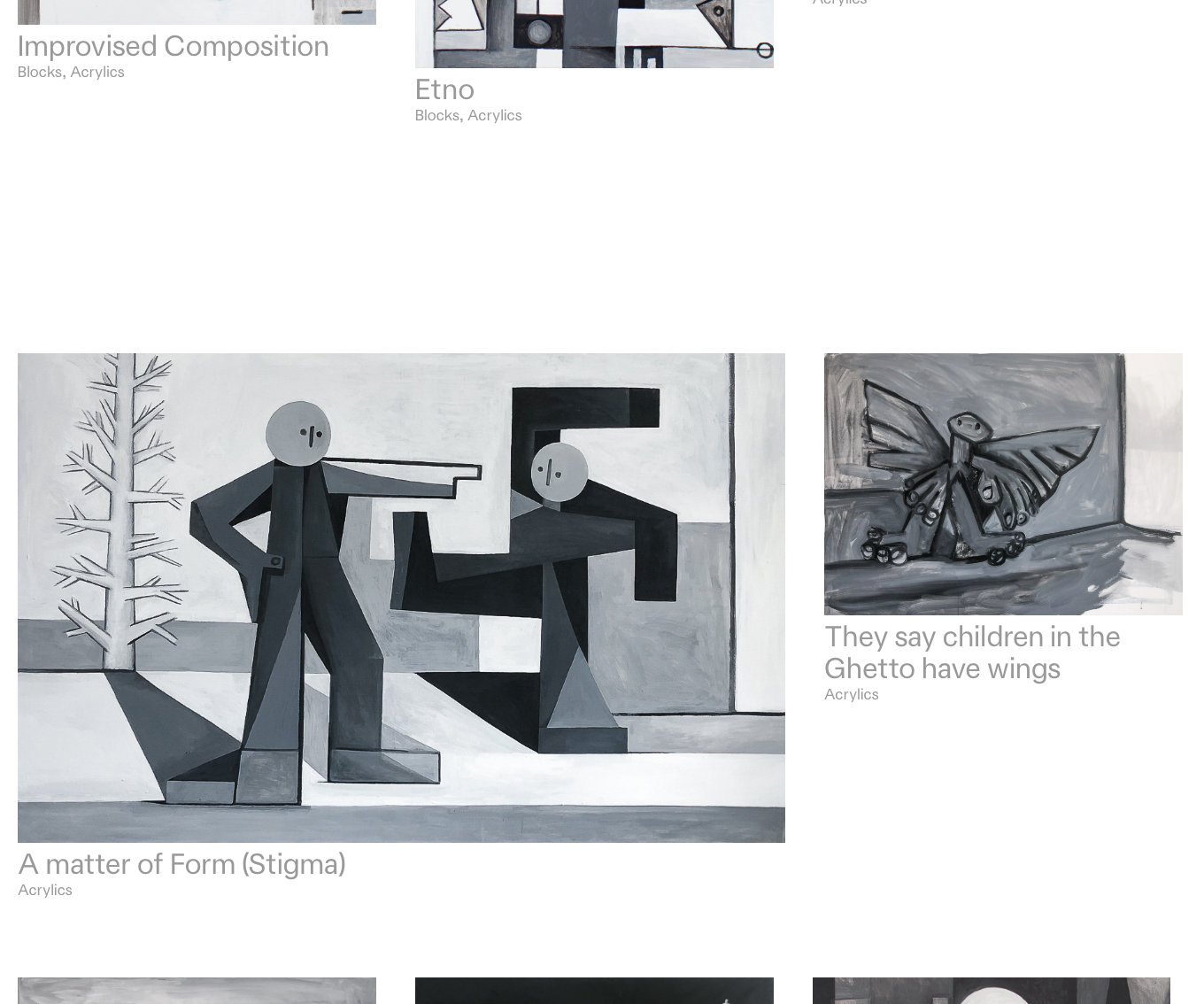
-
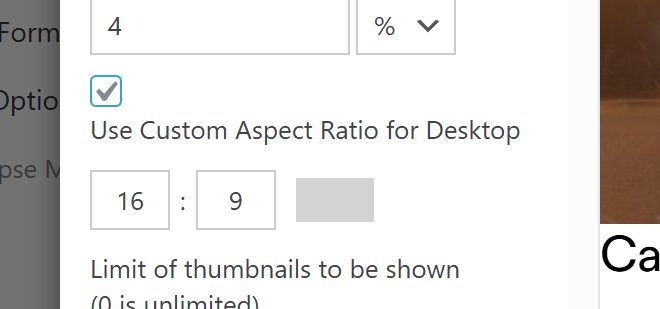
You could also use this custom aspect ratio setting for the thumbnail grid to make all the images the same aspect ratio.
-
You could also use this custom aspect ratio setting for the thumbnail grid to make all the images the same aspect ratio.
@arminunruh not a solution for me but I get it why this solution is helpfull, thanks!
-
ok. yea it would probably be good if we had sth like this for the thumbnailgrid too:


Hello! It looks like you're interested in this conversation, but you don't have an account yet.
Getting fed up of having to scroll through the same posts each visit? When you register for an account, you'll always come back to exactly where you were before, and choose to be notified of new replies (either via email, or push notification). You'll also be able to save bookmarks and upvote posts to show your appreciation to other community members.
With your input, this post could be even better 💗
Register Login