Text max width and cover function
-
-
ah yes will be fixed with the next update
-
It’s possible to set a specific smallwidth or all the rows of the website and have only certain rows behave differently?
For example, with carousels that stretch to the edges of the screen, so I wouldn’t want those to follow a maxwidt.
I tried assign a class to a row to manage the maxwidth with css but not working
-
youre talking about
max width?
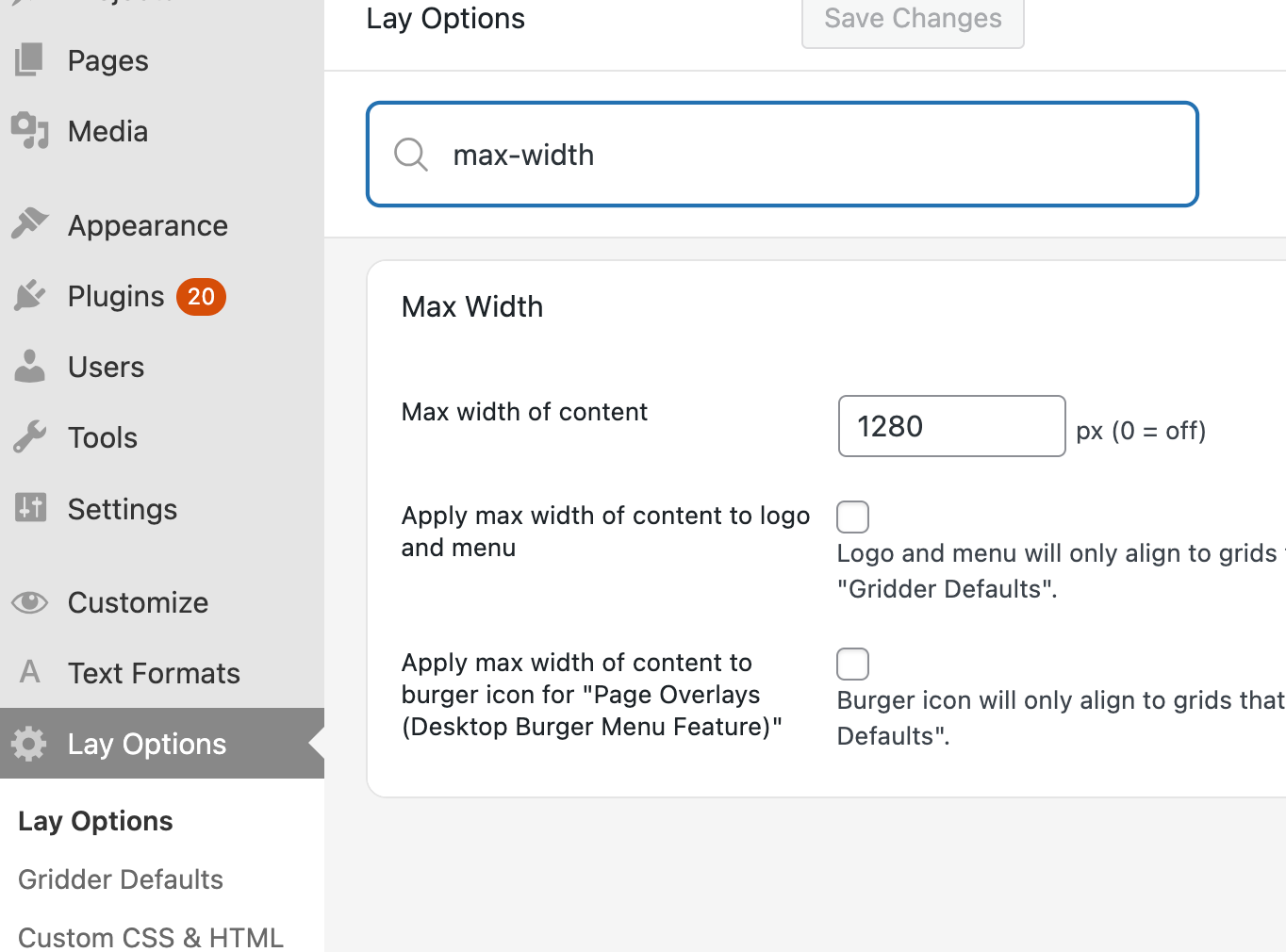
.row-inner:has(.frame-overflow-both){
    max-width: none!important;
}
Enter this css in "lay options" -> "custom css & html" -> "custom css"

this targets elements like the one above where you resized them to go to the edges
-
I tried your CSS, but it does not work.
After setting a specific max width, some rows that contain elements such as a carousel which I want to occupy the entire screen and ignoring the max width as if no max width had been assigned.I would like to exclude some specific row from this limitation.
Video recording
https://www.dropbox.com/scl/fi/vg90xpkg9wt7k9c83ngyd/Excluding-a-row-from-max-width.mp4?rlkey=royws33tmse1b7nypo4xrbf2p&dl=0 -
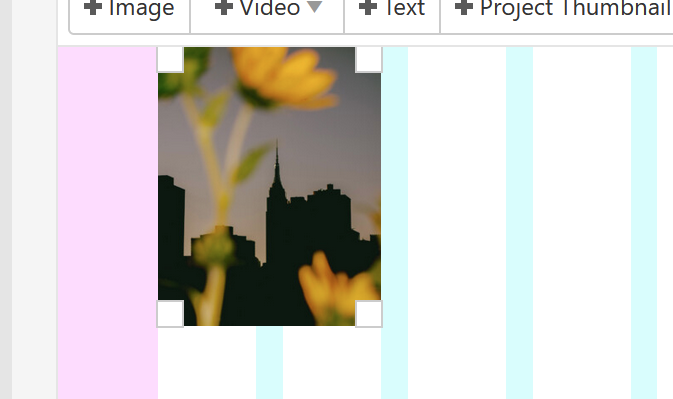
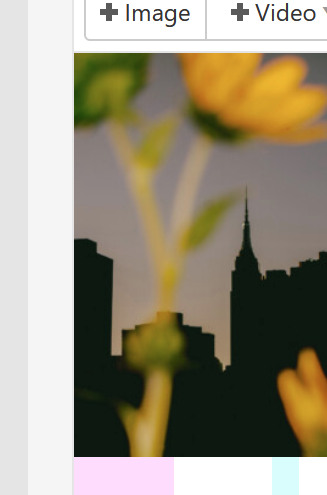
are u sure you resized the element all the way to the sides, overlapping the outer frame?
if u want you can send me the URL here or by email info@laytheme.com
-


Hello! It looks like you're interested in this conversation, but you don't have an account yet.
Getting fed up of having to scroll through the same posts each visit? When you register for an account, you'll always come back to exactly where you were before, and choose to be notified of new replies (either via email, or push notification). You'll also be able to save bookmarks and upvote posts to show your appreciation to other community members.
With your input, this post could be even better 💗
Register Login