Web fonts only displaying correctly on pages with fullscreen slider activated
-
Hello everyone.
I'm having problems getting web fonts to display correctly in my browser and have spent a few hours banging my head to narrow it down.
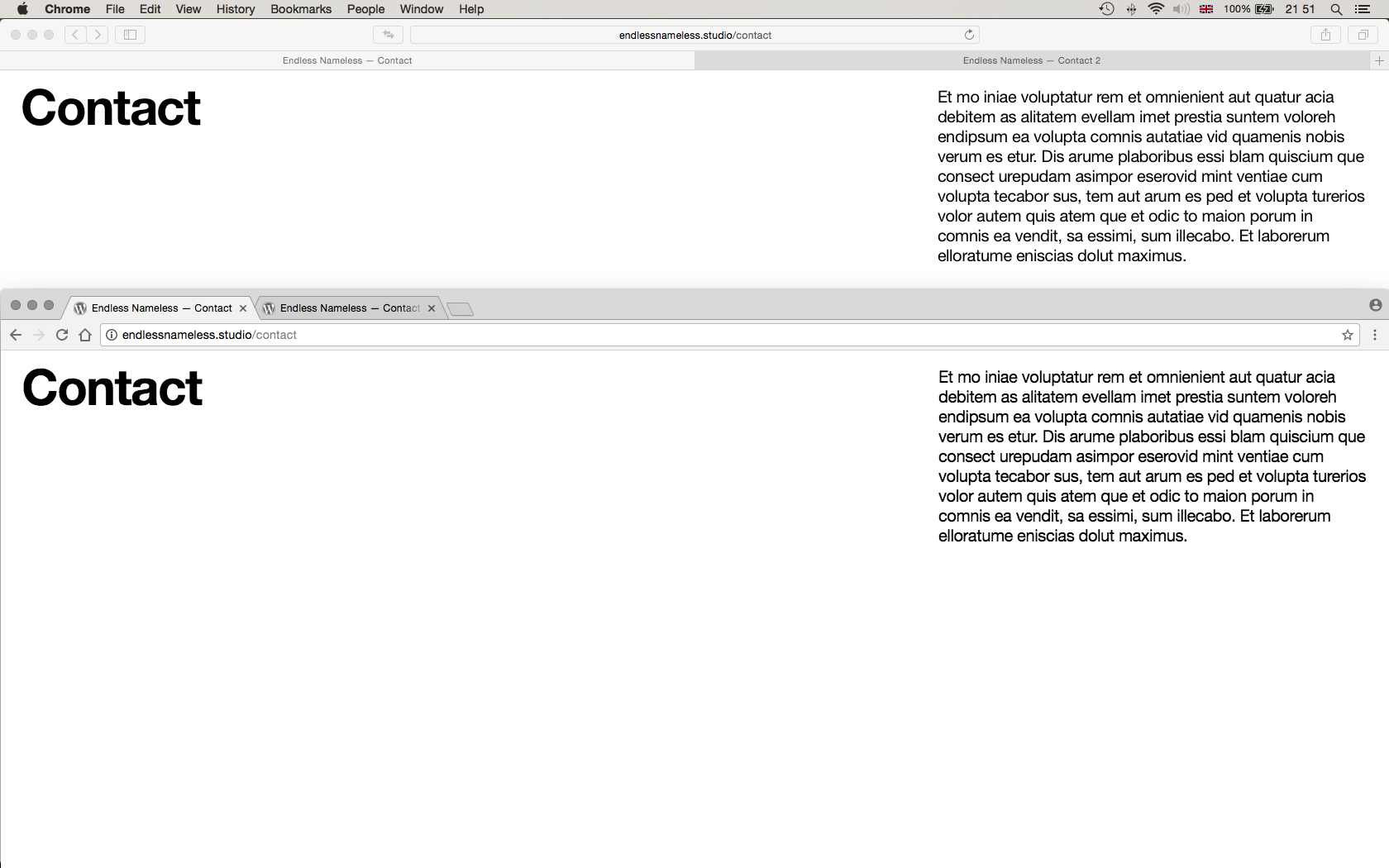
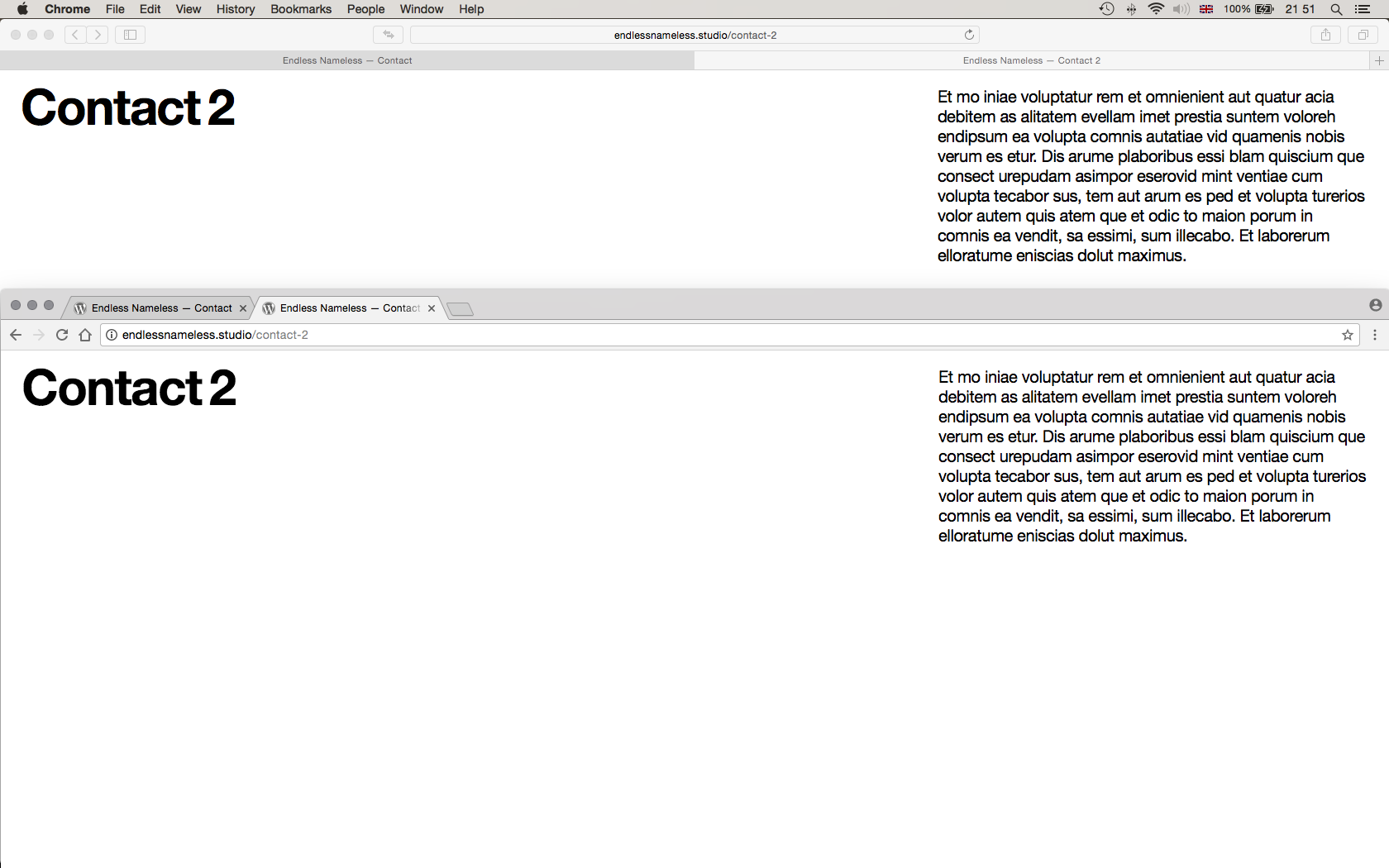
Basically, I have two web fonts installed: Helvetica Neue Regular and Helvetica Neue Bold, and I have noticed that they only display correctly, i.e. crisp and sharp, in Safari, but only on pages that have the fullscreen slideshow activated. On pages in Safari without the slideshow activated, they look swollen and, well, pretty terrible. In Chrome, I can't get them to display correctly regardless of whether or not the slideshow is activated—they're constantly swollen; Regular looks more like Medium.
I've made two screenshots that, hopefully, will illustrate the issue. They consist of two pages: one named 'Contact', which has the slideshow activated and one named 'Contact 2' which has no slideshow activated. I've split the screen to show Safari at the top and Chrome at the bottom.
I've tested these same web fonts with other themes on my current OS/browser setup with no issues. Hopefully we can get to the bottom of this one. Links to the pages in question here:
http://endlessnameless.studio/contact
http://endlessnameless.studio/contact-2Best,
N


OS X 10.10.5
Safari 10.1.2
Chrome 62.0.3202.94 -
Hi @EN
try to add this to your custom CSS:
body {
	-webkit-font-smoothing: antialiased;
	-moz-osx-font-smoothing: grayscale;
}
All the best!
Marius
-
-

Hello! It looks like you're interested in this conversation, but you don't have an account yet.
Getting fed up of having to scroll through the same posts each visit? When you register for an account, you'll always come back to exactly where you were before, and choose to be notified of new replies (either via email, or push notification). You'll also be able to save bookmarks and upvote posts to show your appreciation to other community members.
With your input, this post could be even better 💗
Register Login