Yoast SEO = 'page not found' homepage issue
-
Hello, I have noticed this issue when using Yoast SEO.
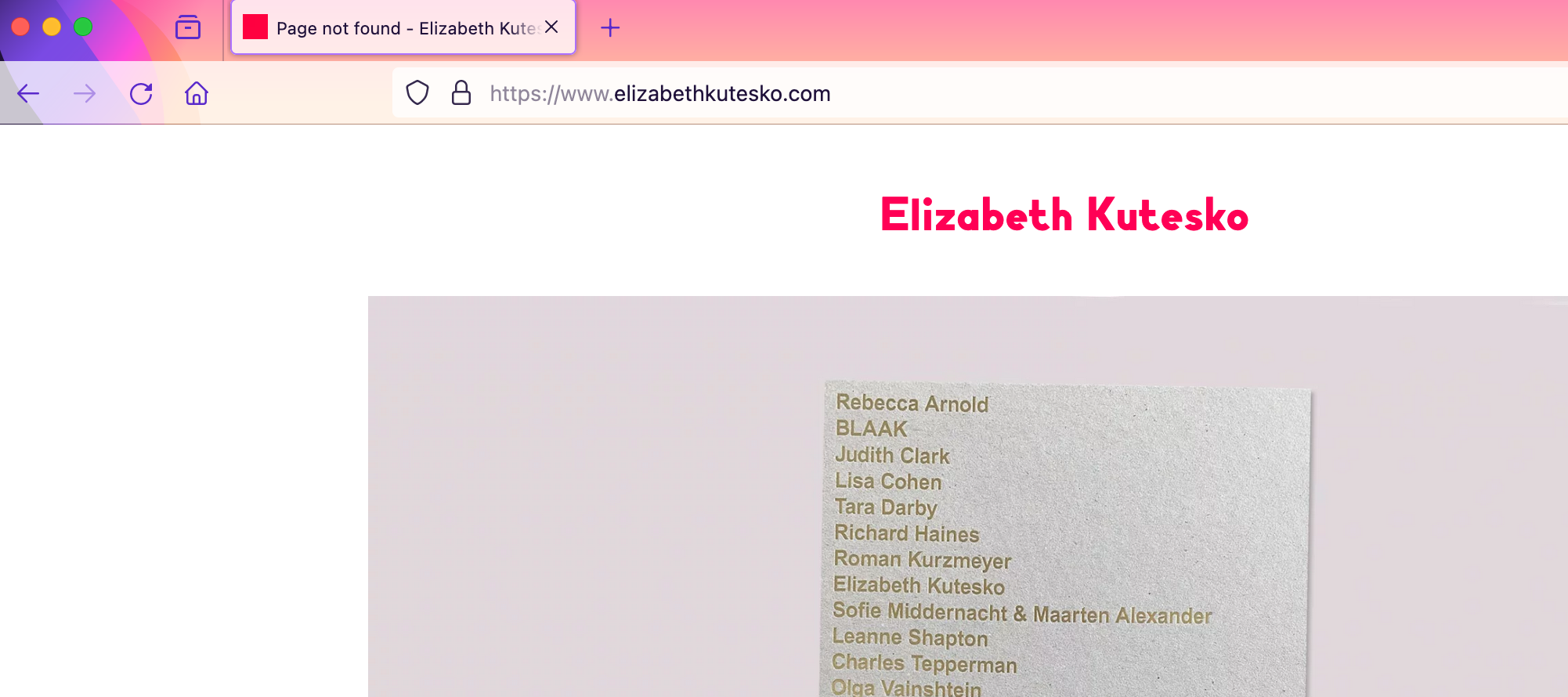
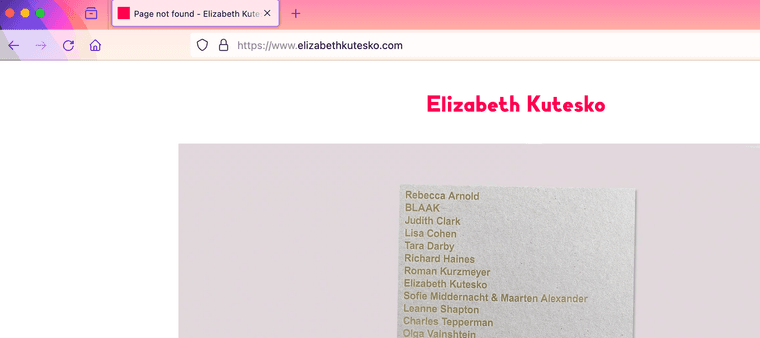
Once I activate Yoast SEO (and change the Reader Settings in WP as advised), my homepage is titled as 'Page Not Found' in the browser tab.
The homepage is nonetheless still visible, but surely this is not good for SEO as it's listed as 'not found'?
I tried entering the slug manually in Yoast, but it won't accept it. If I duplicate the homepage it no longer is titled as 'Page not found', but it's also no longer a homepage, so that's not a solution..!
Has anyone had this before? Any tips would be most welcome!
-
can you make sure you set this page as a frontpage in settings → reading?
can you show a screenshot of this section of the settings?
also can u make sure you set this page as the frontpage in customize → frontpage?and can you disable all plugins except yoast and lay theme plugins to see if that changes anything
-
Thank you for getting back.
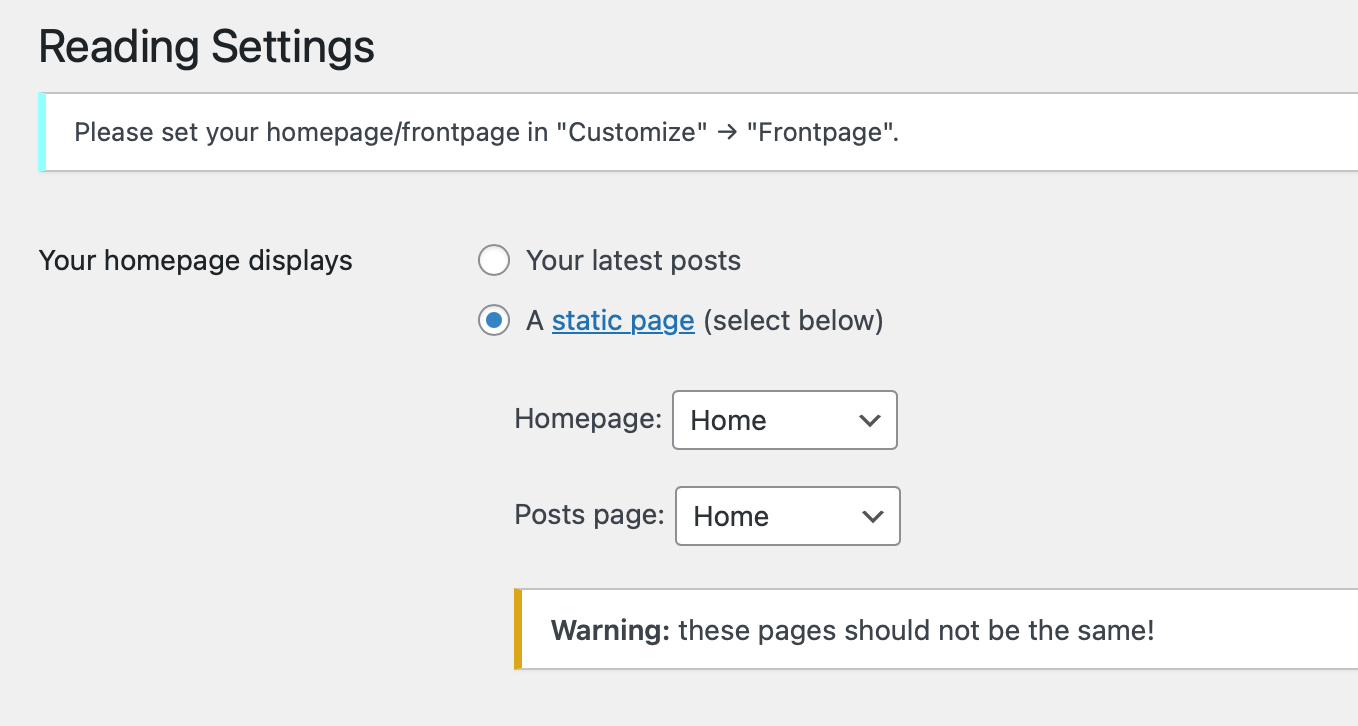
Yes, I set both pages to Home in Settings>Reading.
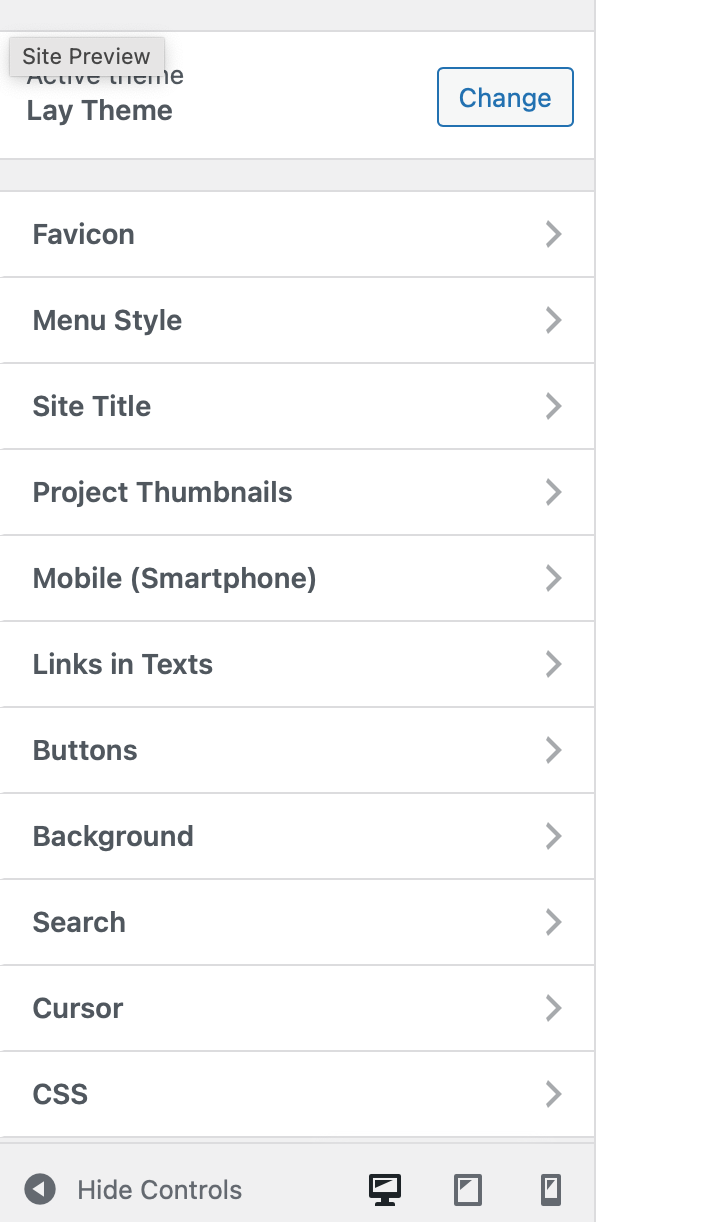
The Frontpage has been set in Customize, but once I make the change in Settings>Reading the Frontpage is no longer visible within Customize.
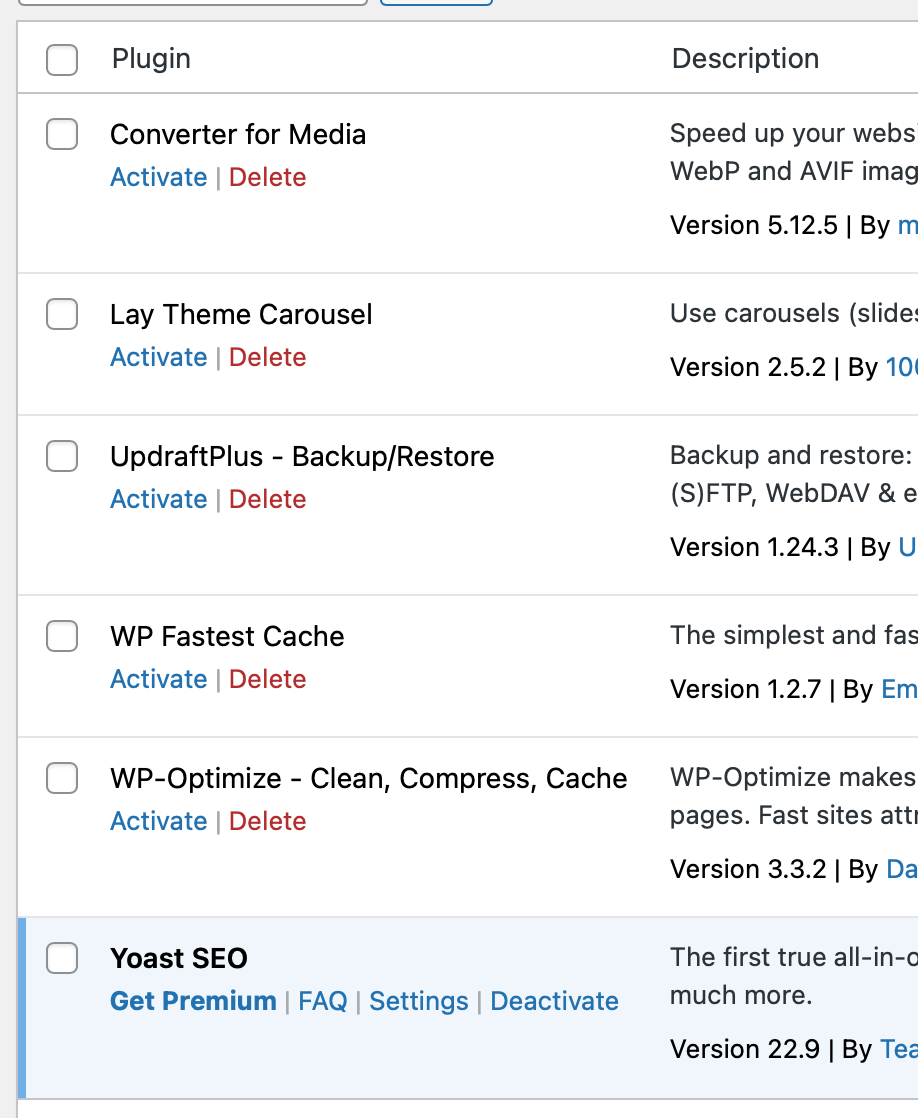
I disabled all plugins, but the issue persists
-
Hello, apologies for the late reply previously. Did you get a chance to look at this?
-
can you send your website address, /wp-admin/ username and password and a link to this topic to info@laytheme.com?
-
Just sent it, thank you
-
oh sorry, in settings → reading it has to be like this:
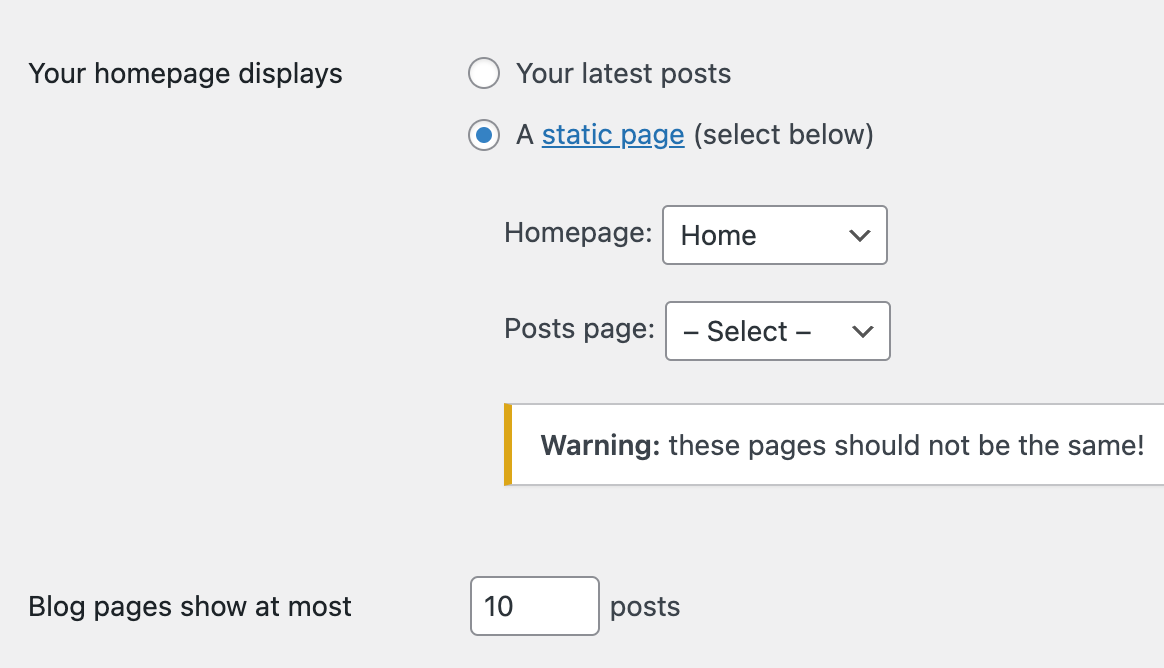
the setting "posts page:" should be set to "select" i think!
in the next update i will edit the text for the instructions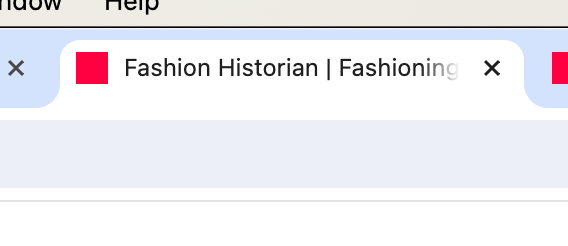
-
Thank you, yes, it works now!

Hello! It looks like you're interested in this conversation, but you don't have an account yet.
Getting fed up of having to scroll through the same posts each visit? When you register for an account, you'll always come back to exactly where you were before, and choose to be notified of new replies (either via email, or push notification). You'll also be able to save bookmarks and upvote posts to show your appreciation to other community members.
With your input, this post could be even better 💗
Register Login