*Wordpree debuggin* After WP update
-
Updated to WP 6.7 and now there are some errors showing up in the WP frontend (see screenshots) also * WordPress debugging* show up on my website (hayogebauer.com)
Tried restoring the website but that didn’t help.
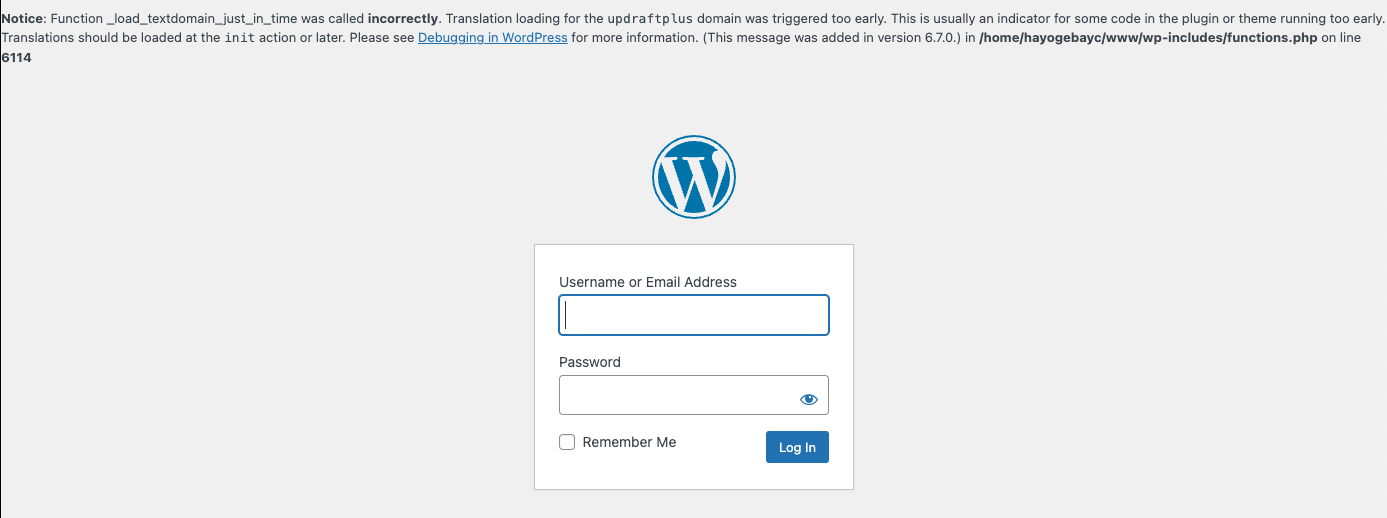

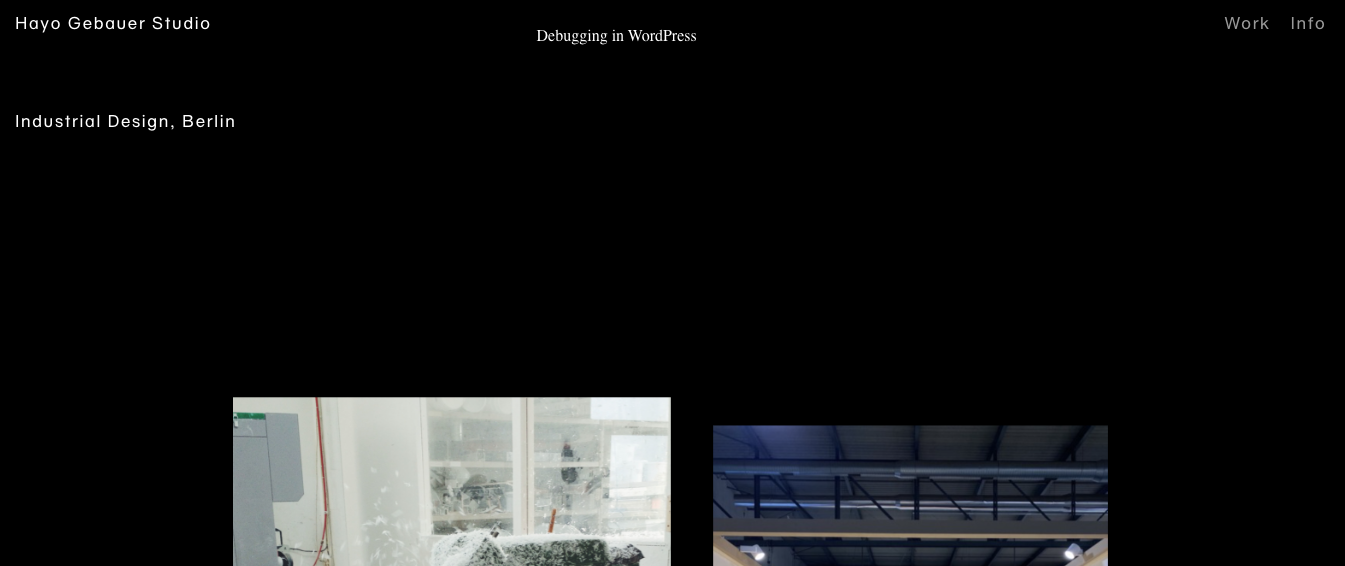

-
„Fixed“ it for now by deactivating the backup plugin (UpdraftPlus). Is it a plugin issue?
-
do you have woocommerce installed?
https://github.com/woocommerce/woocommerce/issues/51843maybe its a woocommerce thing? not sure!
-
I have a similar problem with the website www.rene-weisbrich.com
I also use updraftPlus for Backups.
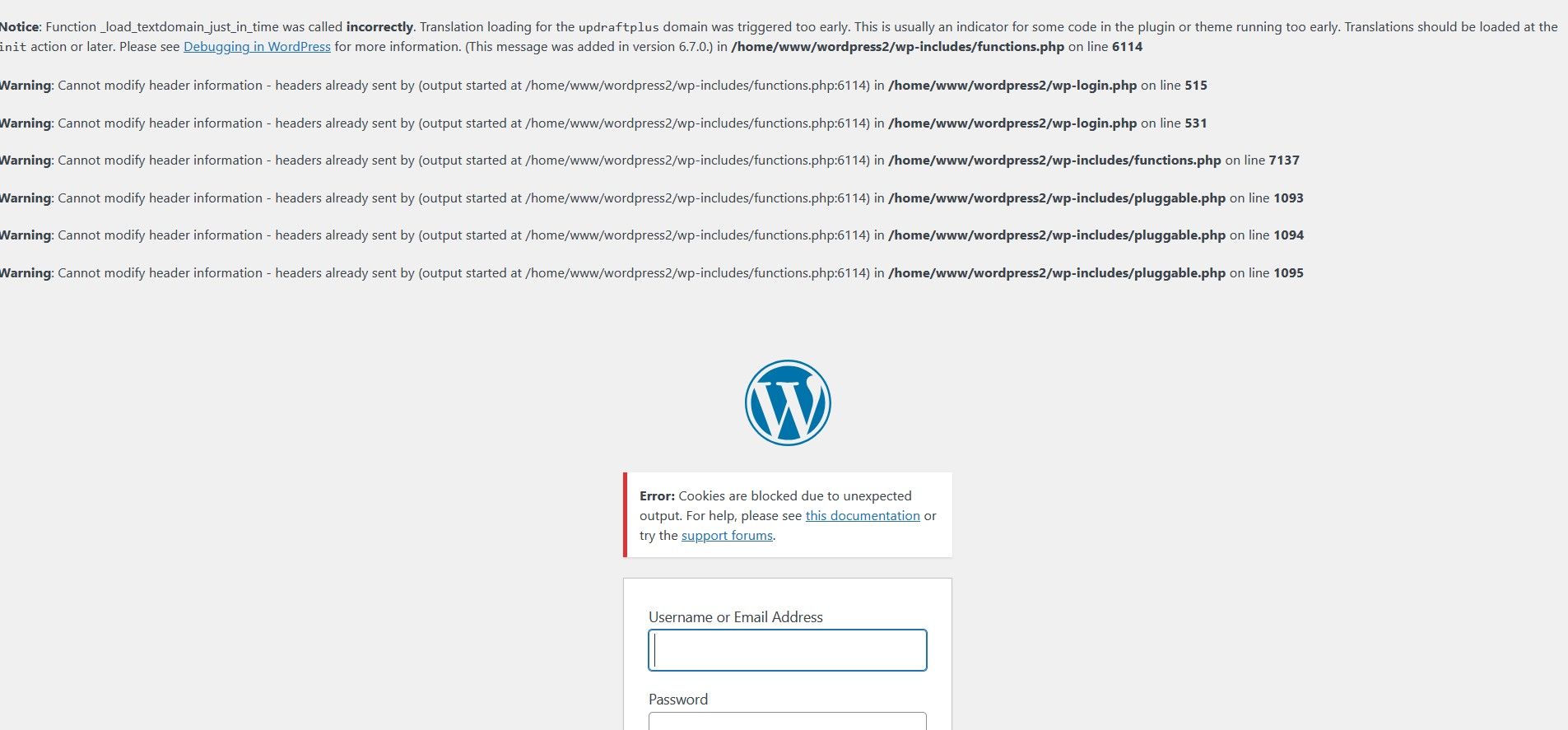
But beside that I can't login in wp-admin anymore. Although I turned off the Tracking protection.
Here in firefox (where the website is in disorder):
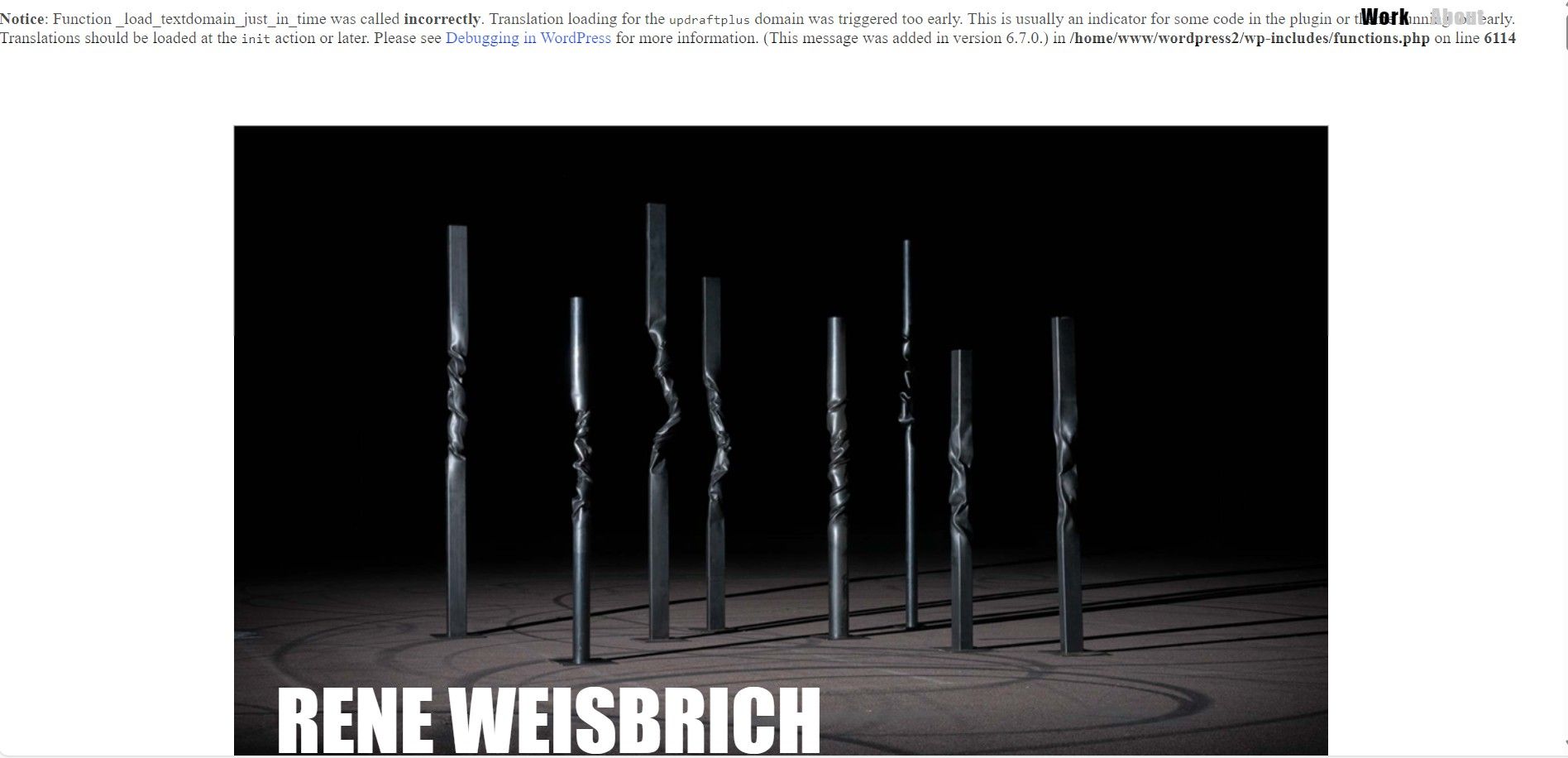
In edge the website is at least in order:
-
can you go to your ftp, go to wp-content → themes → lay
in the functions.php file,
this text:function lay_load_textdomains() { load_theme_textdomain('lay', get_template_directory() . '/languages' ); } add_action( 'after_setup_theme', 'lay_load_textdomains' );change it to:
function lay_load_textdomains() {
    load_theme_textdomain('lay', get_template_directory() . '/languages' );
}
add_action( 'init', 'lay_load_textdomains' );
(add_action) call is different
does that fix it?
-
Thanks a lot for the answer.
I am not familiar with coding and I am very slow, please excuse me.
First I asked my hoster and he turned off the updraftplus-Plugin, so the website is working again.
Now I tried to follow your steps. But I can't find the line 'function lay_load_textdomains' in the functions.php file. My index: /home/www/wordpress/wp-content/themes/lay/functions.php
My functions.php file has a lot of lines starting with 'require' and this: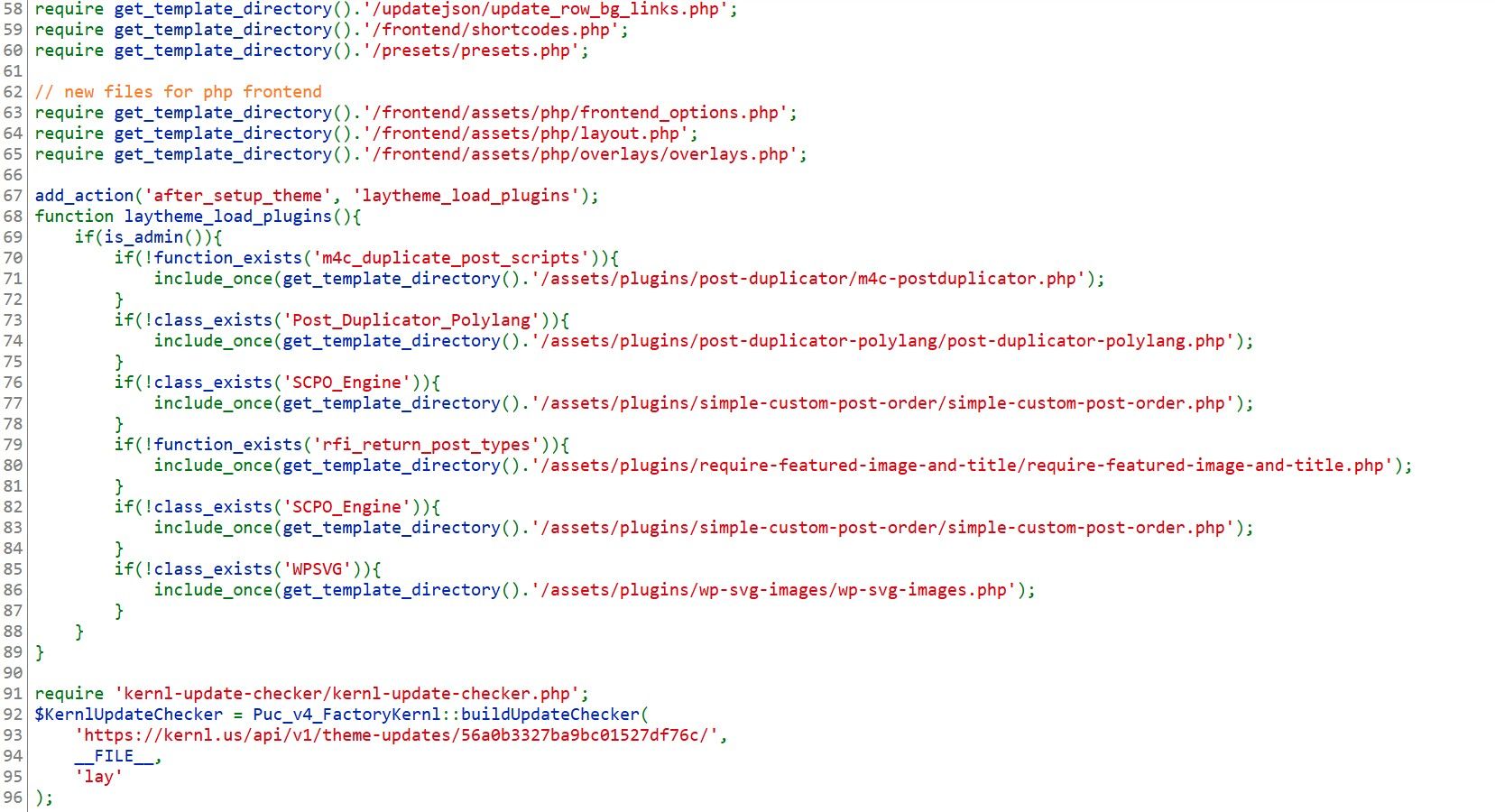
-
hey if the website works it should be fine, u dont have to do anything then i guess


Hello! It looks like you're interested in this conversation, but you don't have an account yet.
Getting fed up of having to scroll through the same posts each visit? When you register for an account, you'll always come back to exactly where you were before, and choose to be notified of new replies (either via email, or push notification). You'll also be able to save bookmarks and upvote posts to show your appreciation to other community members.
With your input, this post could be even better 💗
Register Login