meta tag image not working
-
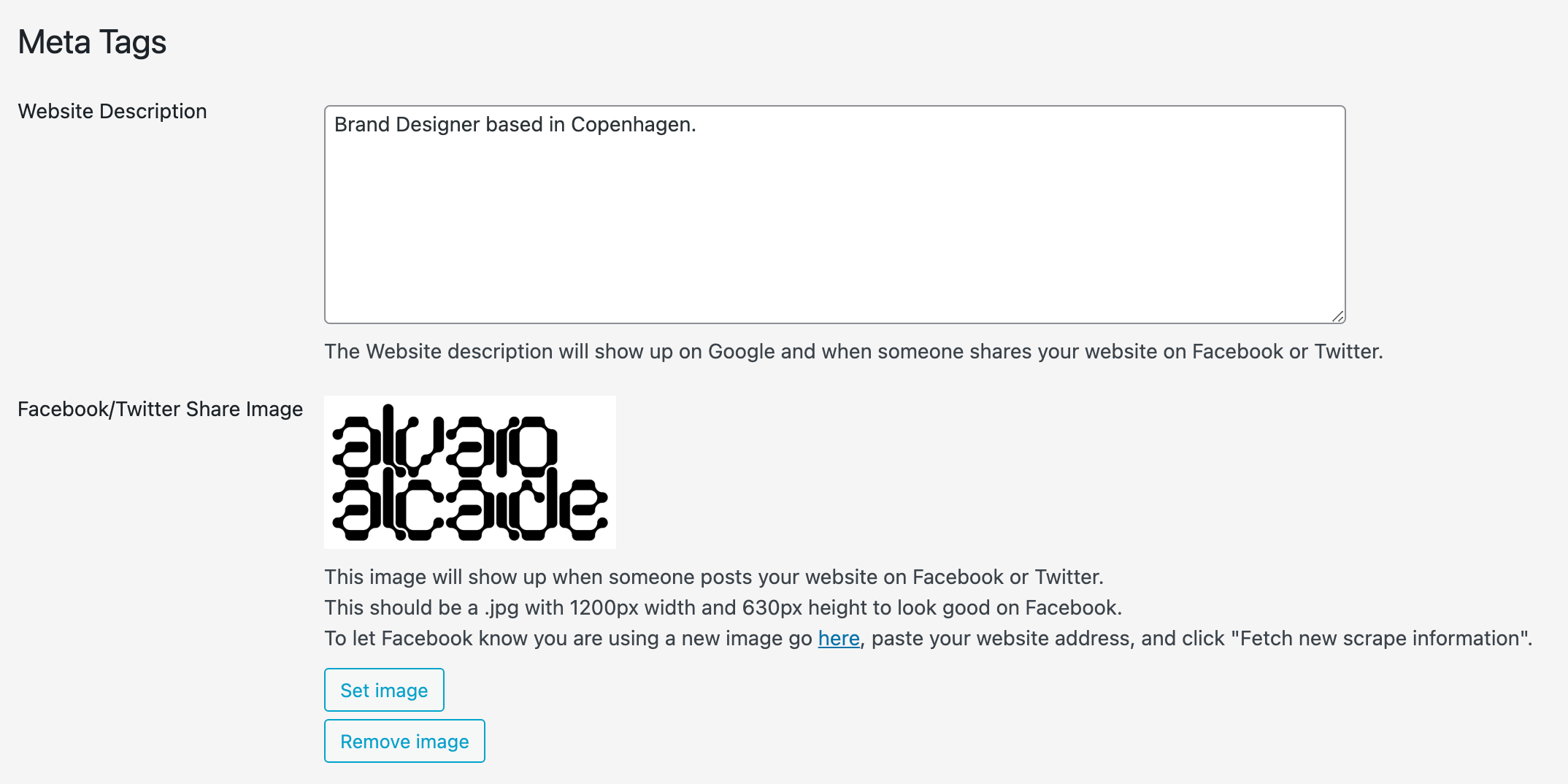
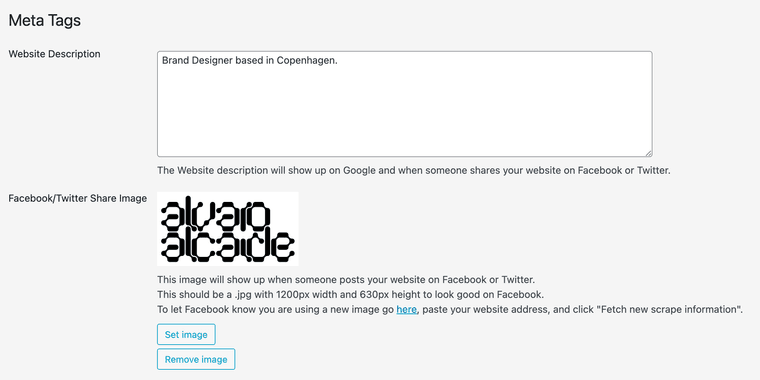
The website not displaying the sharing image I have in the meta tags in Lay options. Do you know why? As well when I google myself it displays a random image.
Thanks.

-
The image appears when you share a link to your website on Facebook or Twitter etc., just like the Headline suggests. The Image in google is a different kind of image.
-
Thanks @felix_rabe for the clarification. How can I change the one for Google and set up a different one with an OG meta tag for when I share the link on LinkedIn or WhatsApp?… Thanks.
-
Thanks @felix_rabe for the clarification. How can I change the one for Google and set up a different one with an OG meta tag for when I share the link on LinkedIn or WhatsApp?… Thanks.
@alvarodoze as far as I know the google image is picked by "importance" or "priority" according to your website structure. But as you can see I get a different one than you. maybe @arminunruh has an idea for that.
The og picture you have already set should also work for sharing that in LinkedIn etc.

-
so if youve recently changed that image
it can take a while to update
the meta tags for twitter and facebook are set correctly to your image
my guess is maybe google uses the og:image tag and it may just need more time to get it ?
-
or google just uses a random image that it found on your website? i couldnt find out much about this.
but yea this setting i provided is for facebook and twitter. i was unaware of google showing a small image next to a search result sometimes. and im not sure where it gets that image from


Hello! It looks like you're interested in this conversation, but you don't have an account yet.
Getting fed up of having to scroll through the same posts each visit? When you register for an account, you'll always come back to exactly where you were before, and choose to be notified of new replies (either via email, or push notification). You'll also be able to save bookmarks and upvote posts to show your appreciation to other community members.
With your input, this post could be even better 💗
Register Login