news element spaces
-
Hi, please see https://corneliabaltes.com/news/
The mobile version doesn't respect the auto phone layout values as specified in the customizer. The issue seems to be when there is a text element in row 1 and an image in row 2, the automatic phone layout doesn't include any space between these rows.
In fact, within the customizer, it adopts the correct padding. But both on mobile and a resized desktop window there is zero padding between the rows applied.
Can anything be done?
-
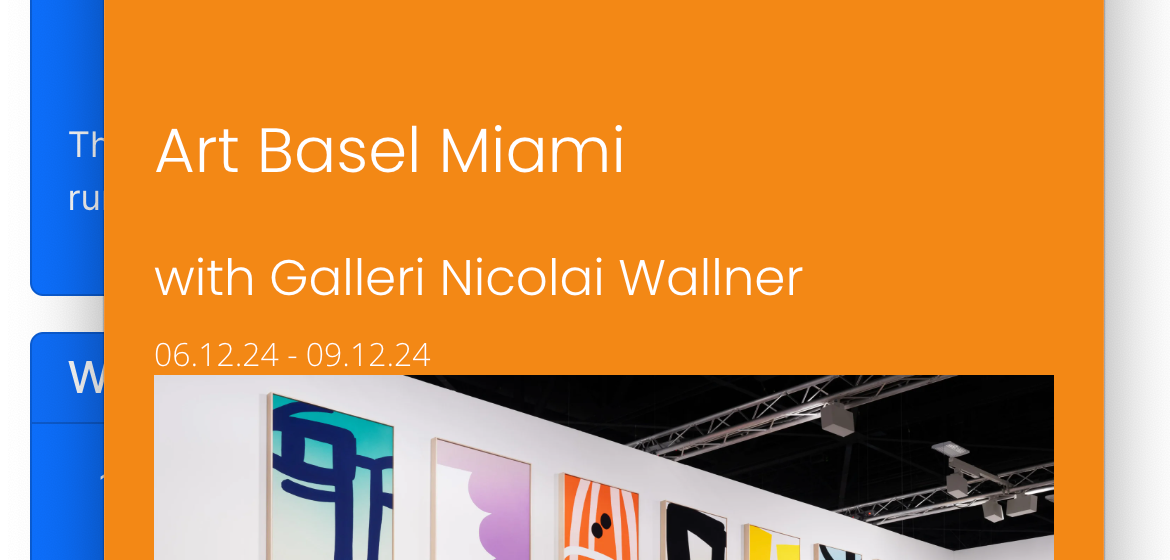
you mean here the space between the image and the text?
would be easier for me if i had a screenshot -
ah now that i took a closer look it was obvious yea ^^
if you update lay theme now it should work!!
-
Thanks! @arminunruh
-
did it work?
-
ah i just saw the one file that fixes this didn't make it into the update.
but if you update now, it should work
-
Thanks @arminunruh and sorry for the radio silence. I wasn't at my desk for a few days. I updated and the mobile news spacing looks correct now :)
-
very good!

Hello! It looks like you're interested in this conversation, but you don't have an account yet.
Getting fed up of having to scroll through the same posts each visit? When you register for an account, you'll always come back to exactly where you were before, and choose to be notified of new replies (either via email, or push notification). You'll also be able to save bookmarks and upvote posts to show your appreciation to other community members.
With your input, this post could be even better 💗
Register Login