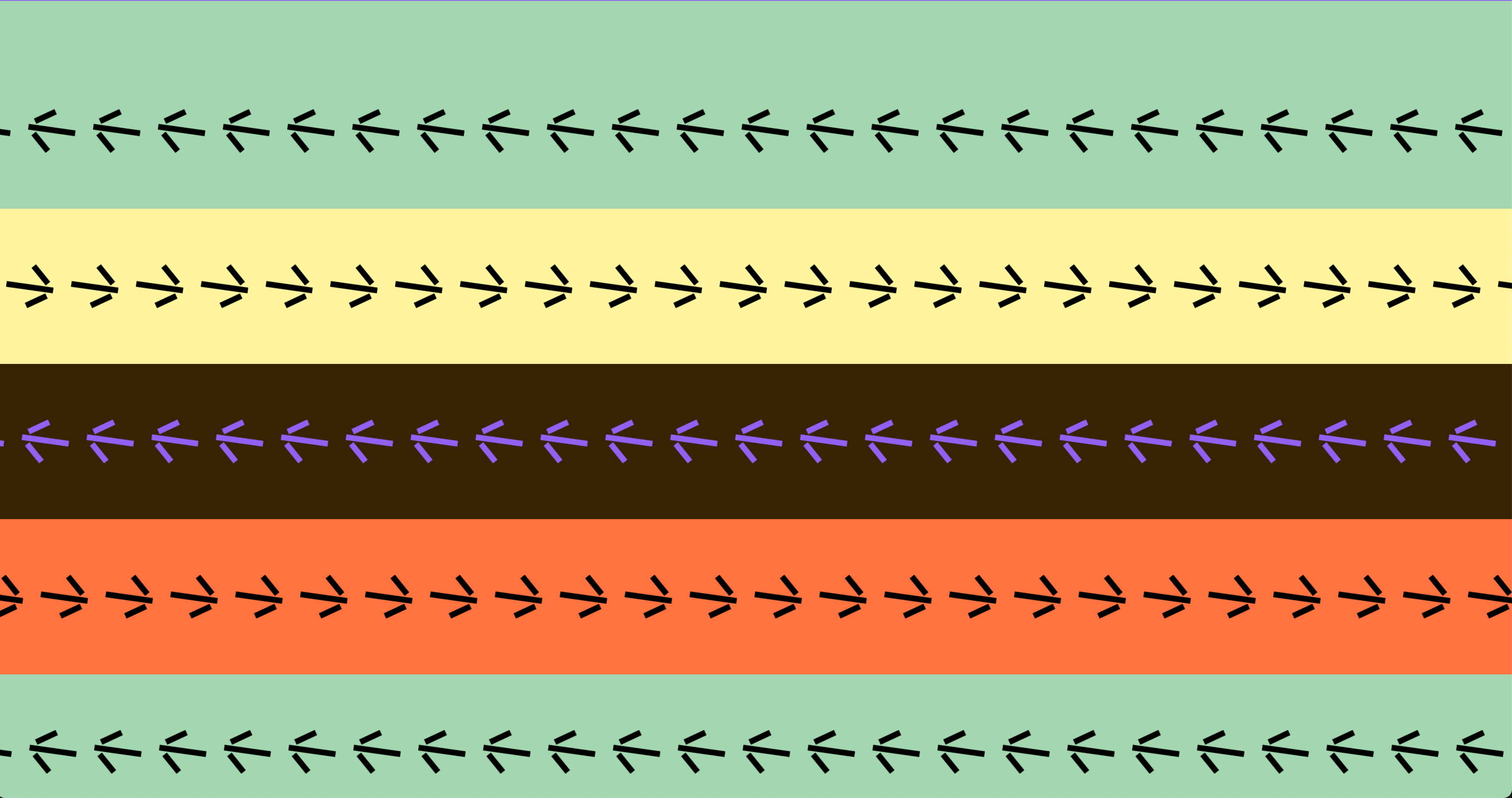
Height of marquees relative to screen
-
-
@KW1 you can work with vh value (viewport height). You can give the marquees a custom class and then add the custom style.
Example CSS for 5 marquees:
.marquee{height: 20vh;}
Learn more:
https://laytheme.com/documentation/custom-css-styling.html -
ah clever! did that work?
-
Thanks for the feedback, I also thought for a moment that I had the solution! Unfortunately, I have the feeling that the border specifications of the marquees, which you can set under the marquee setting, get in the way. It would be perfect if you could specify other values apart from px to make it a percentage of the screen. The 20vh creates gaps where my background colour shows through, but the marquee size itself remains unchanged. Does anyone have any ideas?
-
hey i will look into this now
-
ok if you update lay theme now:
Marquees can now have "vh" height. Also Space below and Space above can be set in vh now. This way you can have for example 5 marquees on top of another that each have 20vh height. This way they will always fill up the whole screenheight.
-
-
-
do u have a link?
for me it works -
make sure to remove your custom css you added before


Hello! It looks like you're interested in this conversation, but you don't have an account yet.
Getting fed up of having to scroll through the same posts each visit? When you register for an account, you'll always come back to exactly where you were before, and choose to be notified of new replies (either via email, or push notification). You'll also be able to save bookmarks and upvote posts to show your appreciation to other community members.
With your input, this post could be even better 💗
Register Login