Issue with positioning text columns in footer




-
Hi,
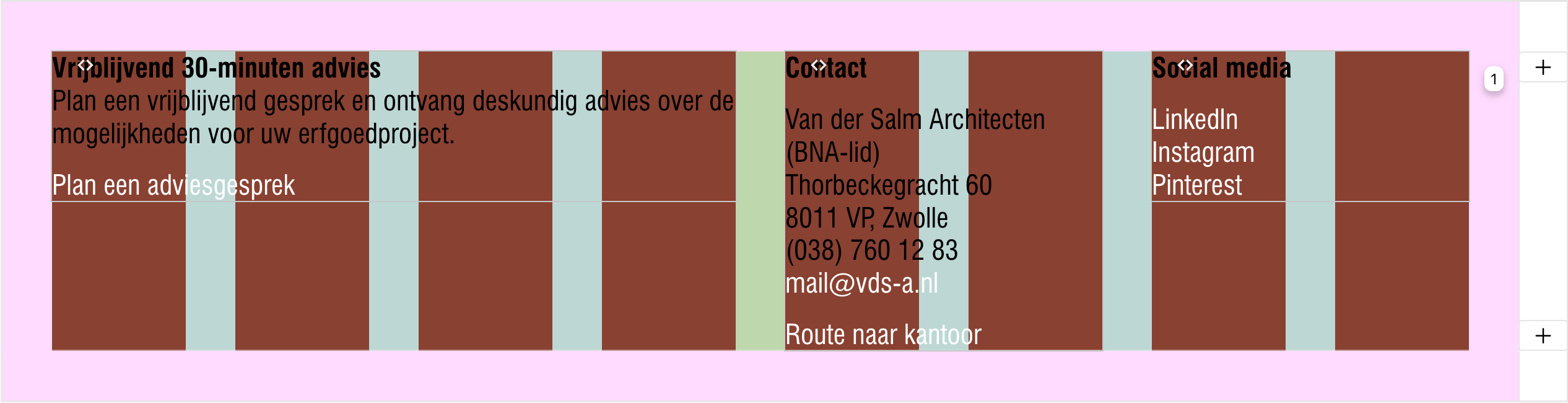
I'm trying to position multiple text columns at 50% of the row height in my footer. I assigned a class called footerText to the text elements and applied the following custom CSS:
.footerText {
    margin-top: 50%;  /* Position the text at 50% of the div's height */
}
However, I'm encountering several issues:
- The code works when a text box spans 2 columns in my grid. But if I make the text box 4 columns wide, the text jumps to the bottom. See the screenshots below.
- Additionally, when I set the row a Custom Row Height to 50vh, all my text columns disappear. See the screenshot.
Does anyone know what might be causing this behavior and how I can fix it?
Thanks in advance!
Link:
https://dev.vandersalm-architecten.nl/Screenshots


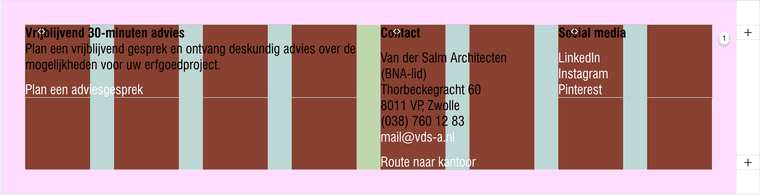

Footer when set Custom Row Height:

-
how about you dont use custom css for this,
but do this:right click every column in your footer in the gridder.
choose "set spaces". then set a top space. when you click on the px it changes to %
Additionally, when I set the row a Custom Row Height to 50vh, all my text columns disappear. See the screenshot.
could be an incompatibility with your custom css
rows that have a custom row height or that have a browser row height:
almost all elements inside them are position absolute. this way they can then overlap:
https://laytheme.com/documentation/gridder-elements.html#elements-above-other-elementsmaybe that different way of how i implemented positioning for this collides with your custom css
-

Hello! It looks like you're interested in this conversation, but you don't have an account yet.
Getting fed up of having to scroll through the same posts each visit? When you register for an account, you'll always come back to exactly where you were before, and choose to be notified of new replies (either via email, or push notification). You'll also be able to save bookmarks and upvote posts to show your appreciation to other community members.
With your input, this post could be even better 💗
Register Login