invert project title and tags above thumbnails
-
Hello there!
I'm trying to invert project title and tags above thumbnails, example in this page
https://wip.landcho.eu/shared-visions(psw cibocinese user casetta)
I'd like them to be like this
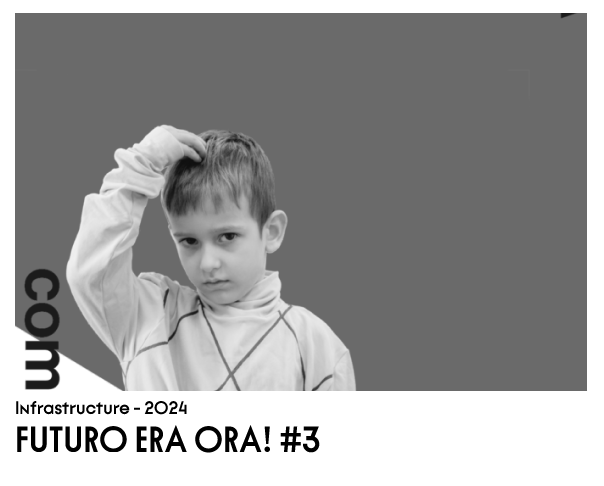
I tried some coding with chatgpt but no way.
I also tried to use project description instead of tags, but I can't invert the orderIs there a way to do it?
Thanks
R
-
solved it with your code
.thumb .below-image{
display: flex;
flex-direction: column;
}. title{
order: 2;
}thanks and sorry I couldnt find it before
-
ok looks nice, it will be a good website!

plural of information in english is information without s :D
-
ahhaha thank you <3
-
aha sorry for correcting you :DD

Hello! It looks like you're interested in this conversation, but you don't have an account yet.
Getting fed up of having to scroll through the same posts each visit? When you register for an account, you'll always come back to exactly where you were before, and choose to be notified of new replies (either via email, or push notification). You'll also be able to save bookmarks and upvote posts to show your appreciation to other community members.
With your input, this post could be even better 💗
Register Login