Left Row / Right Row webgl Slideshow
-
I am currently working on a Site which uses the left / right row image background, and was wondering if it would be possible to have left / right row webgl slideshows. Carousel wouldn’t work for me here I think, as I want to avoid the horizontal Gutter, and we have Elements on top. Thank you!
-
hey jacob!
this doesnt exist unfortunately.
however, now you can add texts on top of slides in the carousel:
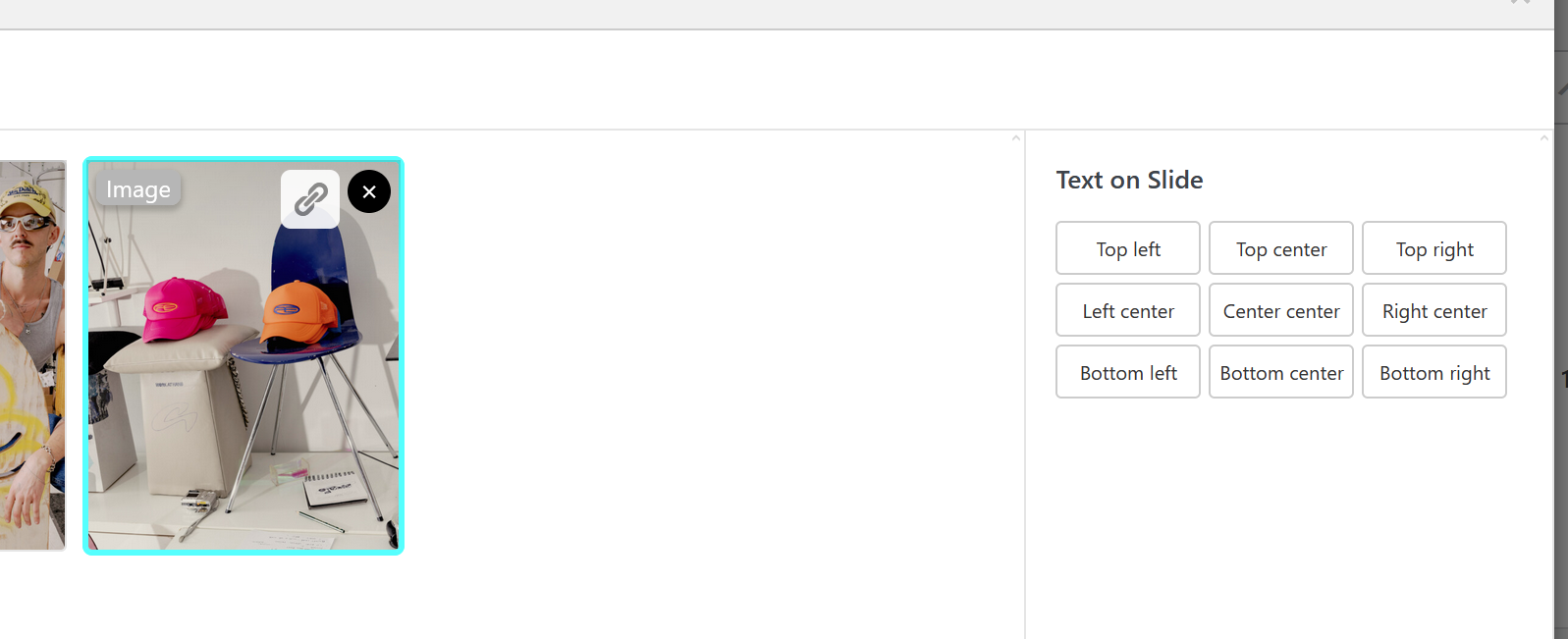
you can use custom CSS like:

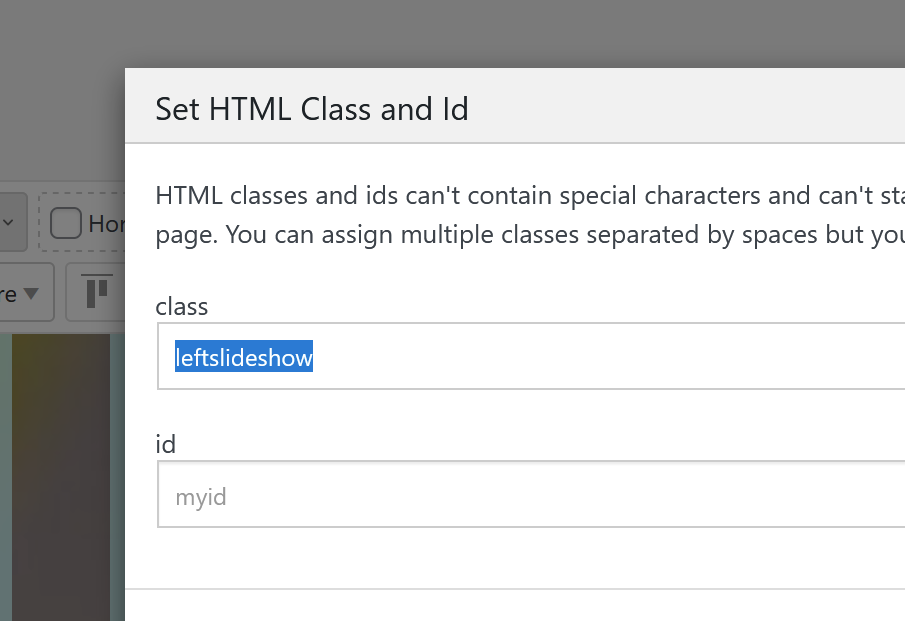
.leftslideshow .lay-webgl-slideshow{
width: 50%;
}

.rightslideshow .lay-webgl-slideshow{
width: 50%;
left: auto;
right: 0;
}
add this in:
lay options -> custom css & html -> custom css for desktop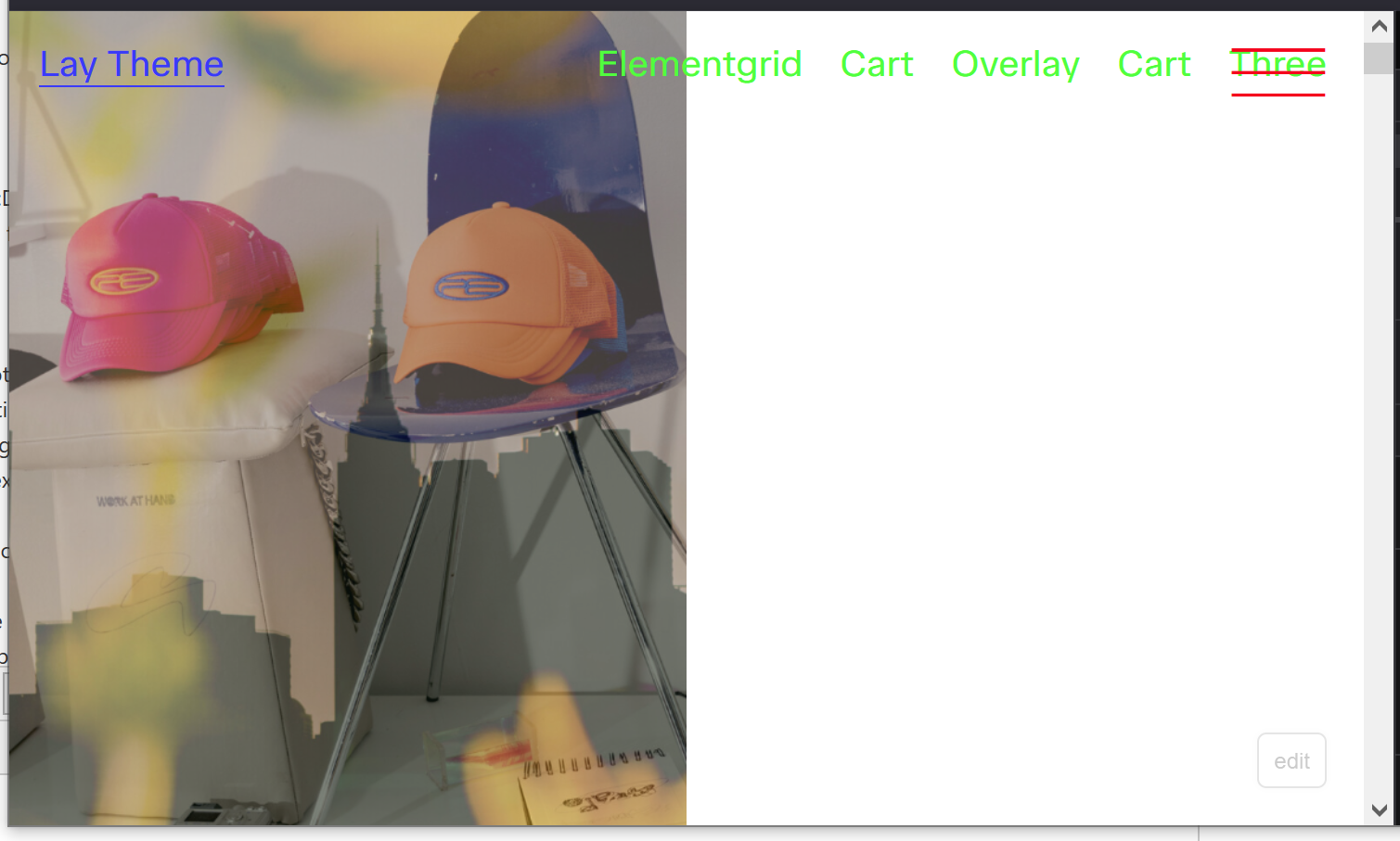
-
next update will include these settings:
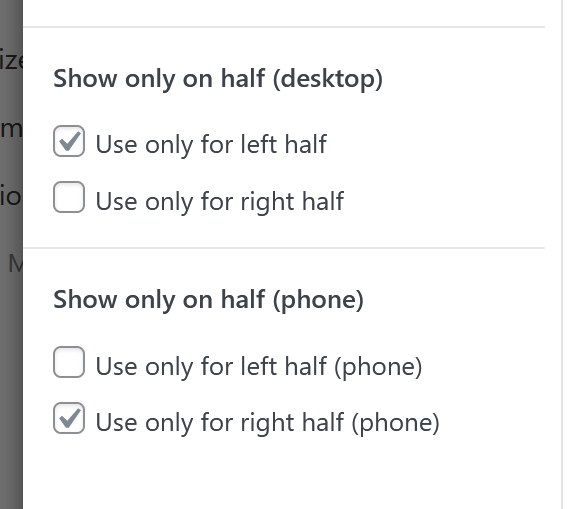
-
hey armin, thank you so much for your feedback! i couldn’t quite get the 50% width css for the carousels to work, but i figured out that if i use a carousel element with 100svh height and for image 50% width, i get split sceen effect i was looking for!
and then i can kinda cram the text in the same row and laytheme will put it on top lol. text on slide is definitely super cool, but in this case i want the text to stay static and the images to change :–) -
nice! but the current update also has the new settings i showed in my screenshot above
-
good to know, thank you!

Hello! It looks like you're interested in this conversation, but you don't have an account yet.
Getting fed up of having to scroll through the same posts each visit? When you register for an account, you'll always come back to exactly where you were before, and choose to be notified of new replies (either via email, or push notification). You'll also be able to save bookmarks and upvote posts to show your appreciation to other community members.
With your input, this post could be even better 💗
Register Login