lay-deck-counter?
-
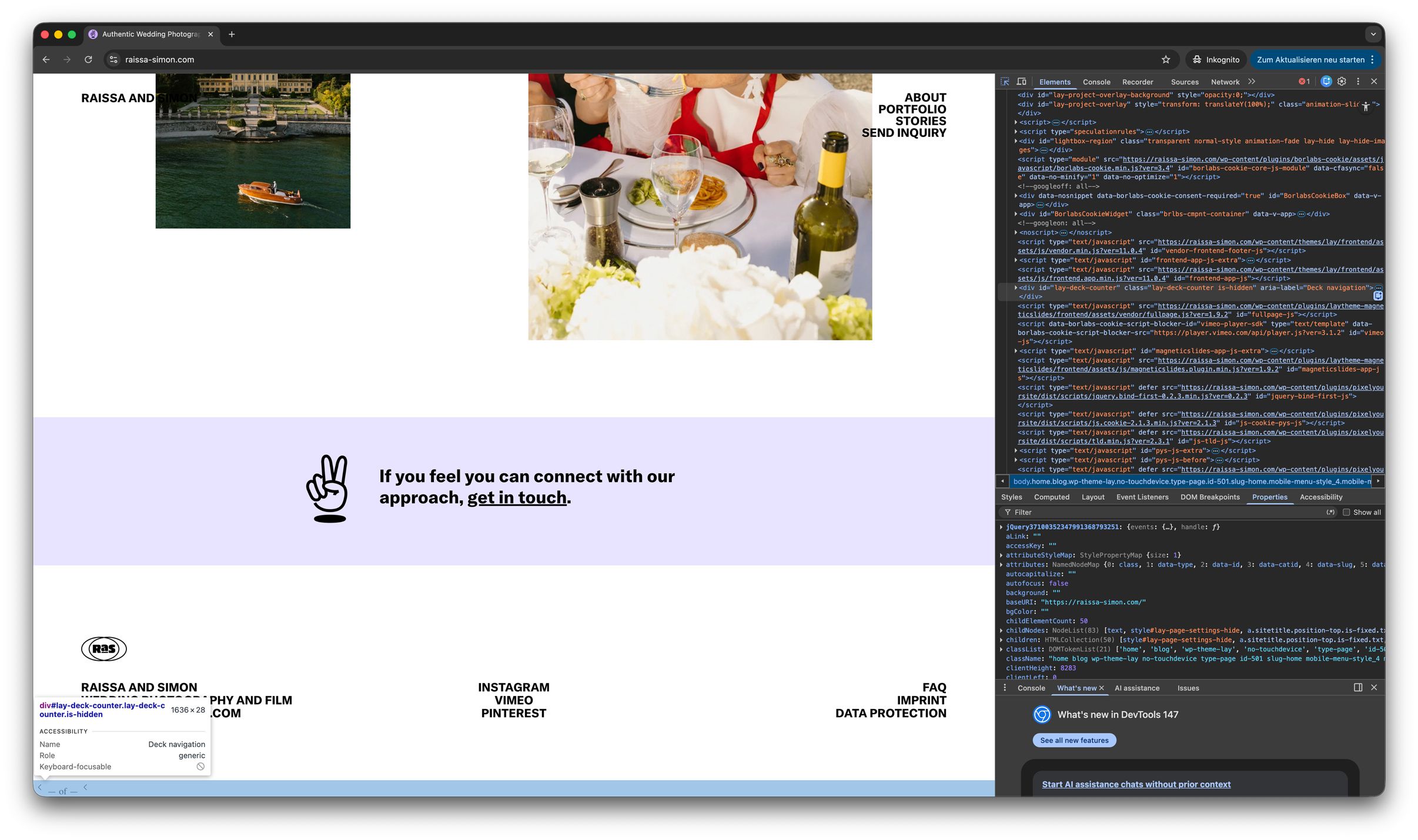
An element (<— of —<) is being displayed at the very bottom of the website. I’m not sure where it’s coming from and I’m wondering how I can remove it. When I inspect it with the developer tools, it shows something like “lay-deck-counter.” Please help to remove.
This is the website where the issue appears, including all subpages: (Chrome, Safari and Firefox, desktop and mobile)
[https://raissa-simon.com/](link url)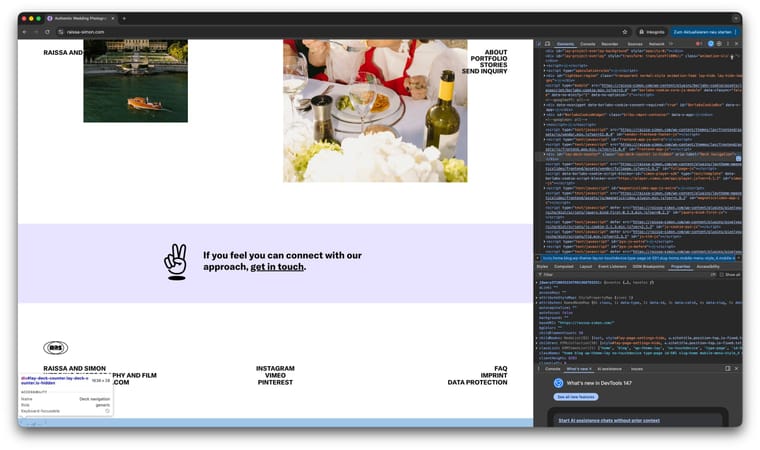
-
Does anyone have an idea?
-
hello, this will be fixed with the new update I'm going to release today or tomorrow.
-
I think if you would disable or re-enable or clear the cache of your caching plugin, this would fix it already right now. However, with the next update, the way that counter is built will be changed so it doesn't appear on the wrong pages anymore. Right now it's just built on every page and then just hidden with CSS, which was not the right way to code it on my side, so that will work differently because this is only meant for the deck feature.

Hello! It looks like you're interested in this conversation, but you don't have an account yet.
Getting fed up of having to scroll through the same posts each visit? When you register for an account, you'll always come back to exactly where you were before, and choose to be notified of new replies (either via email, or push notification). You'll also be able to save bookmarks and upvote posts to show your appreciation to other community members.
With your input, this post could be even better 💗
Register Login