Text width inside project overlay
-
There is an issue when trying to set a max-width for text within the gridder settings (I love the feature btw) :
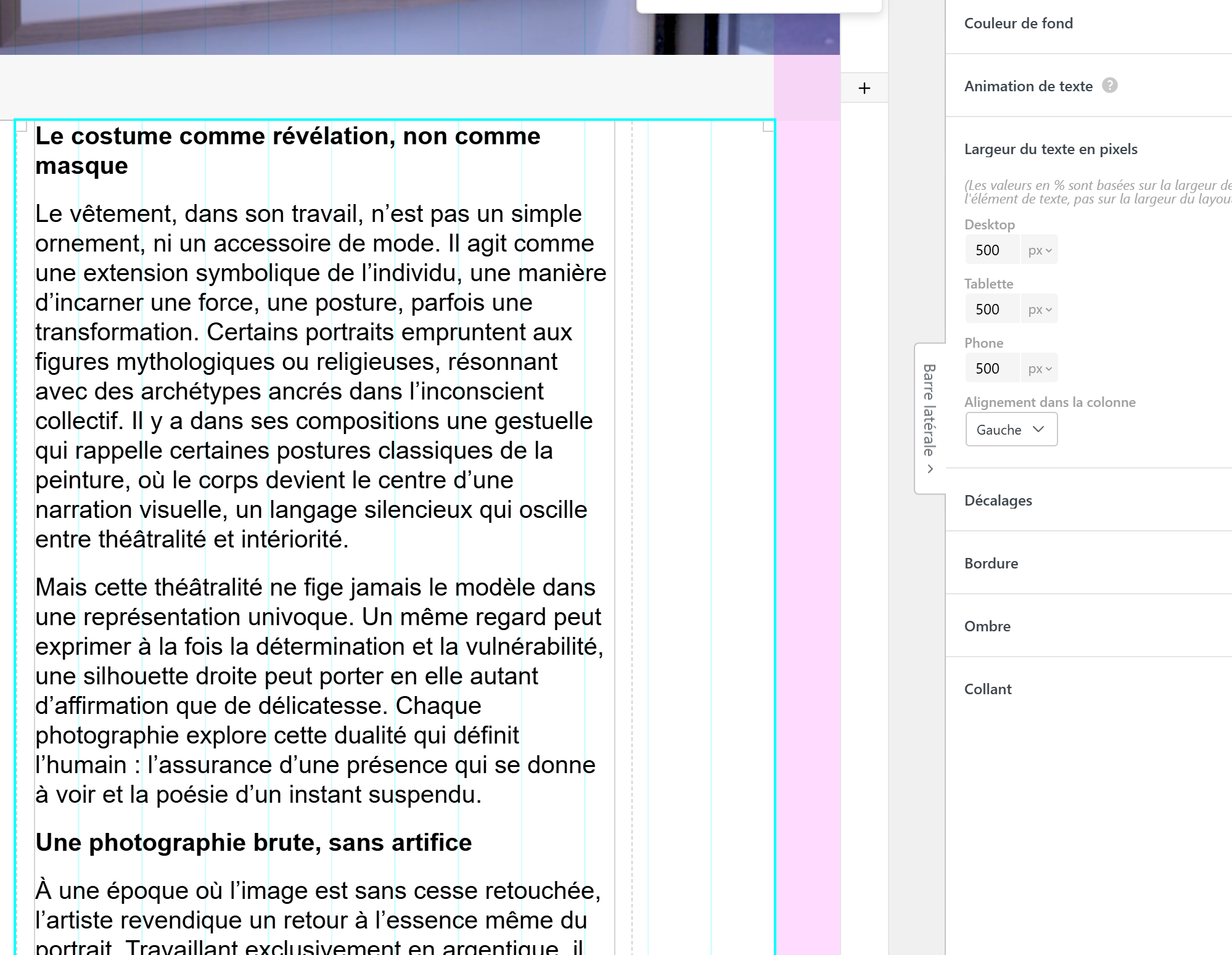
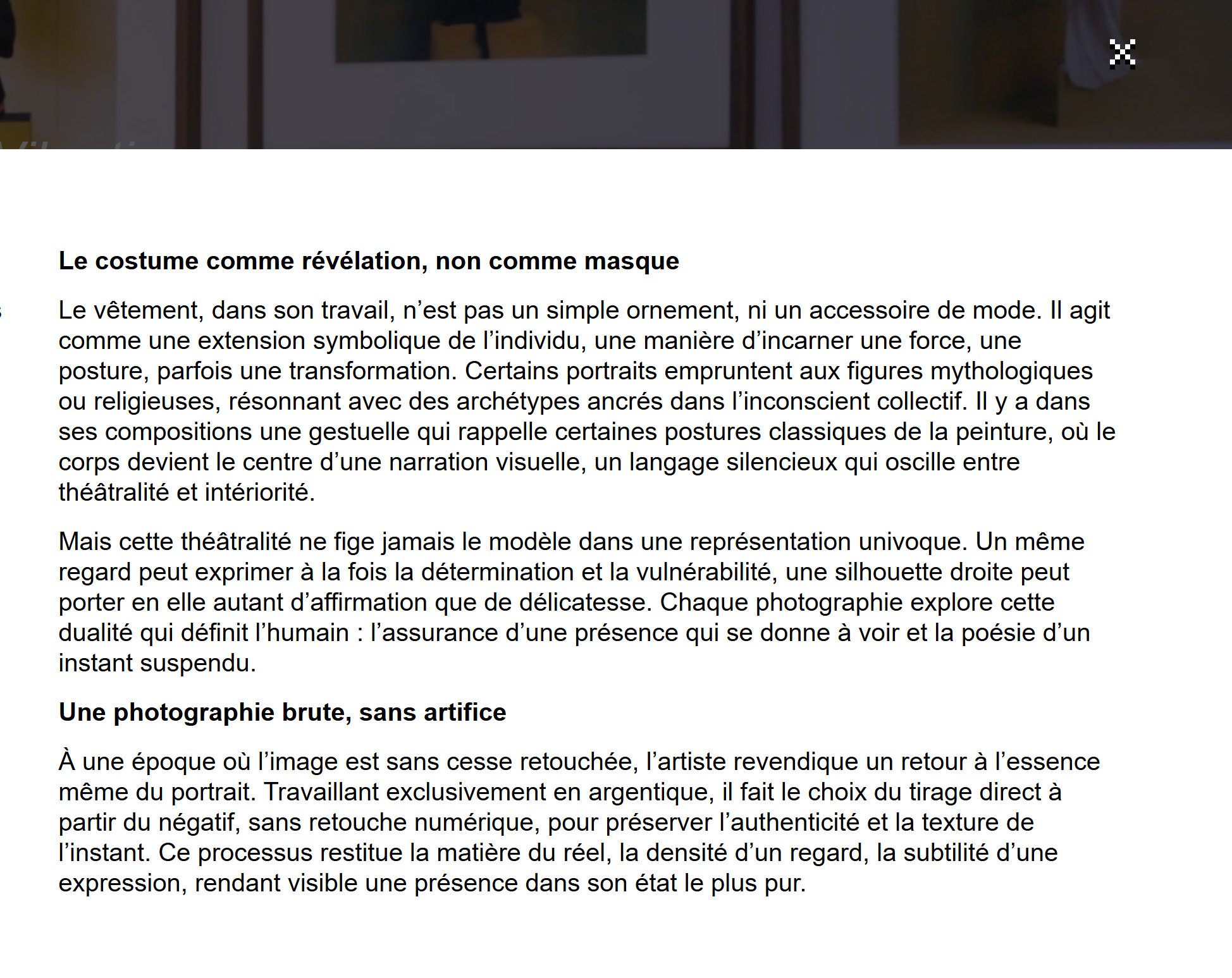
If the max-width is inside a project, on a website that uses project-overlays, It displays perfectly when navigating through the website. But if someone send you a link (or if you reload the page). The max-width will not apply at all. I am guessing it's a javascript sync issue
# In the editor (max-width 500px)
#On first navigation (works perfectly)

#On reload or if shared link (no max-width is set)
-
thank you for the heads up!
i will release the new update today or tomorrow i think please check again then, i think i fixed it in the new update, cause i cant repoduce it on my lay theme installation.if it doesnt work then please post the URL here.
-

Hello! It looks like you're interested in this conversation, but you don't have an account yet.
Getting fed up of having to scroll through the same posts each visit? When you register for an account, you'll always come back to exactly where you were before, and choose to be notified of new replies (either via email, or push notification). You'll also be able to save bookmarks and upvote posts to show your appreciation to other community members.
With your input, this post could be even better 💗
Register Login