Skip to content
  • Recent
  • Tags
  • Popular
  • Users
  • Search
Skins
  • Light
  • Brite
  • Cerulean
  • Cosmo
  • Flatly
  • Journal
  • Litera
  • Lumen
  • Lux
  • Materia
  • Minty
  • Morph
  • Pulse
  • Sandstone
  • Simplex
  • Sketchy
  • Spacelab
  • United
  • Yeti
  • Zephyr
  • Dark
  • Cyborg
  • Darkly
  • Quartz
  • Slate
  • Solar
  • Superhero
  • Vapor

  • Default (No Skin)
  • No Skin
Collapse

Lay Theme Forum

  1. Home
  2. Bug Reports
  3. Accordion Styles have been partially removed

Accordion Styles have been partially removed

Scheduled Pinned Locked Moved Bug Reports
5 Posts 2 Posters 86 Views 1 Watching
  • Oldest to Newest
  • Newest to Oldest
  • Most Votes
Reply
  • Reply as topic
Log in to reply
This topic has been deleted. Only users with topic management privileges can see it.
  • S Offline
    S Offline
    schlegel
    wrote last edited by
    #1

    Hej Armin & Team,

    in some of my projects, the accordion styles are being overwritten. I don't understand why yet.
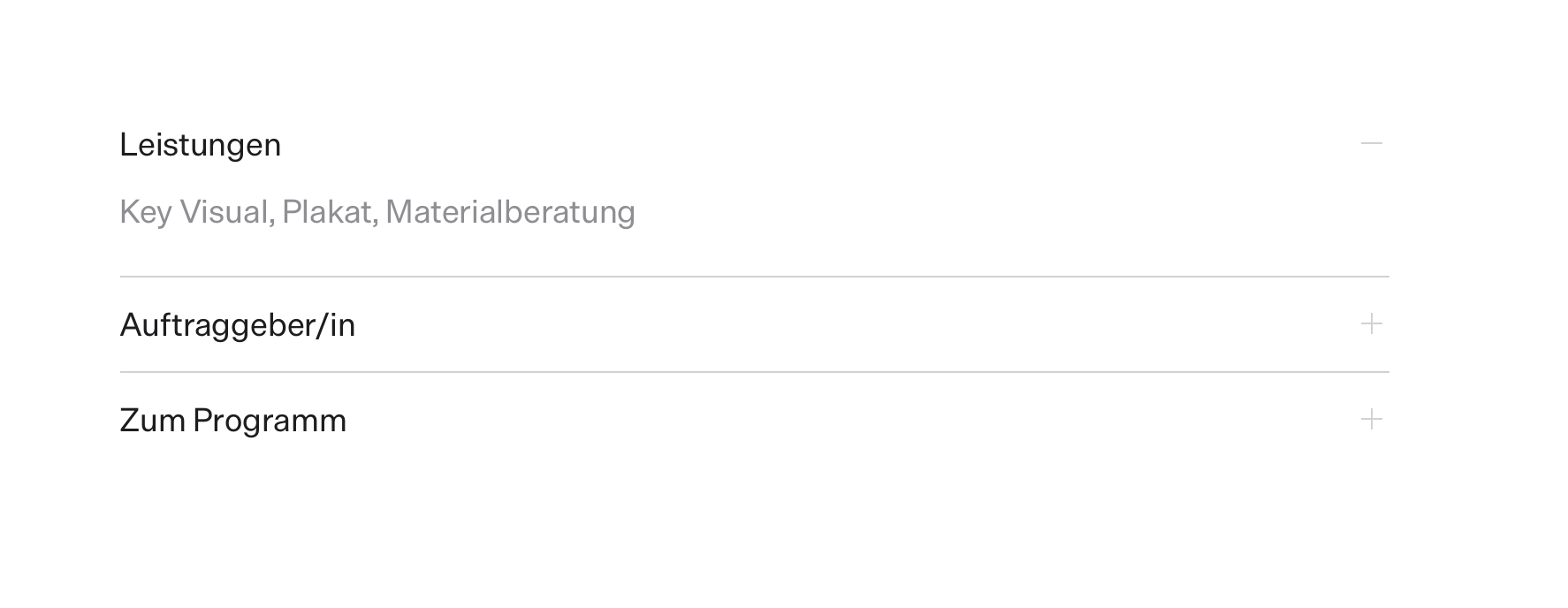
    When I click on the accordion, confirm, and refresh the project, it displays correctly again. Attached is a screenshot without the style and another showing it correctly, as it should be.

    The problem is that this error occurs completely randomly and occasionally in other projects. How can I fix this? I don’t want to have to check every project all the time.

    Thank you very much for your help!
    Lasse

    Link: https://lasseschlegel.de/o-du-mein-taeubchen/
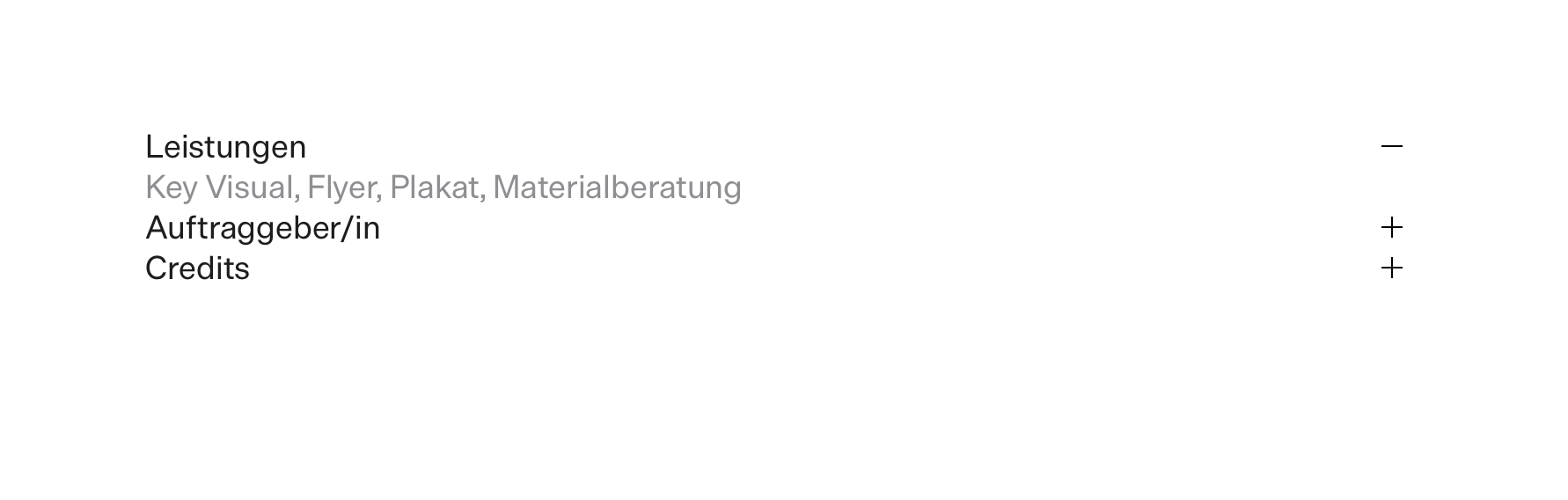
    No-Style.png Style.png

    1 Reply Last reply
    0
    • arminunruhA Offline
      arminunruhA Offline
      arminunruh
      Global Moderator
      wrote last edited by
      #2

      okay, thanks for the heads up. I will release an update that fixes this, probably today. I will check it out now and see why this happens, and thanks for the link. That really helps.

      1 Reply Last reply
      0
      • arminunruhA Offline
        arminunruhA Offline
        arminunruh
        Global Moderator
        wrote last edited by
        #3

        hey, actually, can you disable all your caching plugins and also click "clear layout cache" ?

        In case that's shown in your WordPress admin panel admin bar at the top

        And then check it out again.

        1 Reply Last reply
        0
        • arminunruhA Offline
          arminunruhA Offline
          arminunruh
          Global Moderator
          wrote last edited by
          #4

          okay, so it seems that in some cases Lay Theme's own cache did not clear itself when updating to a newer version of lay theme. Probably that's why it didn't look right for you now.

          I will release a fix for this today. So then probably the only thing you would need to do is to update again today, and then it should look right.

          1 Reply Last reply
          0
          • S Offline
            S Offline
            schlegel
            wrote last edited by
            #5

            Perfect, thanks for the quick response. I really appreciate it.
            All the best!

            1 Reply Last reply
            0
            Reply
            • Reply as topic
            Log in to reply
            • Oldest to Newest
            • Newest to Oldest
            • Most Votes


            For paid 1-on-1 Lay Theme Coaching, contact Audrey (audrey@cyberslayers.work) or me (info@laytheme.com).

            We also code custom websites or bespoke Lay features. Drop me a line at info@laytheme.com or check out my work at arminunruh.com.

            Want to support my work? paypal.me/arminunruh

            Before you post:
            1. When using a WordPress Cache plugin, disable it or clear your cache.
            2. Update Lay Theme and all Lay Theme Addons
            3. Disable all Plugins
            4. Go to Lay Options → Custom CSS & HTML, click "Turn Off All Custom Code", click "Save Changes"

            This often solves issues you might run into

            When you post:
            1. Post a link to where the problem is
            2. Does the problem happen on Chrome, Firefox, Safari or iPhone or Android?
            3. If the problem is difficult to explain, post screenshots / link to a video to explain it
            Online Users
            Forgot your key, lost your files, need a previous Lay Theme or Addon version? Go to www.laykeymanager.com
            laytheme.com
            • Login

            • Don't have an account? Register

            • Login or register to search.
            • First post
              Last post
            0
            • Recent
            • Tags
            • Popular
            • Users
            • Search