Bug with cover
-
Hello!
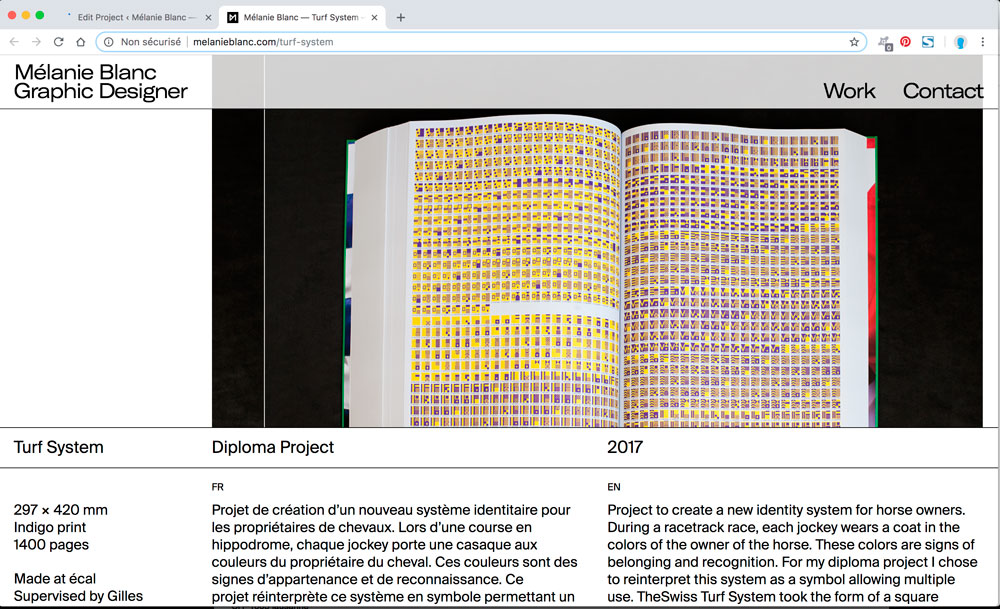
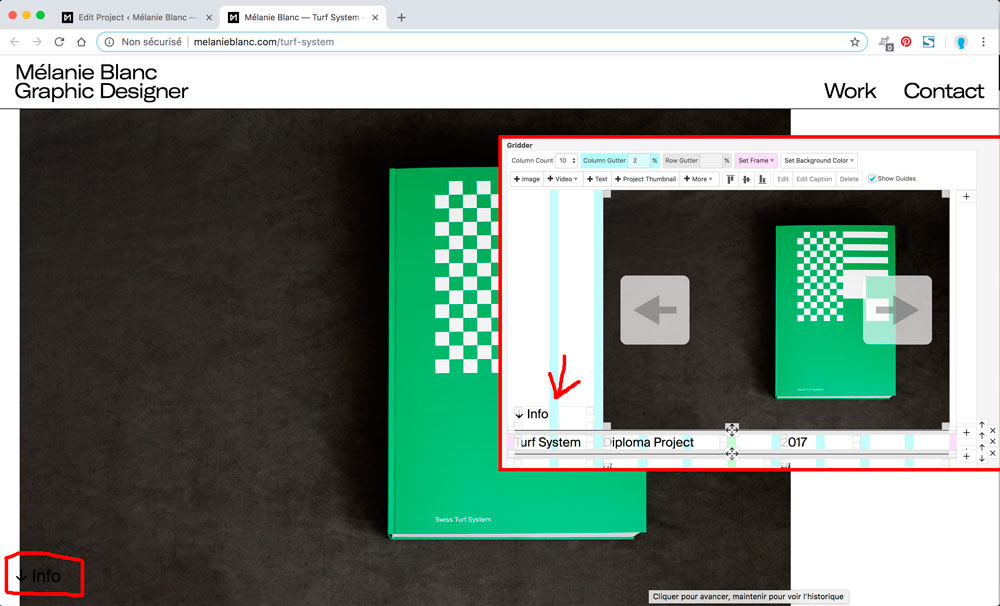
I'm having a problem with the cover option in my project. I've put an image that take 8/10 length of my grid and align to right. Like you can see above.
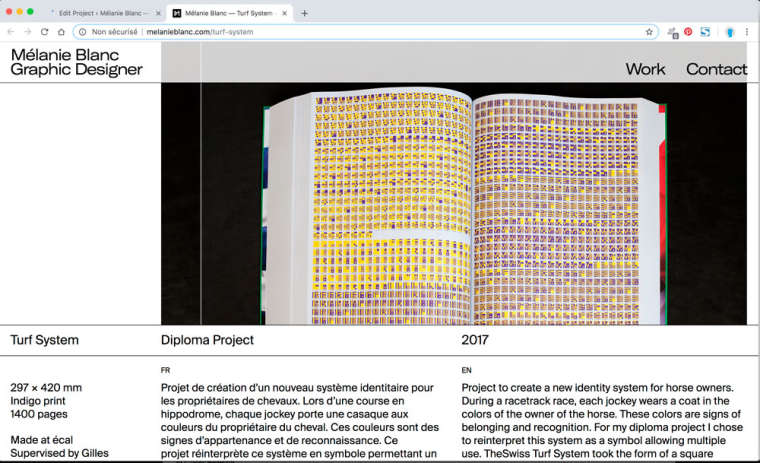
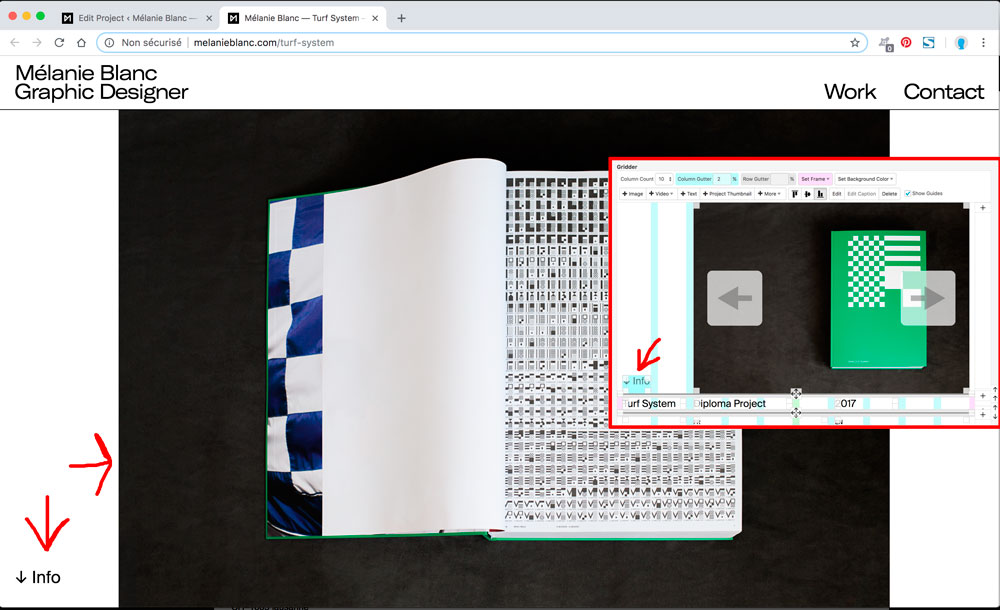
But I would like to put a text like "Info above" on the left side of the image. And when I add a text block the picture come on the left side and under the text.
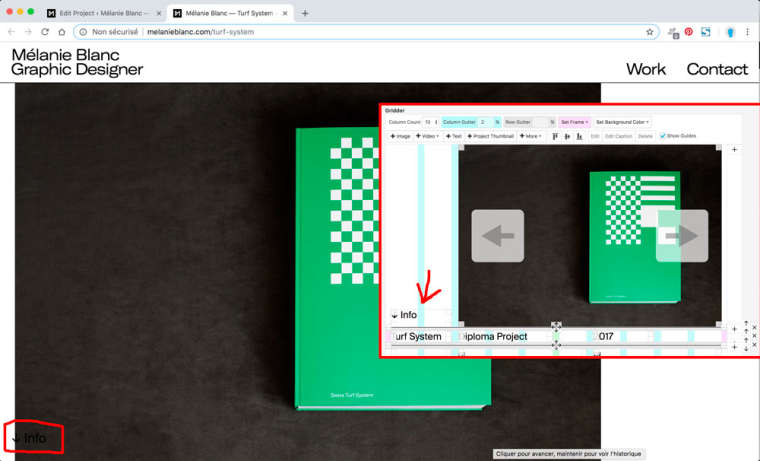
More weird, if I change the text block size the image goes center align.
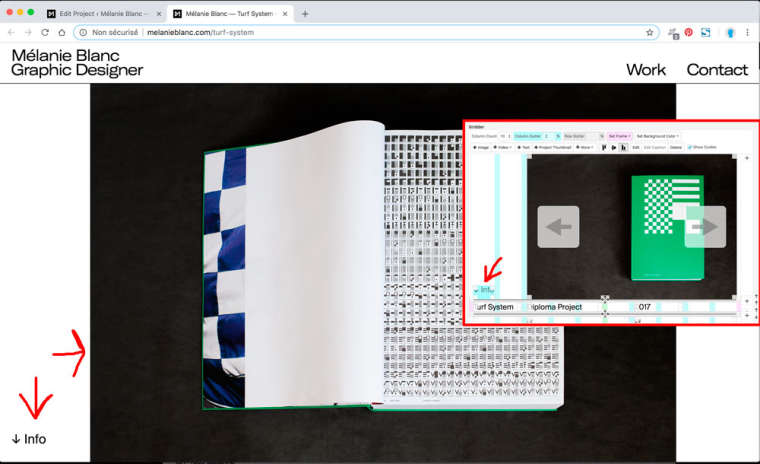
Is there any solution to have the image on align right and the text align left?
Thanks for your replies!
-
Dear @Naryei
I can't really tell you what is the problem.Best is if you write me a PM and include your username, password and a link to this conversation.
I can have a quick look.
Best!
Marius
-
Dear @Naryei
when you deactivate the cover feature it works.
I think the cover gives the objects on the page a different position. Because it is not connected to the borders.
Is it also possible without Cover feature?
Best!
Marius

Hello! It looks like you're interested in this conversation, but you don't have an account yet.
Getting fed up of having to scroll through the same posts each visit? When you register for an account, you'll always come back to exactly where you were before, and choose to be notified of new replies (either via email, or push notification). You'll also be able to save bookmarks and upvote posts to show your appreciation to other community members.
With your input, this post could be even better 💗
Register Login