Mobile Spacing not working
-
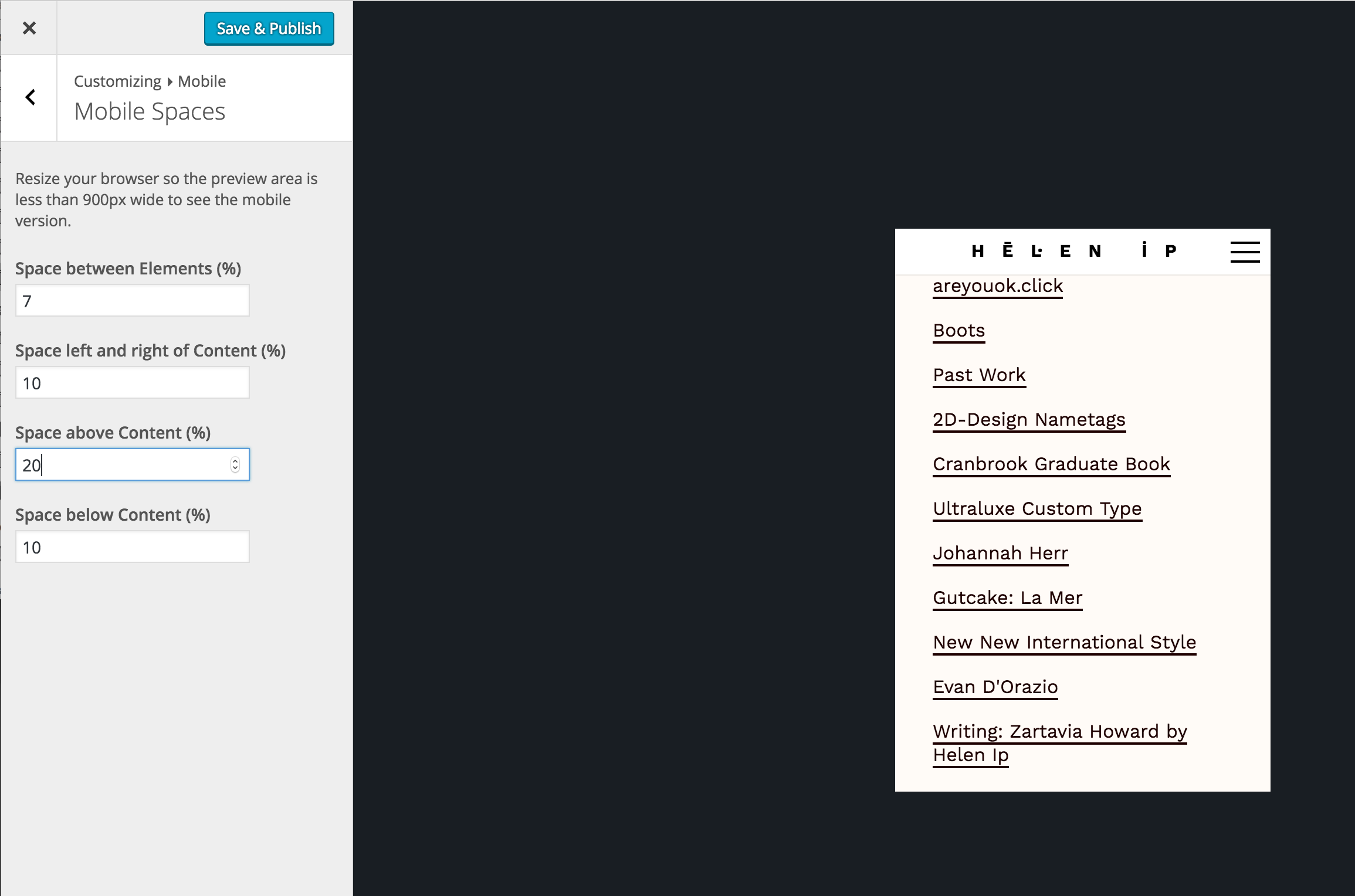
Even though I have adjusted my top spacing for mobile, it gets cancelled out when I go to inspect the element. As a result, the first link in my website butts up against the bottom of the menu bar. Please help me fix this! I have included a screenshot.
-
Hey thx for posting this, seems to be a new bug. Gonna fix it soon!
-
Hey, please update to 1.7.2, then it should be fixed!

Hello! It looks like you're interested in this conversation, but you don't have an account yet.
Getting fed up of having to scroll through the same posts each visit? When you register for an account, you'll always come back to exactly where you were before, and choose to be notified of new replies (either via email, or push notification). You'll also be able to save bookmarks and upvote posts to show your appreciation to other community members.
With your input, this post could be even better 💗
Register Login