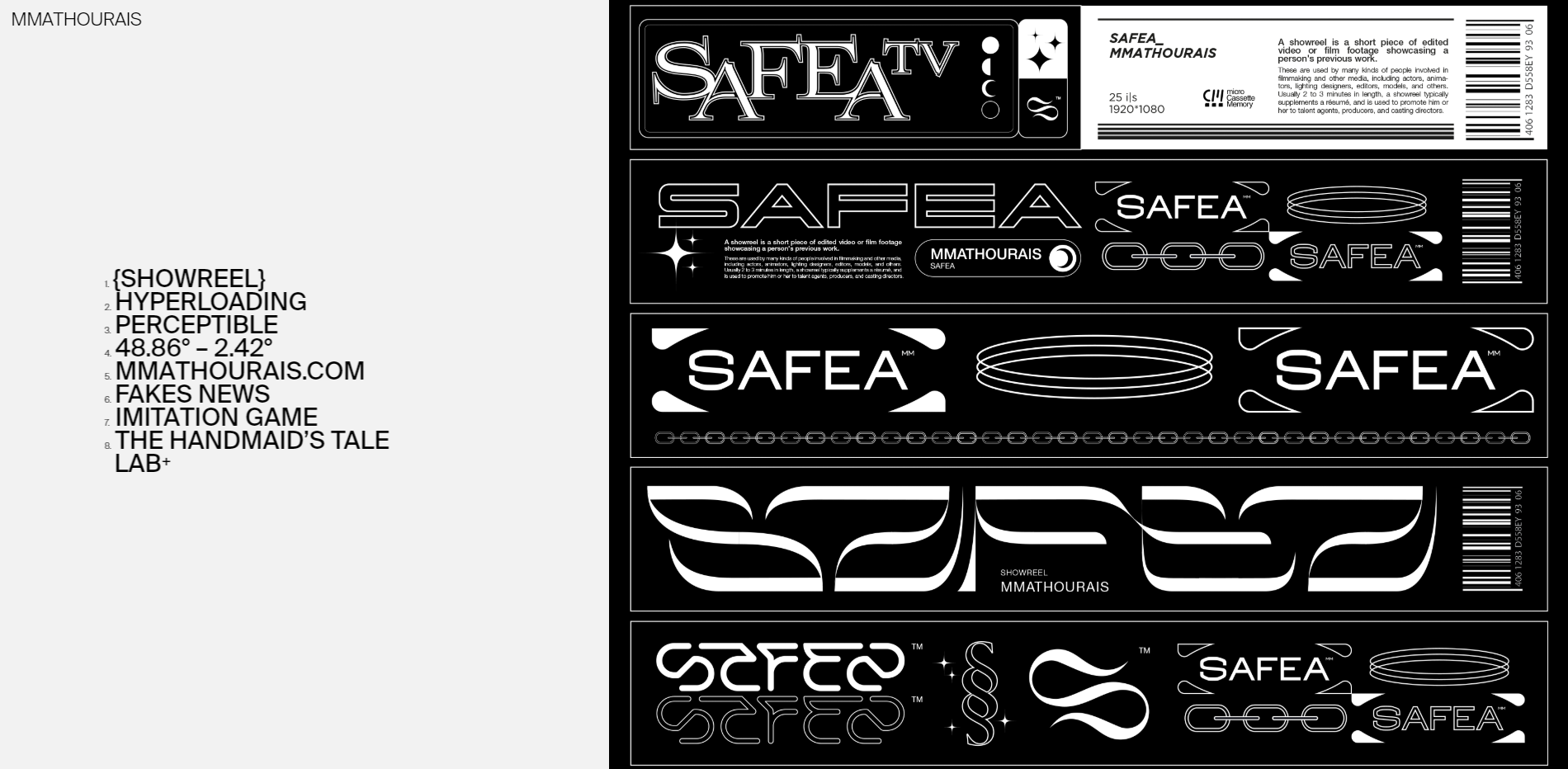
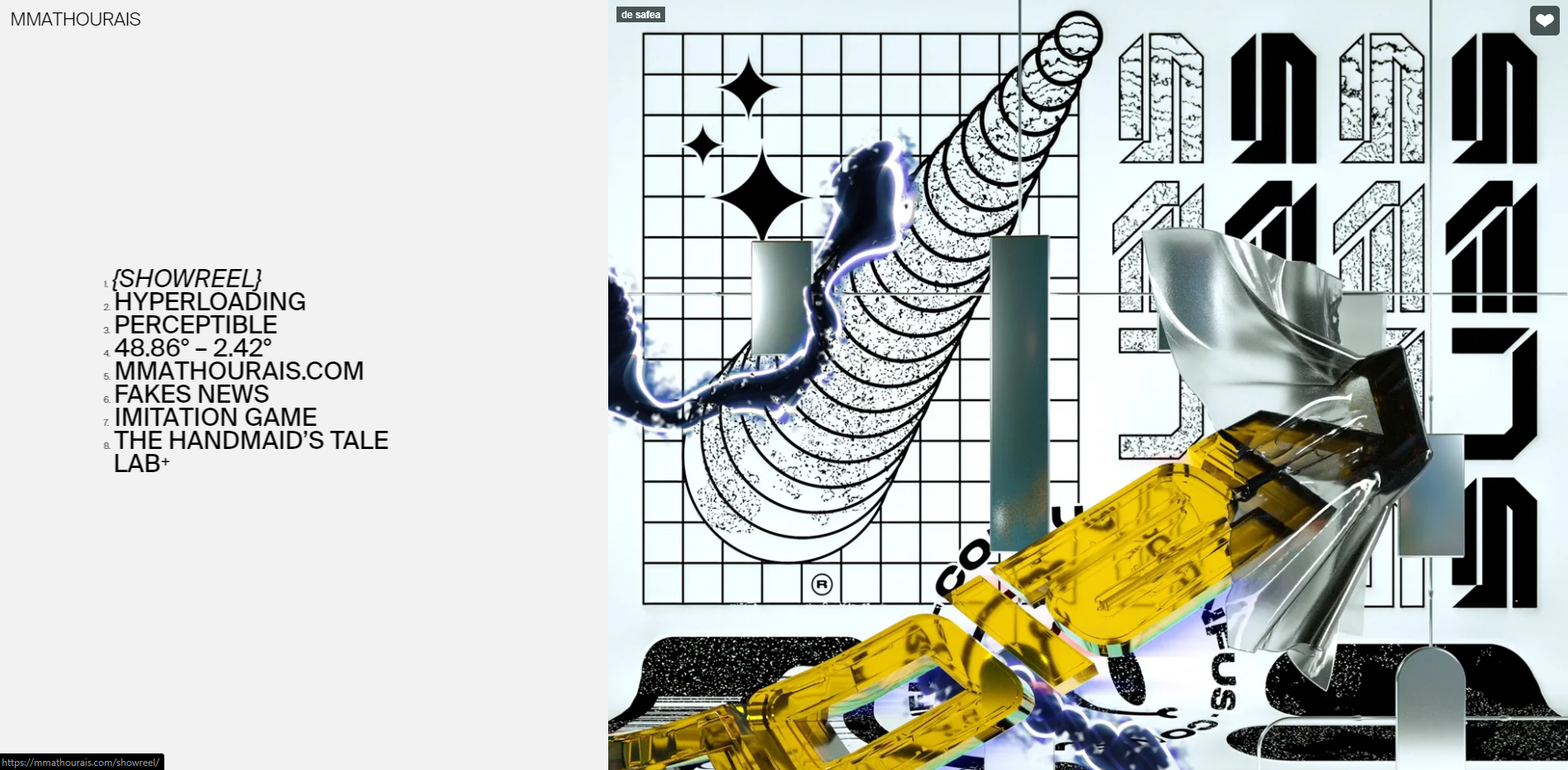
fixed text at the left
-
Hello,
I would like create a list my projects on the left side of my page.
I used the CSS below but it does not work, the text scroll always.
.fixed {
position: fixed;
}
In addition I would like if possible to create a unique menu for all my projects, without reloading it each time.Thank you!
-
-
Thx for you return, and sorry for my english.
When I use
.fixed {
position: fixed !important;
}
the text is missing!To sum up, i want create a fixed menu at the left, like this:
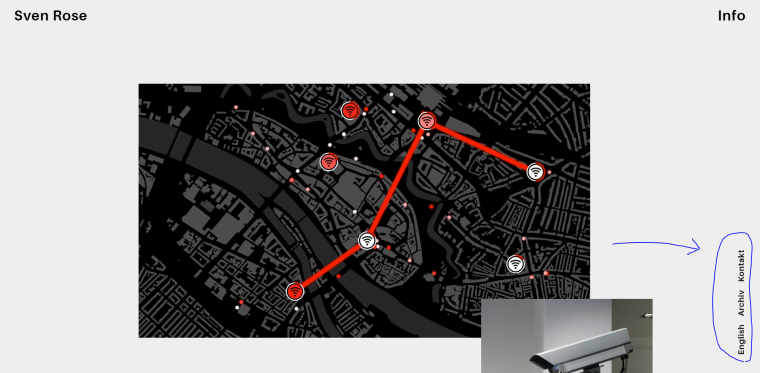
http://sven-rose.com/deJust for my project pages.
-
You could also just create a custom menu inside
appearance / menusand try to add all the styling you desire to that menu and then hide it for other page types.I think I saw some Lay Theme websites do it that way.
Perhaps someone who managed to do that could chime in and give some insights? -
-
hey,
here you can see how to do css based on the current page, also you'll find two links where you can learn css:
http://laytheme.com/documentation.html#custom-css-stylingthe body has classes like slug-…, id-…, type-…
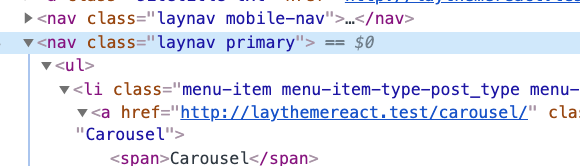
all menus have a css class like "primary", "secondary" etc
well you can fix a row, not an element really.
right click on an empty part of a row and click "Edit html class and id", then enter a class like "fixed" and use css in lay options → custom css like:.fixed{ position: fixed; top: 0; left: 0; z-index: 2; }Ok, I think what you need to do to have a fixed menu in all of your projects:
In lay options → custom css & html → custom html at bottom.
then insert html like
<nav class="custom-nav">
<a class="all _Default" data-id="11" data-type="page" href="/all">All</a>
<a class="art _Default" data-id="13" data-type="page" href="/art">Art</a>
<a class="commercial _Default" data-id="16" data-type="page" href="/commercial">Commercial</a>
<a class="fashion _Default" data-id="15" data-type="page" href="/fashion">Fashion</a>
</nav>
then style your menu using custom css like positioning it fixed and more
then use css to only show this menu when you are in any project:body .custom-nav{ display: none; } body.type-project .custom-nav{ display: block; }Good luck!
-
-



Hello! It looks like you're interested in this conversation, but you don't have an account yet.
Getting fed up of having to scroll through the same posts each visit? When you register for an account, you'll always come back to exactly where you were before, and choose to be notified of new replies (either via email, or push notification). You'll also be able to save bookmarks and upvote posts to show your appreciation to other community members.
With your input, this post could be even better 💗
Register Login