Help plugin - Swap Images on Hover JS
-
Hi everybody,
I'm trying to implement some JS into my website to swap images when mouse hover an image (js plugin) "https://www.jqueryscript.net/other/Swap-Images-Cursor-Move-Swinger.html" - I've tried the code with an online editor and it works. See code pen here : https://codepen.io/leamarque/pen/JjKERVq
I've tried to follow the laytheme JS documentation but I don't seem to get it so I would love some help :)
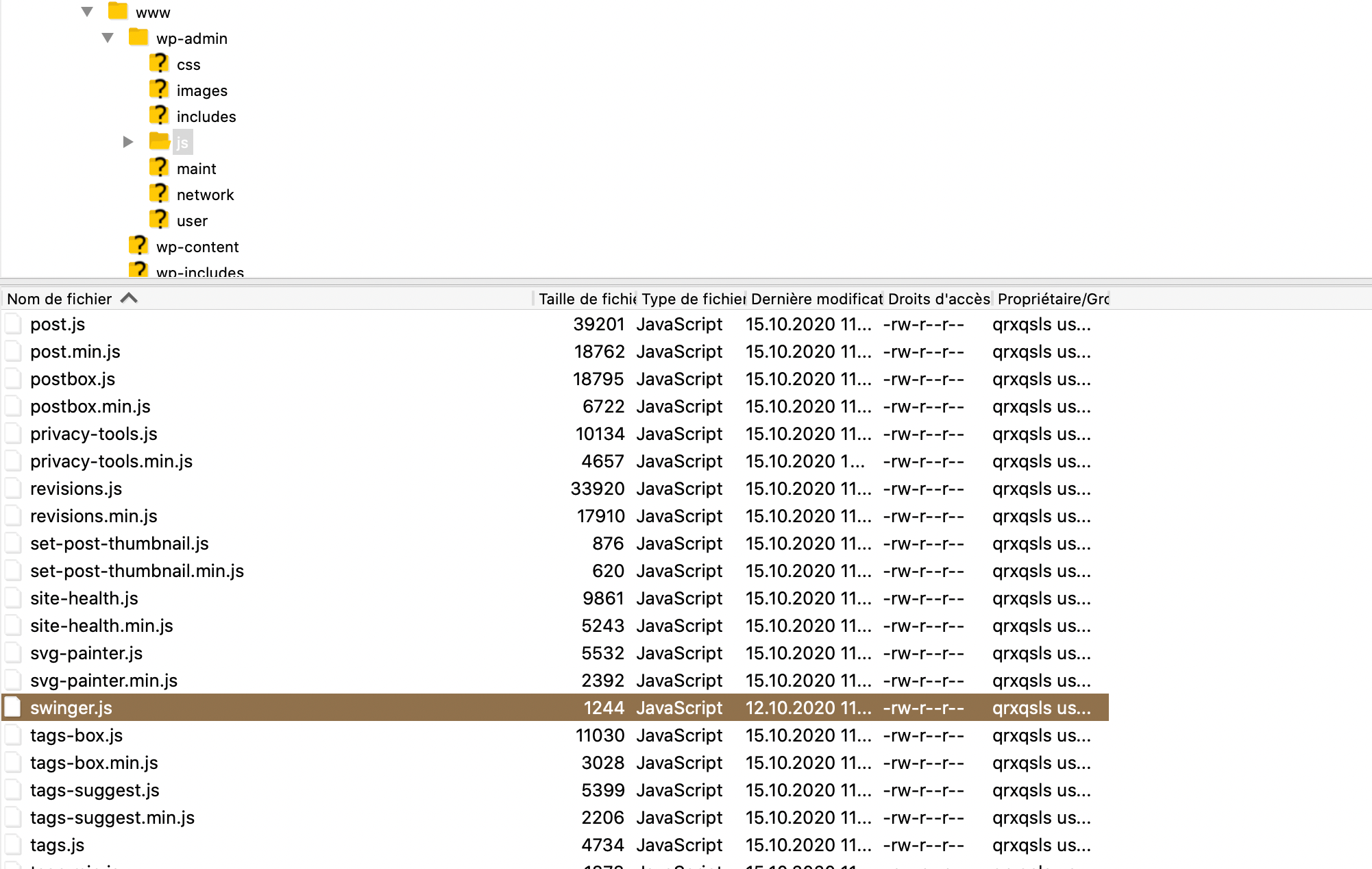
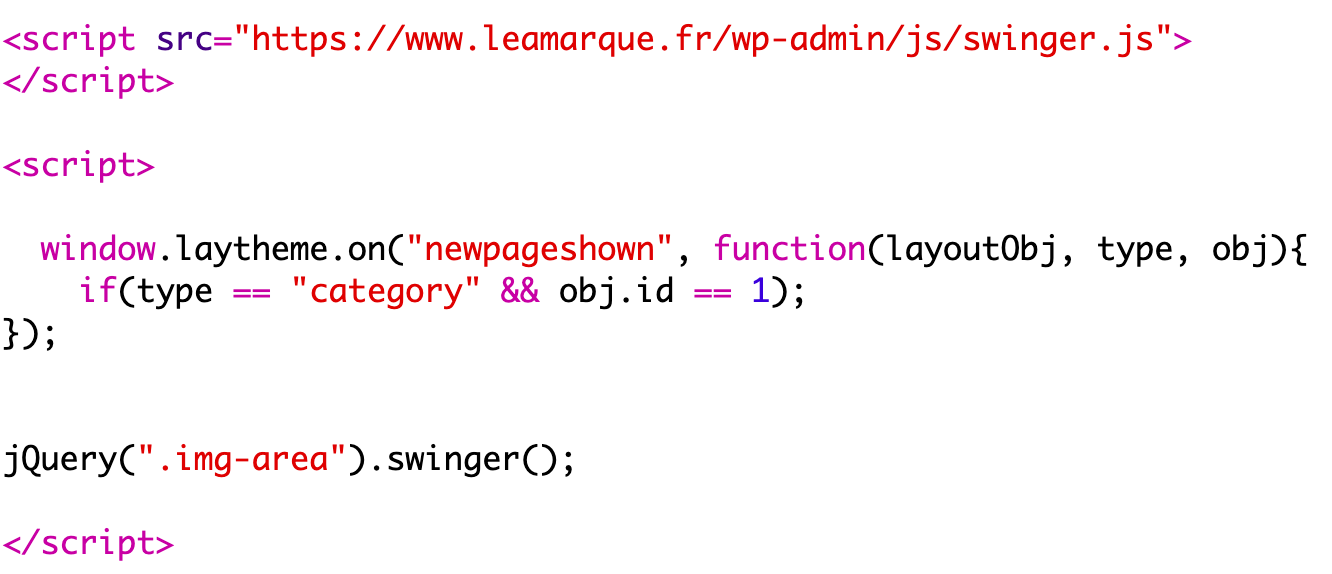
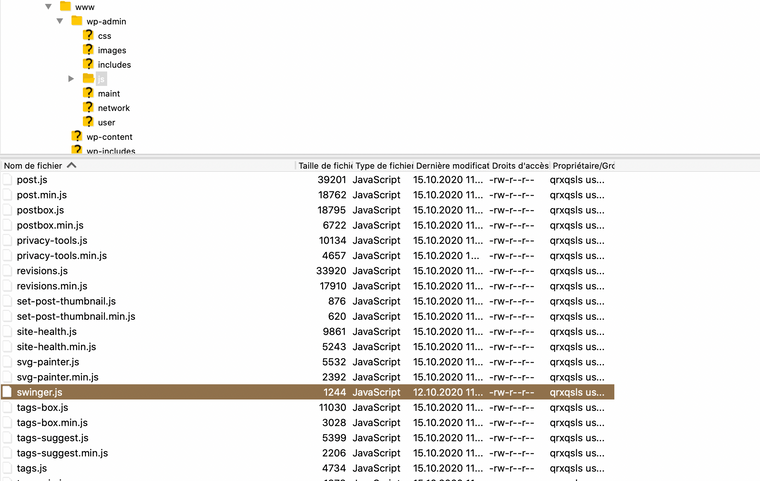
Here is what I've wrote into the head section and other screenshots to help you understand :

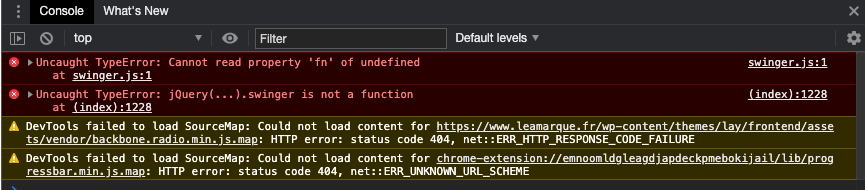
Here is what the console said:
-
Here you go!
Put this in your custom js:
<script>
    window.laytheme.on("newpageshown", function(layoutObj, type, obj){
    jQuery.fn.swinger = function () {
    return this.each(function () {
        var $container = jQuery(this);
        $container.css({
            "position": "relative"
        });
        var $images = $container.find("img");
        $images.css({
            "position": "absolute",
            "top": "0%",
            "left": "0%",
            "width": "100%"
        });
        var $middleImage = jQuery($images[Math.floor($images.length / 2)]);
        $middleImage.css({
            "z-index": "2",
            "position": "relative"
        });
        var columnsCount = $images.length;
        $images.each((i, img) => {
            var left = `${100 / columnsCount * i}%`;
            var width = `${100 / columnsCount}%`;
            var $column = jQuery(`<span style="z-index:999;position:absolute;top:0;bottom:0;left:${left};width:${width}"></span>`);
            jQuery(img).after($column);
            $column.hover(() => {
                $images.css({
                    "z-index": "1",
                    "position": "absolute"
                });
                jQuery(img).css({
                    "z-index": "2",
                    "position": "relative"
                });
            });
        })
    });
}
});
</script>

<script>
window.laytheme.on("newpageshown", function(layoutObj, type, obj){
      jQuery(".img-area").swinger();
});
</script>
Then add your images via "+More" > +HTML" in your laygridder. Give the row the class "img-area". Should work like this.
Hello! It looks like you're interested in this conversation, but you don't have an account yet.
Getting fed up of having to scroll through the same posts each visit? When you register for an account, you'll always come back to exactly where you were before, and choose to be notified of new replies (either via email, or push notification). You'll also be able to save bookmarks and upvote posts to show your appreciation to other community members.
With your input, this post could be even better 💗
Register Login