clicking on link referring to anchor causes page to be cut off at the top
-
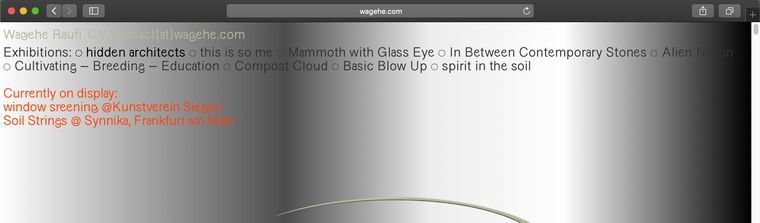
If I click on the anchor point next to Exhibition: "hidden architect" on the top left (all others have no anchor yet) and scroll back up again I can't see the top part anymore. It's cut off. I am using safari.
#grid {
overflow: visible !important;
}
or
.grid-inner {
overflow: inherit !important;
}is not solving the issue
Here ist the link to the website: http://wagehe.com
Many thanks,
Anne -
-
-
@Richard @felix_rabe yes exactly it only works when reloading
First visit -> klick on "hidden architect" -> scroll back to top
-> top part is cut off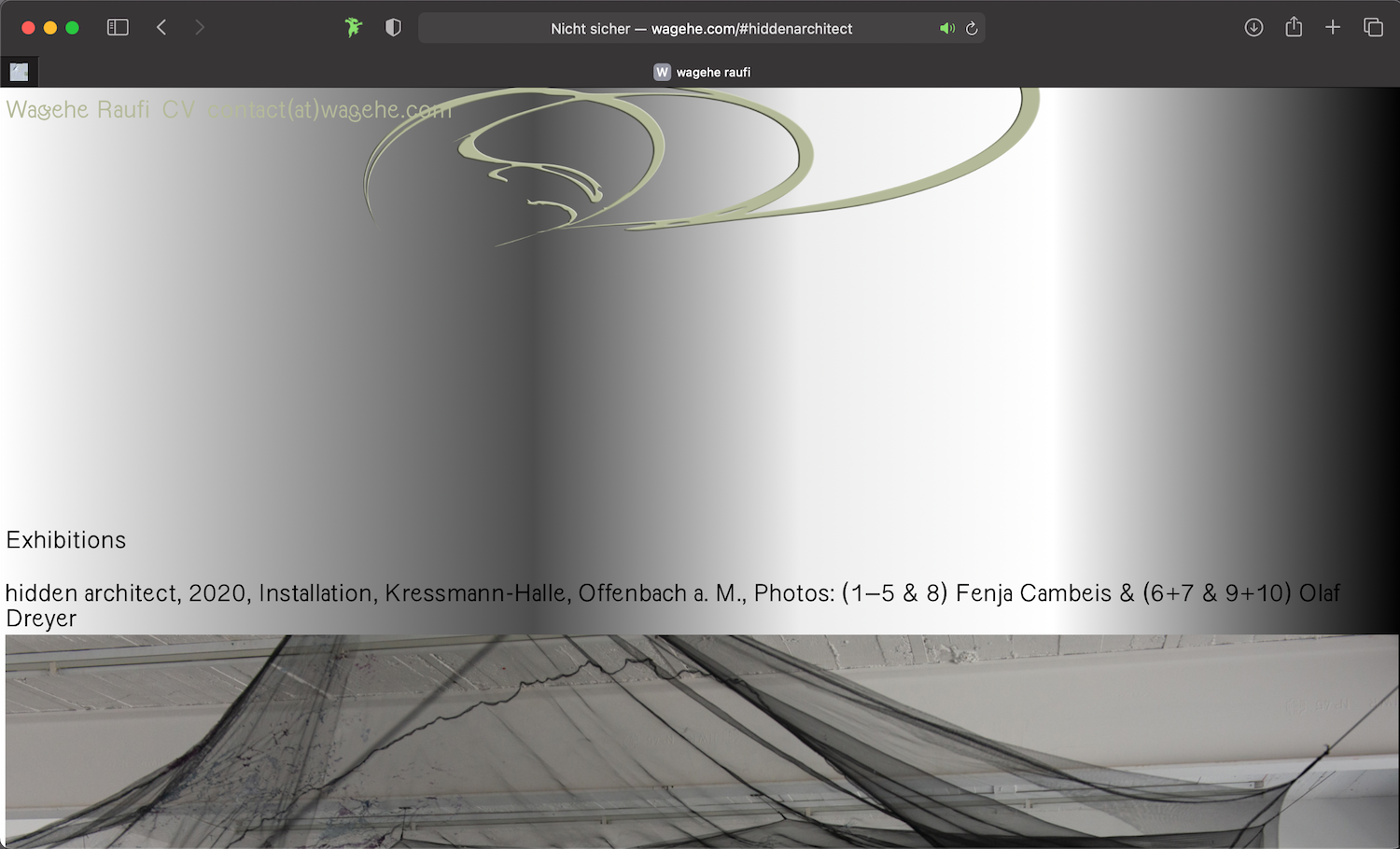
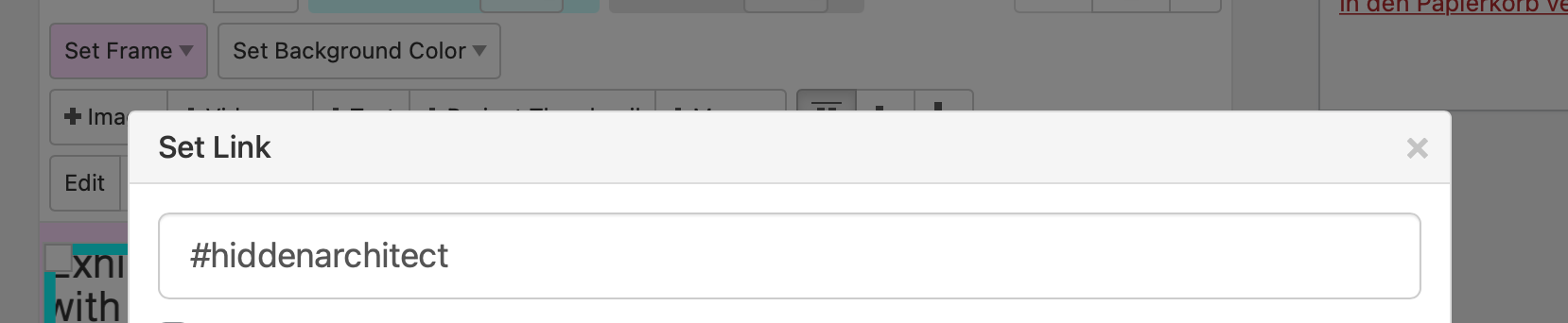
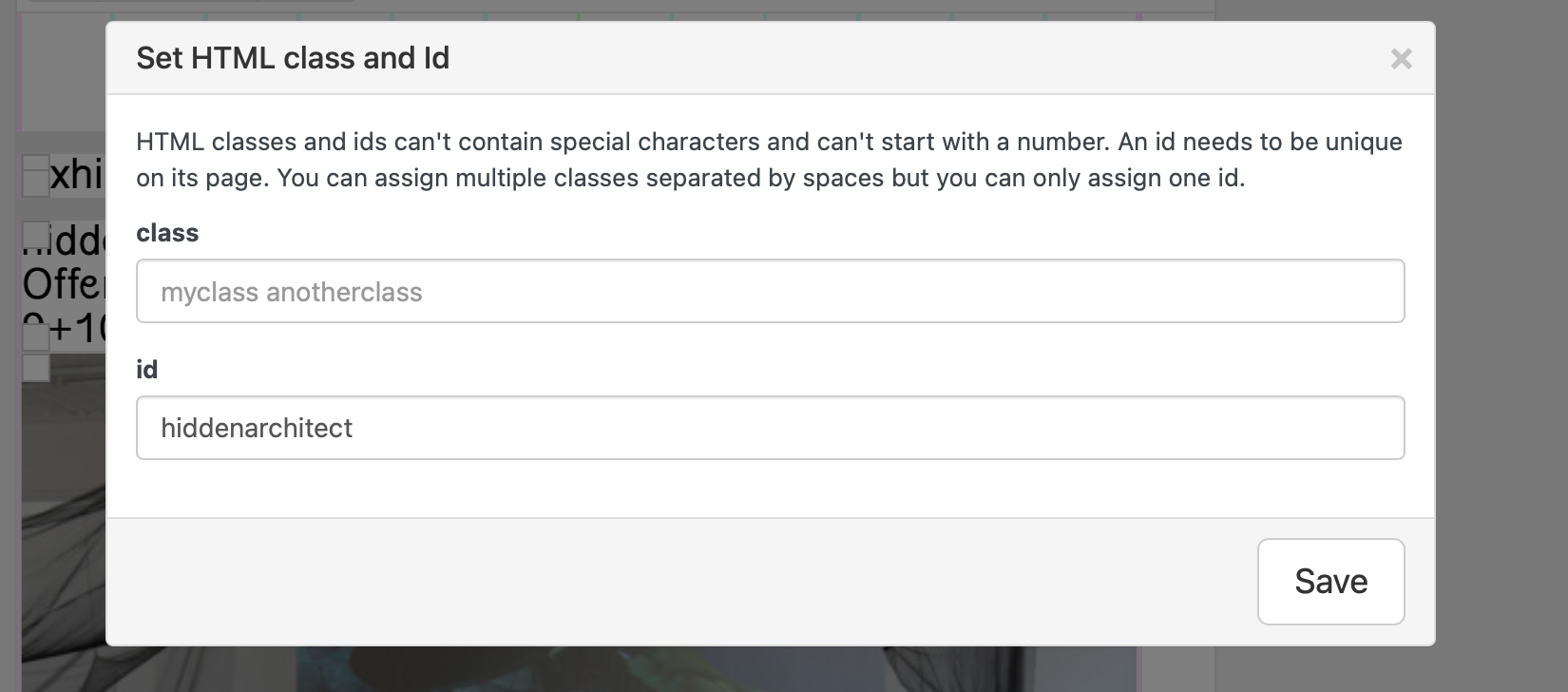
How I created the anchors -> I gave the title a link -> #hiddenarchitect and I gave the row that ID ->hiddenarchitect
in custom CSS I added:
html {
  scroll-behavior: smooth;
}
Thanks for your help!
Best
Anne -
-
-
Hey there, we have exactly the same Problem as Anne used to have: Anchor links cut of everything above the anchor. Only if we reload the page, the top part will get visible.
This is the Page:
https://new.regerbern23.ch/Anchor in the Menu, if you klick on Programm the Page scrolls down to Januar.
Is there any way to solve this issue?
Thanks,
Eva -
it works fine for me on your website
which browser do u use?


Hello! It looks like you're interested in this conversation, but you don't have an account yet.
Getting fed up of having to scroll through the same posts each visit? When you register for an account, you'll always come back to exactly where you were before, and choose to be notified of new replies (either via email, or push notification). You'll also be able to save bookmarks and upvote posts to show your appreciation to other community members.
With your input, this post could be even better 💗
Register Login