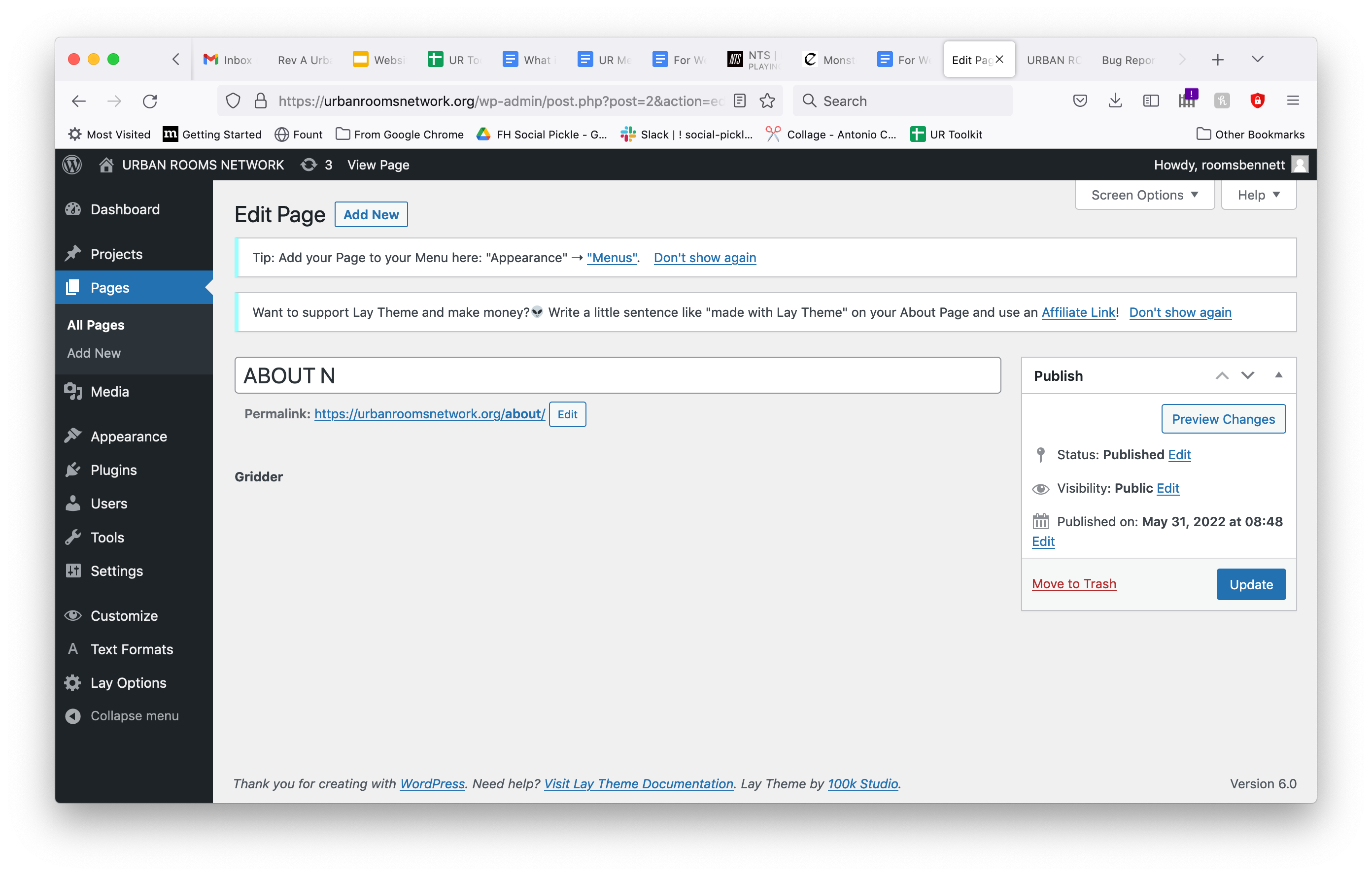
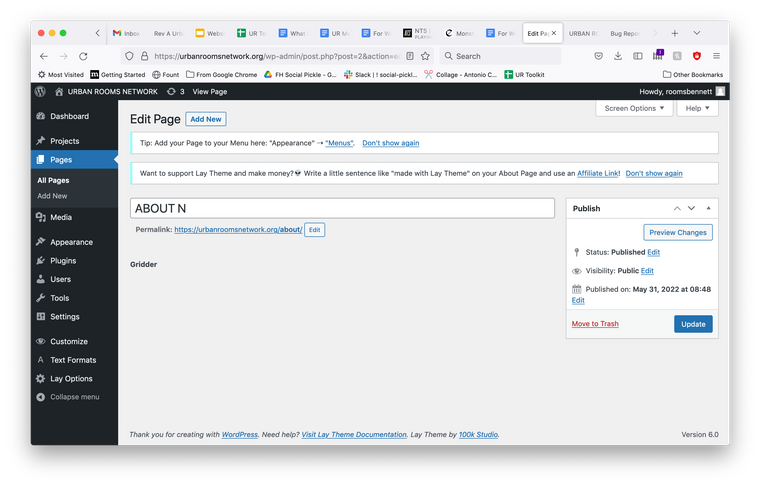
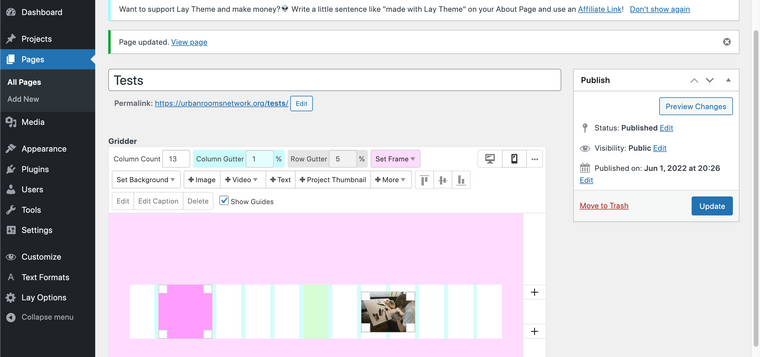
gridder not appearing after update
-
-
Dear @NAS
Please send your website address, /wp-admin/ username and password and a link to this topic to licensekeys@laytheme.com
Best wishes 🌠
Richard
-
-
-
hey @luciejok
try the steps:
- Update Lay Theme and all Lay Theme Addons
- Disable all Plugins
- Go to Lay Options → Custom CSS & HTML, click "Turn Off All Custom Code ", click "Save Changes"
- Now see if your problem solved itself
- Go here, see if your problem is listed here:
Troubleshooting


Hello! It looks like you're interested in this conversation, but you don't have an account yet.
Getting fed up of having to scroll through the same posts each visit? When you register for an account, you'll always come back to exactly where you were before, and choose to be notified of new replies (either via email, or push notification). You'll also be able to save bookmarks and upvote posts to show your appreciation to other community members.
With your input, this post could be even better 💗
Register LoginOnline Users
Forgot your key, lost your files, need a previous Lay Theme or Addon version?
Go to www.laykeymanager.com