Custom Cursor Pointer
-
Dear @djourina
Maybe this is it: when calling a cursor source from a URL you must have it within parentheses ' ' :
E.g:
cursor:url('http://upload.wikimedia.org/wikipedia/commons/d/de/POL_apple.jpg');https://stackoverflow.com/questions/18551277/using-external-images-for-css-custom-cursors
Best wishes
Richard
-
Hey, the solutions in the forum haven't worked for me yet, so i am asking individually:
I want to apply a custom curser, which does not work on linked imaged (the little white hand cursor keeps appearing).
It bothers me most on my landing page with a carousel, all the images have links.my custom css:
body, a, img {
cursor: url(https://norakeilig.com/wp-content/uploads/2023/11/cursi-1-e1701094228969.png), pointer;
}Can someone help?
Super happy with laytheme besides that :) -
body, a, img {
cursor: url(https://norakeilig.com/wp-content/uploads/2023/11/cursi-1-e1701094228969.png), pointer !important;
}try with !important; does it work?
-
-
can u use a smaller image, try that please
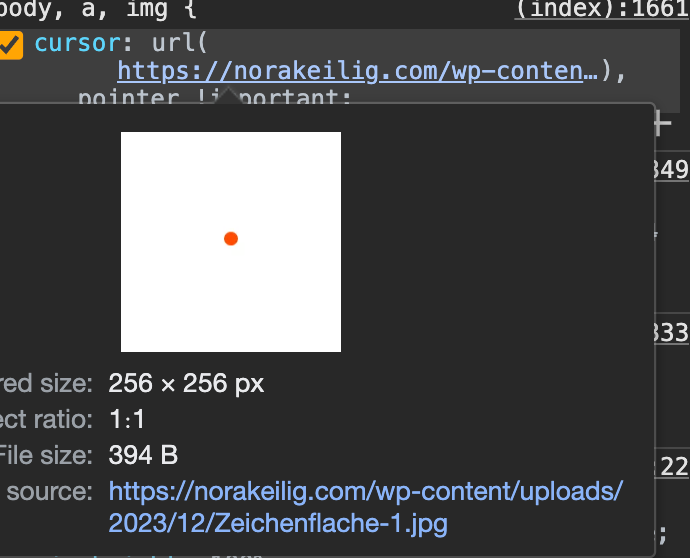
your image is 256 x 256 its too big i think
-
just use the dot as the image. it will be like 10 x 10 pixels
-
-
i see!
try thisbody, a, img, .lay-carousel a img { cursor: url(https://norakeilig.com/wp-content/uploads/2023/11/cursi-1-e1701094228969.png), pointer !important; } -
-
and this?
body, a, img, body .lay-carousel a img {
cursor: url(https://norakeilig.com/wp-content/uploads/2023/11/cursi-1-e1701094228969.png), pointer !important;
}


Hello! It looks like you're interested in this conversation, but you don't have an account yet.
Getting fed up of having to scroll through the same posts each visit? When you register for an account, you'll always come back to exactly where you were before, and choose to be notified of new replies (either via email, or push notification). You'll also be able to save bookmarks and upvote posts to show your appreciation to other community members.
With your input, this post could be even better 💗
Register Login