Menu bar – Move away when scrolling down: Does not appear to be working
-
I'm trying to do something very simple and within the standard features of Laytheme (no fancy CSS involved)
I simply want the Menu bar (with the menu and the site title) to move away when scrolling down (and come back upon scrolling up). But it does not appear to be working properly.
At the moment everything is set to move away, but title and menu go, and
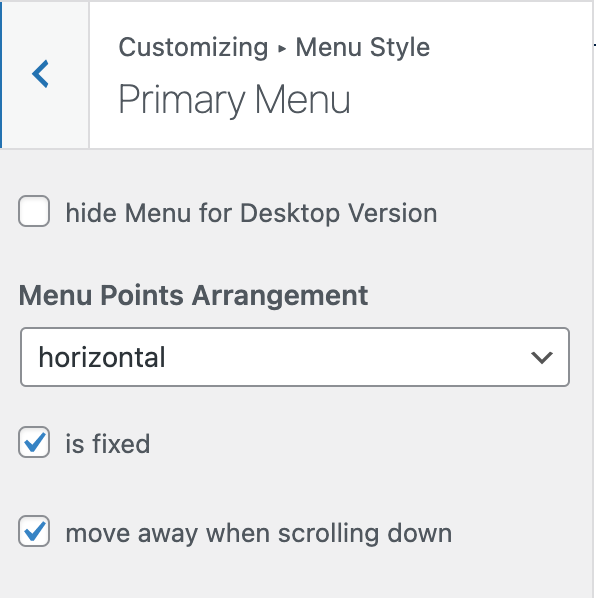 the bar stays.
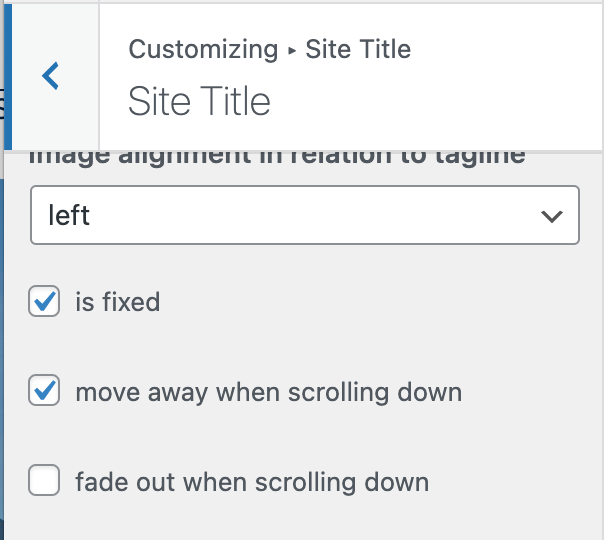
Furthermore, for the Site Title and menu to move away, I first need to click 'is fixed' – Otherwise the option 'move away when scrolling down' disappears (?).
This is – to say the least – counterintuitive. Am I being stupid? I don't remember having this problem in previous laytheme websites (although I tend to favour fixed menus)
-
hey!
i think you also need to go to:
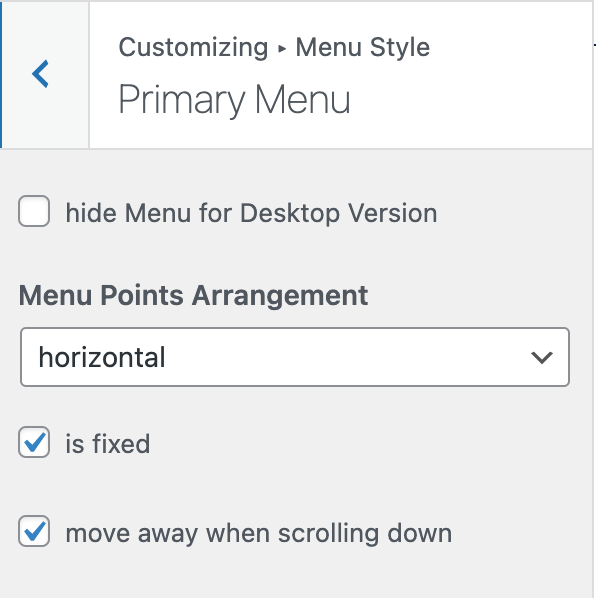
Customize → Menu Style → Menu Bar
and click "move away when scrolling down" there
see, if the site title / menu /menu bar isnt fixed, then it just stays where it is, at the top.
so when you'd scroll, down it wouldn't make sense to have the option "move away when scrolling down"because that option is for hiding and showing it again when scrolling up, no matter where u are
well its a bit hard to explain, but i think u will understand when u play around with the settings

Hello! It looks like you're interested in this conversation, but you don't have an account yet.
Getting fed up of having to scroll through the same posts each visit? When you register for an account, you'll always come back to exactly where you were before, and choose to be notified of new replies (either via email, or push notification). You'll also be able to save bookmarks and upvote posts to show your appreciation to other community members.
With your input, this post could be even better 💗
Register Login