Images not centered vertically in row with browser height
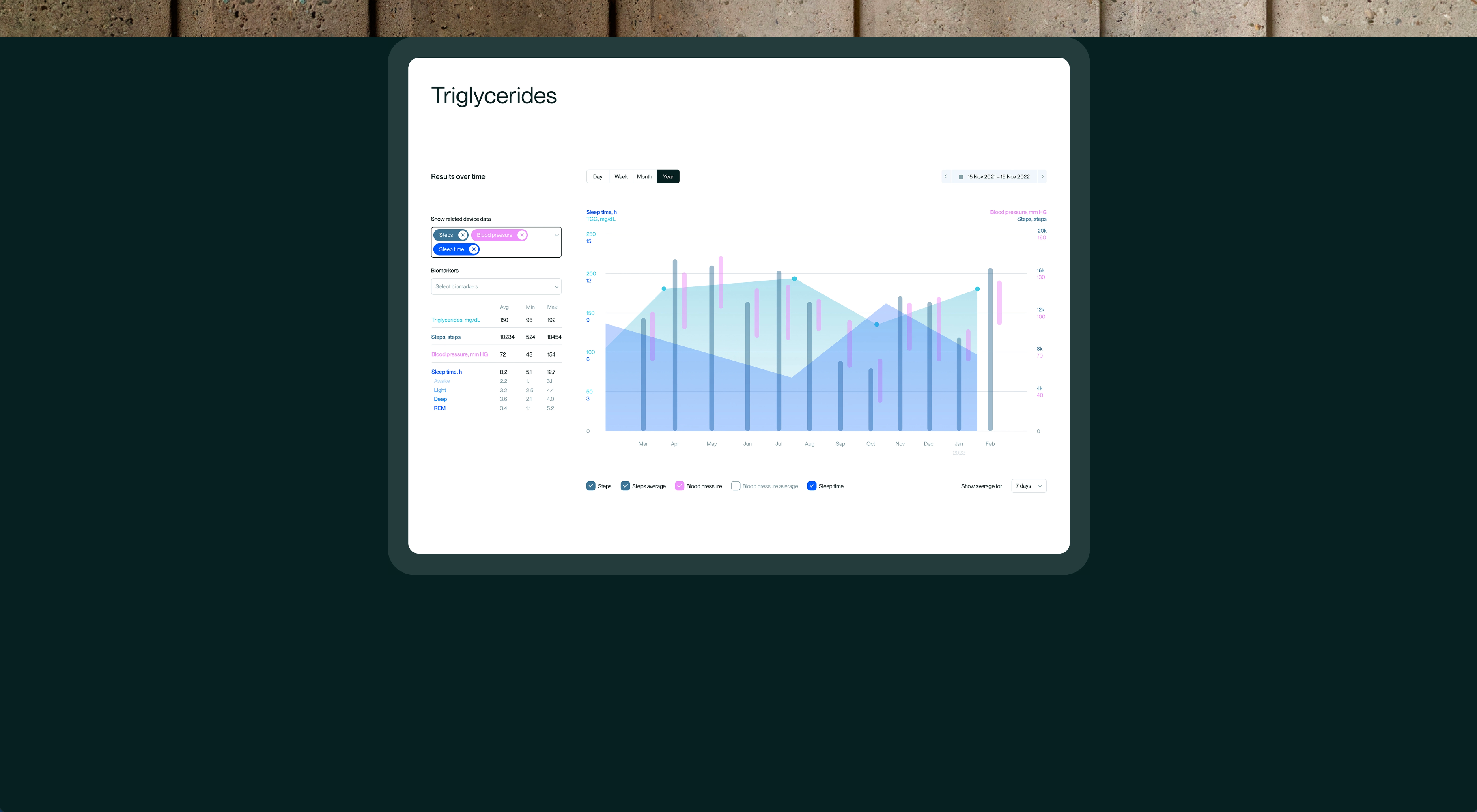
-
Hello,
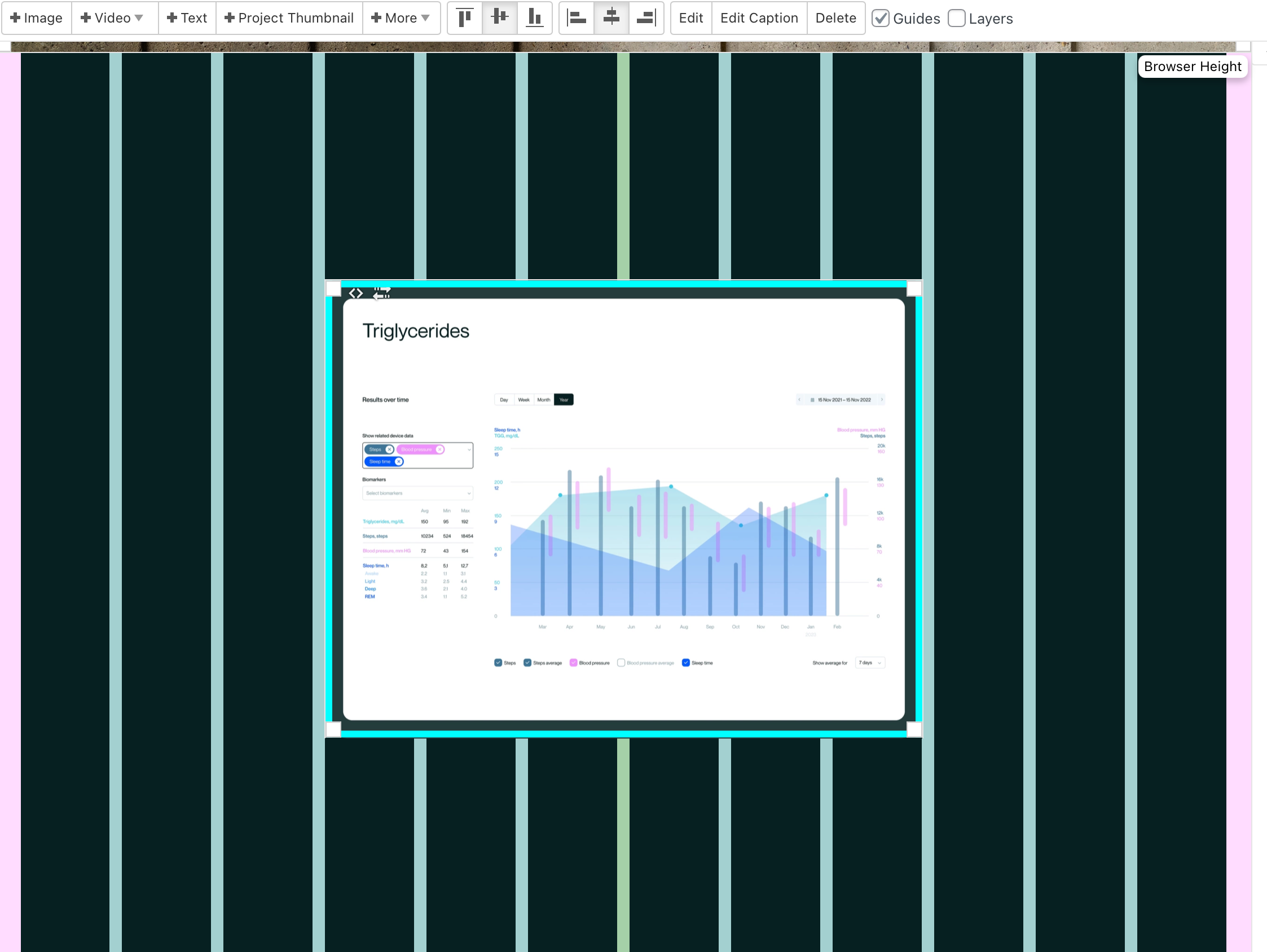
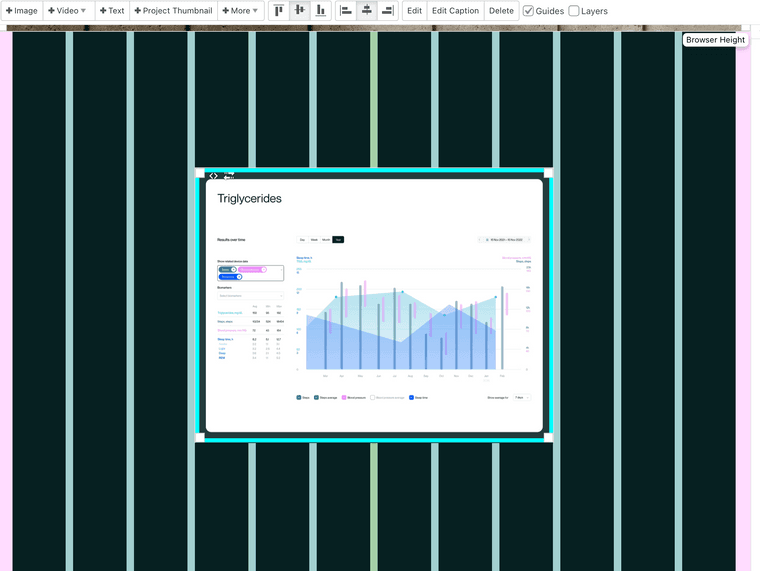
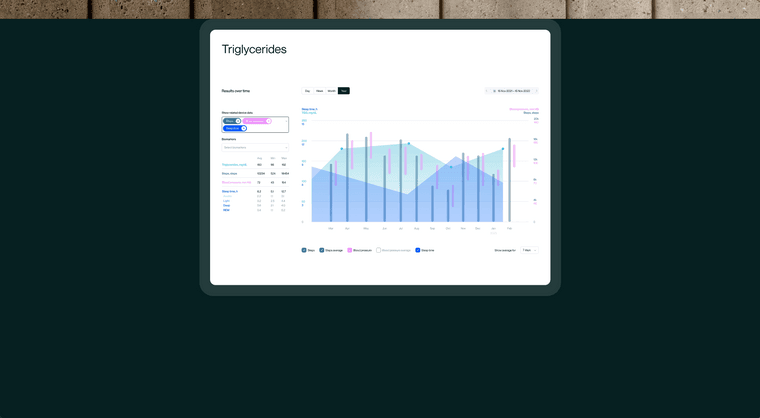
I just realized that images would not be vertically centered correctly in rows that have browser height. In Safari everything works fine but in Chrome and Firefox the images move to the top. I already turned of custom code plugins, which didn't help. Any idea if this is a general problem or just on my page?
I added screenshots to illustrate the issue and here's the example page with the according element: https://www.felixfinger.de/optimallyme-visuelle-identitaet/
Laytheme view:
Chrome view:
-
yea
i cant reproduce the issue
can you update lay theme,
turn off custom css
3. Go to Lay Options → Custom CSS & HTML, click "Turn Off All Custom Code ", click "Save Changes"if it doesnt work:
can you send your website address, /wp-admin/ username and password and a link to this topic to info@laytheme.com?
-
and maybe disable your plugins or if you have a caching plugin, clear its cache
-
and maybe disable your plugins or if you have a caching plugin, clear its cache
@arminunruh Thanks for the tip. You're right, the issue was caused by the plugin "WP Fastest Cache". I'll keep it deactivated for now, maybe you've got an idea why this is. I think you recommended this plugin for performance improvement :) Otherwise I'll just try another cache plugin.
Cheers,
Felix


Hello! It looks like you're interested in this conversation, but you don't have an account yet.
Getting fed up of having to scroll through the same posts each visit? When you register for an account, you'll always come back to exactly where you were before, and choose to be notified of new replies (either via email, or push notification). You'll also be able to save bookmarks and upvote posts to show your appreciation to other community members.
With your input, this post could be even better 💗
Register Login