gridder pic snap
-
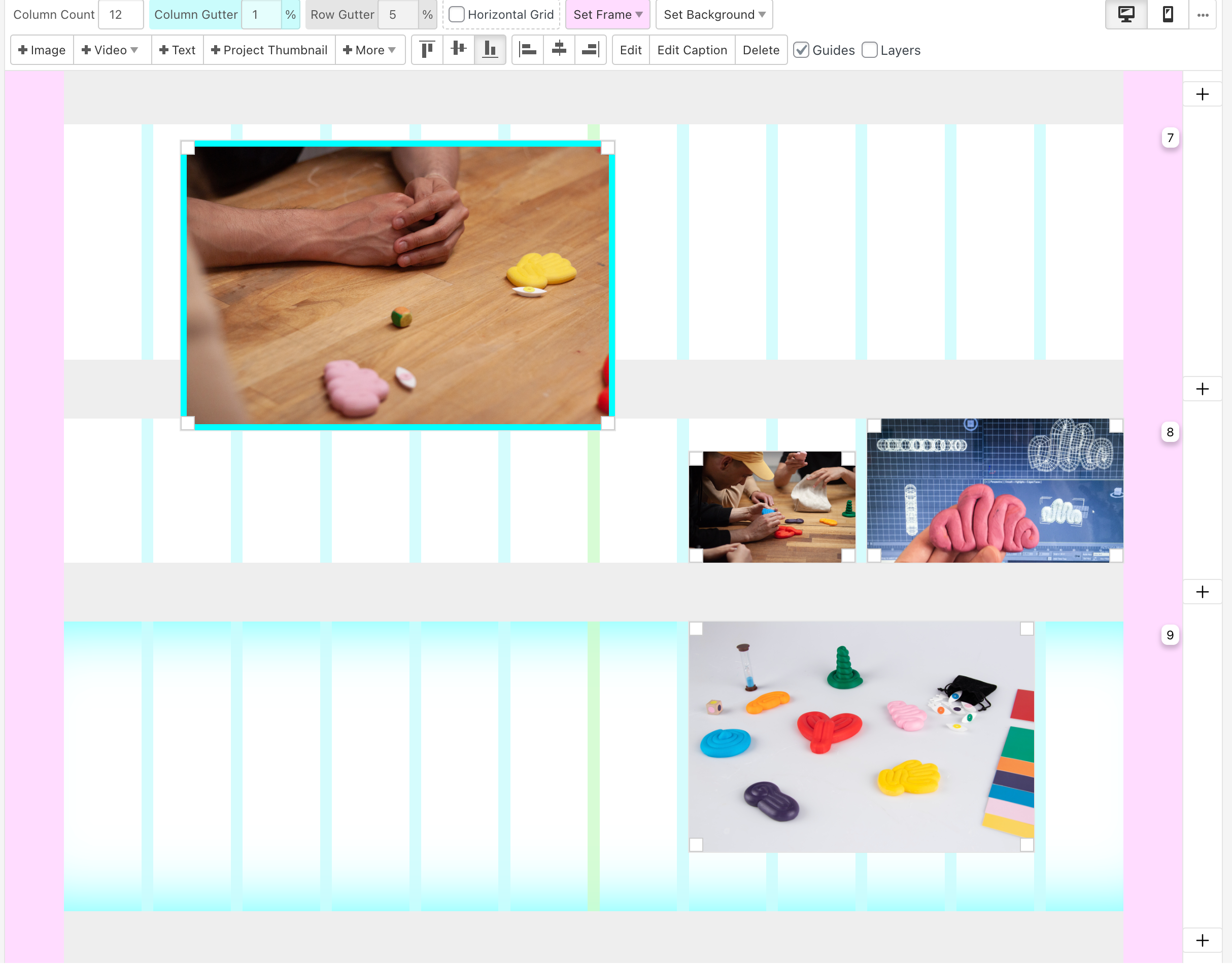
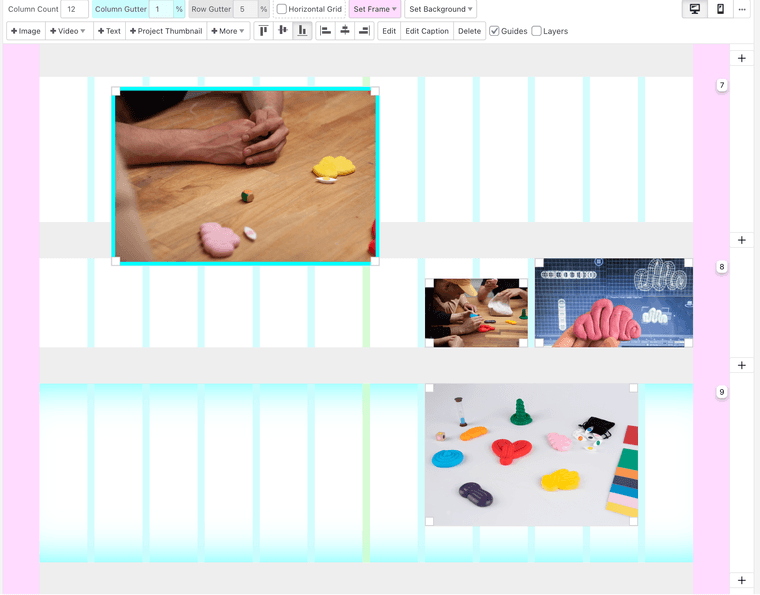
Hey, I have a problem with placing the images in the gridder. I have to scroll 2-3 rows above to place them in a row and sometimes I barely can see where I am placing the image/textbox and it's hard to work this way.
In the screenshot, you can see the image I am holding a lot above to activate the blue row to snap.
Thanks for the help in advance. Cheers, Lilla
-
oh yea i see, that shouldn't happen!
which browser and browser version are you using?
try the latest chrome browser or safari or latest firefox -
Hey, thanks for the fast reply. I am using the latest Chrome (version: 119.0.6045.160) on a PC, I have checked it from my friend's MAC and we had the same problem when signing into my account. He has been using Lay Theme for a while and never encountered this problem. Not sure what to do about it. Any recommendation?
-
yea i cant replicate the issue
can you send your website address, /wp-admin/ username and password and a link to this topic to info@laytheme.com?

Hello! It looks like you're interested in this conversation, but you don't have an account yet.
Getting fed up of having to scroll through the same posts each visit? When you register for an account, you'll always come back to exactly where you were before, and choose to be notified of new replies (either via email, or push notification). You'll also be able to save bookmarks and upvote posts to show your appreciation to other community members.
With your input, this post could be even better 💗
Register Login